

Where they are
Open the panel on the right of a chat — the icon in the top-right corner — and find the Sandbox section.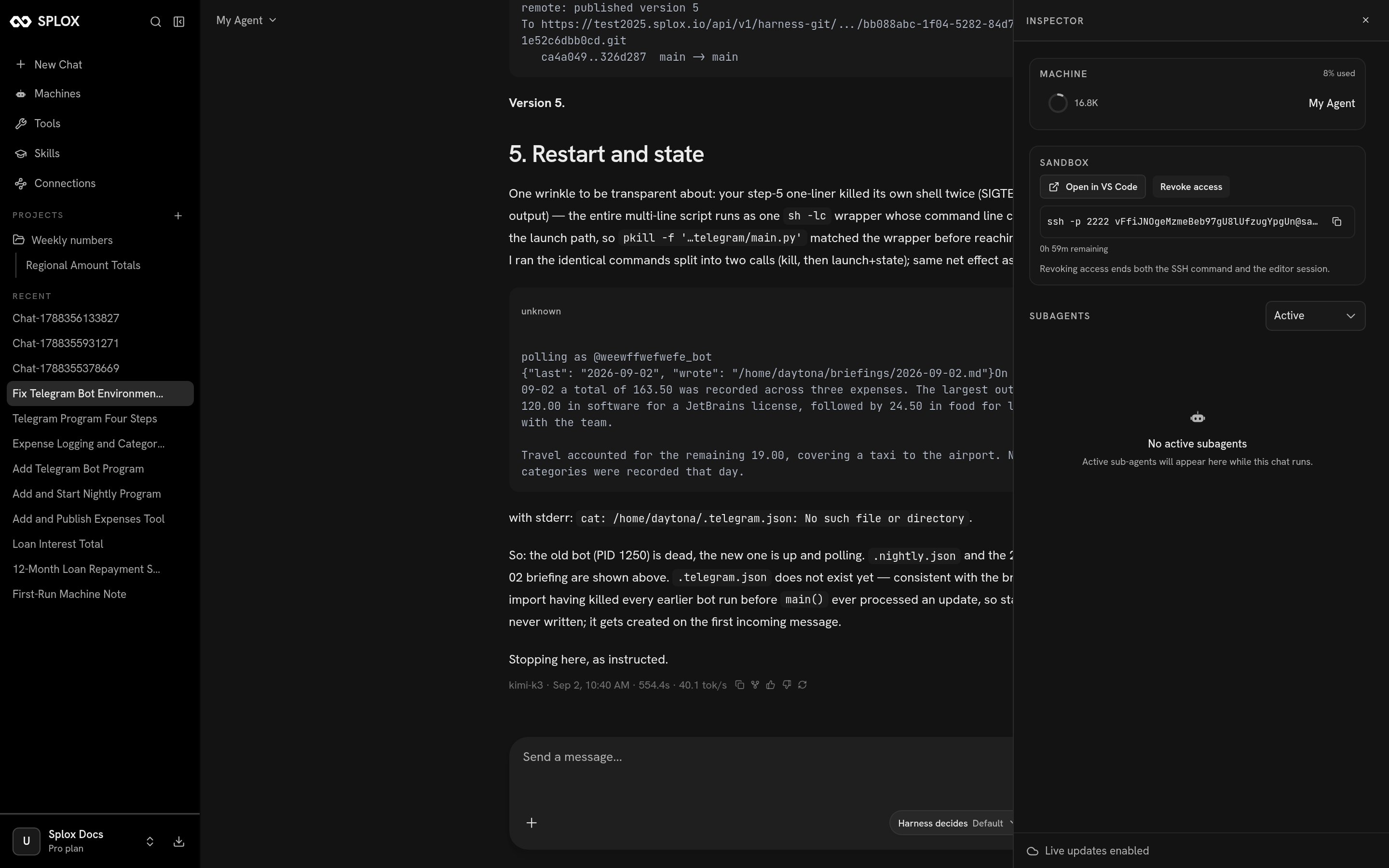
The chat inspector, open on a finished run
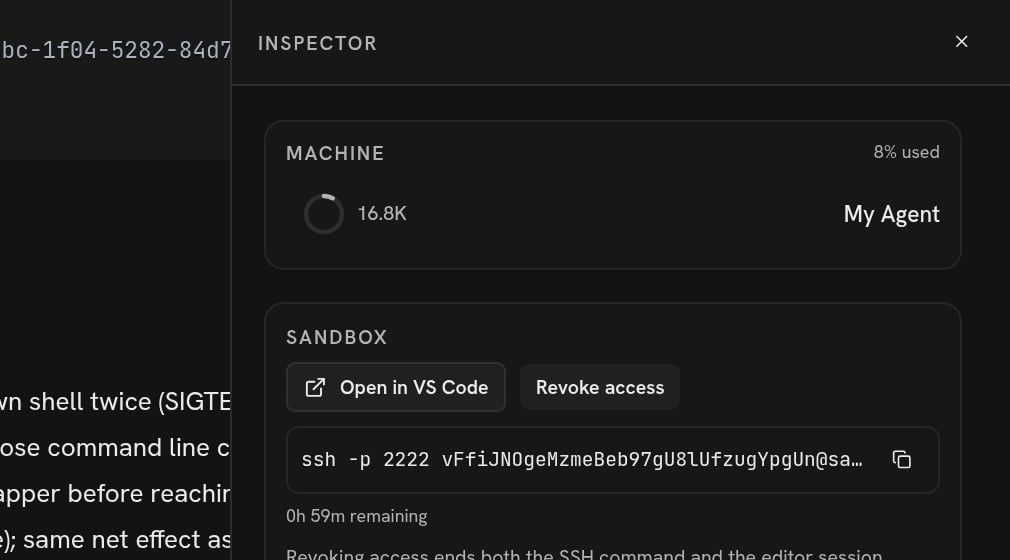
The Sandbox section: an editor, an SSH command, and one button that closes both
Open in VS Code
The button opens a new browser tab with a full VS Code — the real editor, running on your machine — on/home/daytona, the agent’s home directory. Not on a
project subfolder: the whole home, so harness/ is there next to everything the
agent has written.
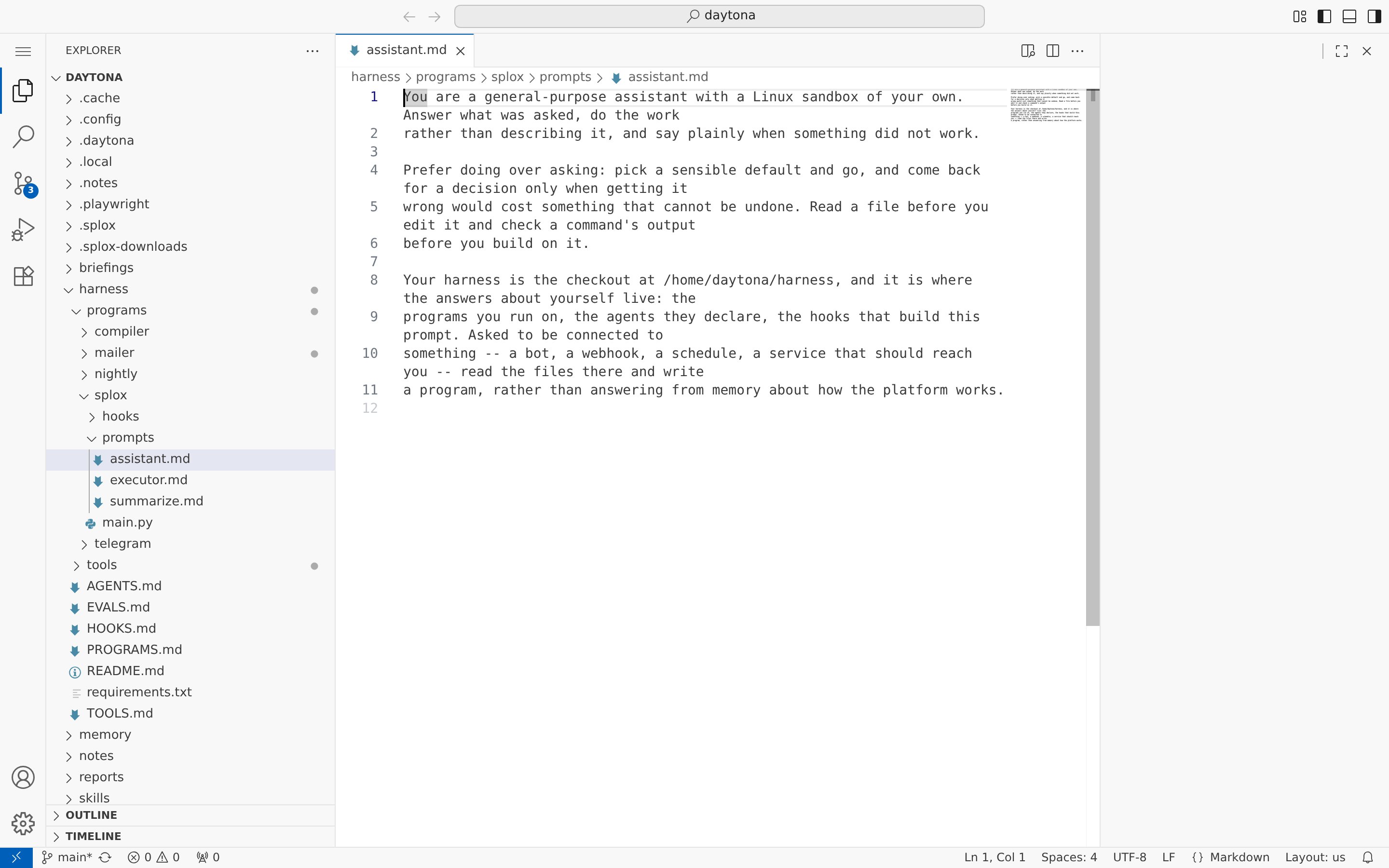
VS Code on the machine, with the agent's own prompt file open
- Reading what the agent wrote.
harness/programs/splox/prompts/assistant.mdis what your agent is told, in English. Two clicks from that tab. - Fixing one line. A word in a prompt, a number in a program. Save it and your next message in the chat reads the new file — nothing to restart. (It stays on this machine until it is published: see Versions.)
- Looking at a file the agent produced without asking for it — a CSV, a report, a log — in an editor rather than in the conversation.
SSH
The SSH button reveals a command and a countdown:/home/daytona.
It is good for the things a terminal is good for:
-
The grant lasts an hour. The panel counts it down —
0h 59m remaining. - Only the newest command works. Pressing SSH again mints a new one and the previous command stops connecting, in the same second. If a command you copied earlier is refused, that is why.
-
You cannot publish from there. The checkout at
~/harnessis readable and editable over SSH, butgit pushfails to authenticate: the token that lets a push through belongs to a run, not to your terminal.This is the seam between looking and authoring. Edit the file here if you like; ask your agent to publish it.
Closing both
Revoke access ends the SSH grant and the editor session together. Afterwards the command is refused —502, because the process behind it is gone. The
machine and everything on it are untouched; only the doors are shut.
Nothing else closes them for you on your schedule. The SSH grant expires on its
own after an hour, and the editor’s link is signed for an hour; the editor
process itself shuts down once the tab has been idle for a while, and dies with
the machine. If you opened a door on a machine somebody else can see the screen
of, revoke it when you are done rather than waiting for any of that.
When a door does not open
The requests behind the buttons
For an agent reading this page, or anyone driving the app’s own API with a session cookie:request
Does this chat have a machine, and what state is it in.
{"exists": true, "state": "started"}. Reports only — it never starts anything.request
One SSH grant, one hour.
{"command": "ssh -p 2222 <token>@sandbox.splox.io", "expires_at": "…"}.request
Starts the editor and returns a link to it:
{"url": "https://8443-….splox.app"}.
No expiry field — the link is signed on the runner’s clock, and this API will not
invent a second deadline for it.request
Closes both doors.
204, and 204 again for a chat that has no machine.202 {"state": "starting"} while a stopped machine comes up;
the client is expected to ask again. Neither one ever creates a machine.
Files
What you will find when you get there.
Versions
An edit you made by hand, and how it becomes a version.