

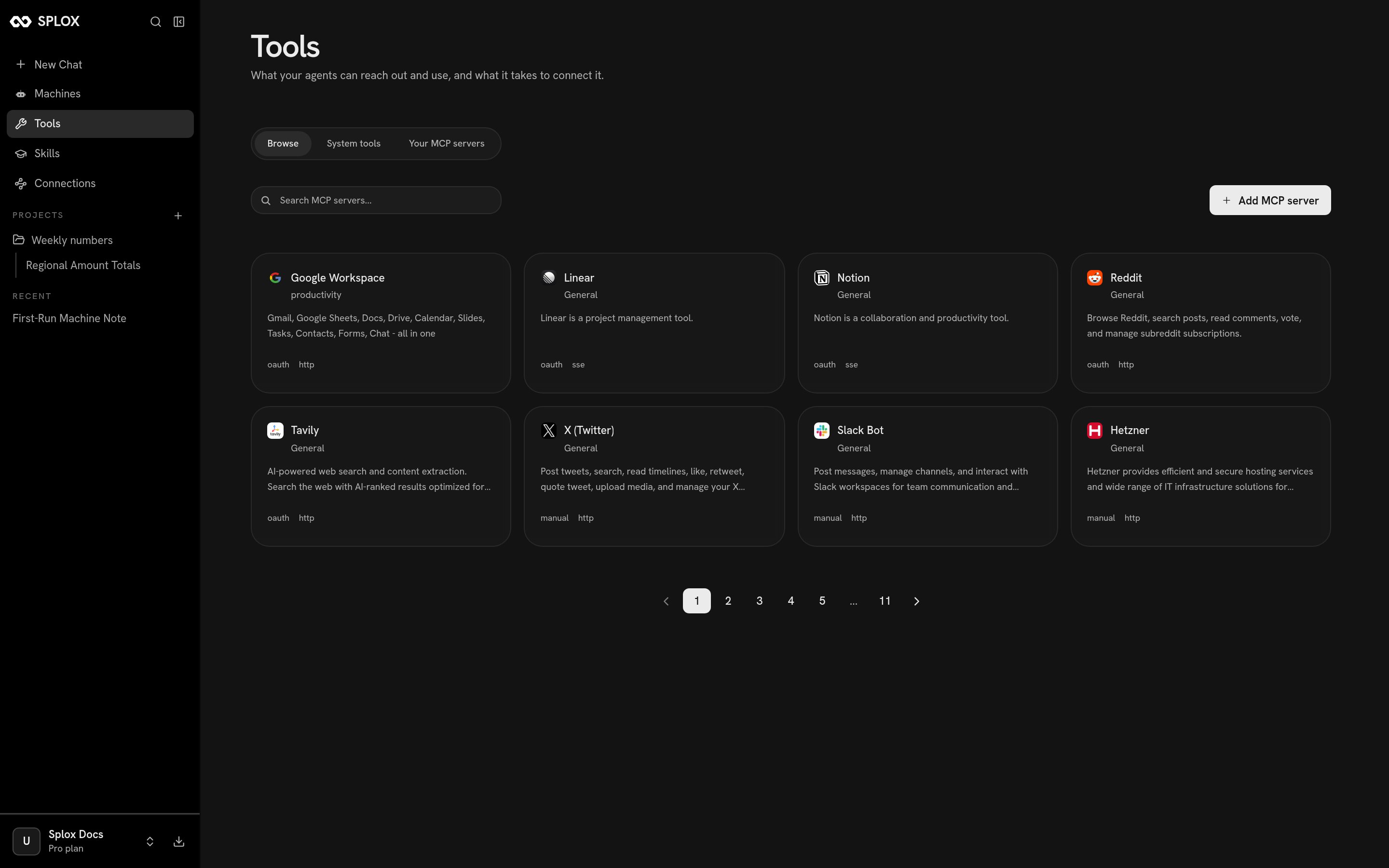
Browse: the MCP catalog, with the transport and the kind of authentication on each card
System tools
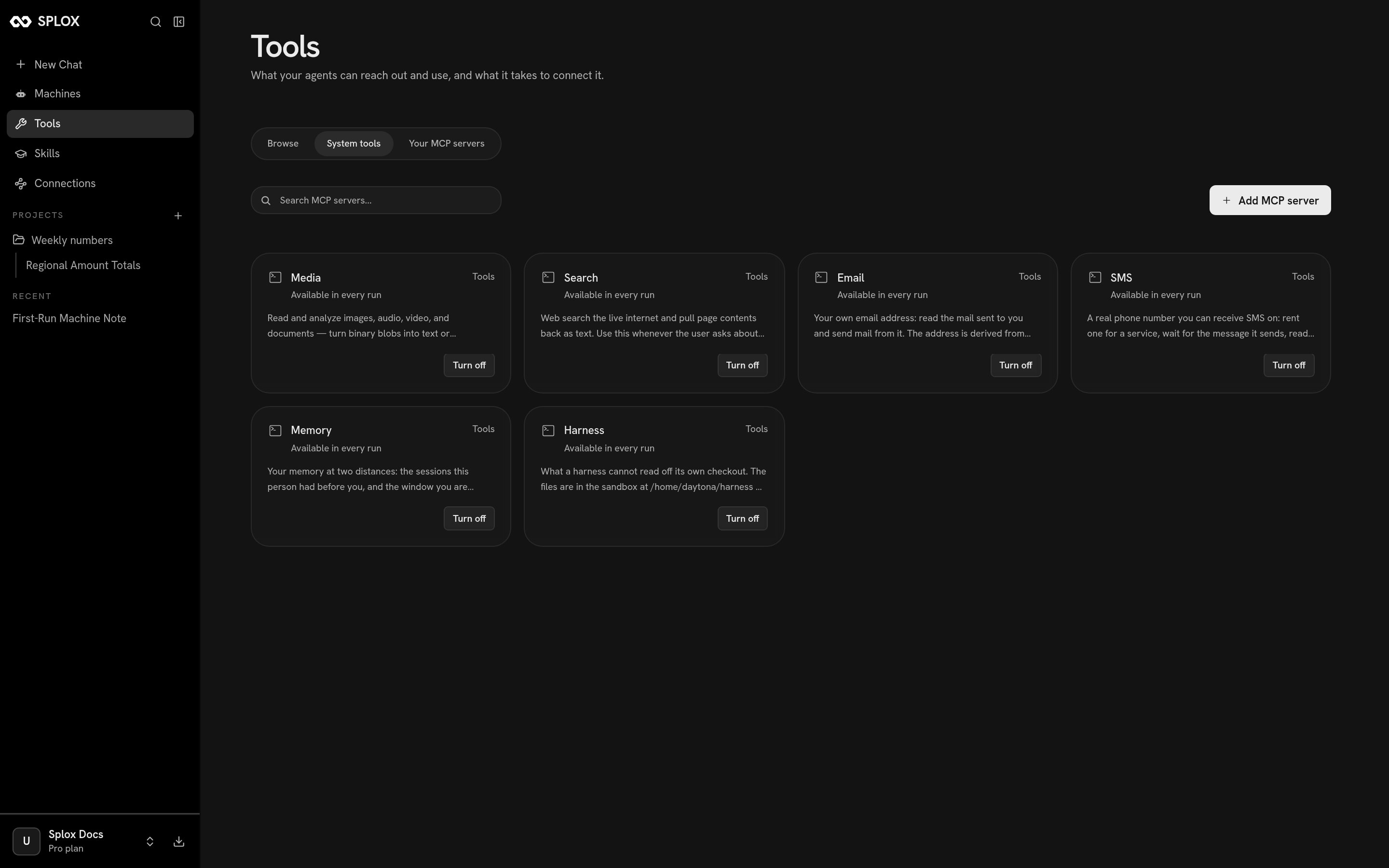
The six system packages, each available in every run
Each card says Available in every run and offers Turn off.
What system: means
The slug on that screen is the second half of a name you write in code. An agent
gets a tool by naming its source in its declaration:
system:<slug> is a package the platform runs, credentials and all. You cannot
edit one and you do not publish anything for it to work. A # after the source
narrows it to named tools and nothing else.
system:compute — the runner every other tool executes through — is not on this
screen, and neither is system:splox. They are sources you can name in code
without being listed here as something to switch. The full list of sources your
account can use comes back from
/v2/tool-servers.tools list in the harness decides what a given agent
gets. An agent is only ever offered what its own line names.
Tools is the whole story, including writing your own.
Connecting an MCP server
Pick a server from the catalog and Splox shows what connecting it takes. The badges on the card said it already:oauth or manual for the credential,
http or sse for the transport.
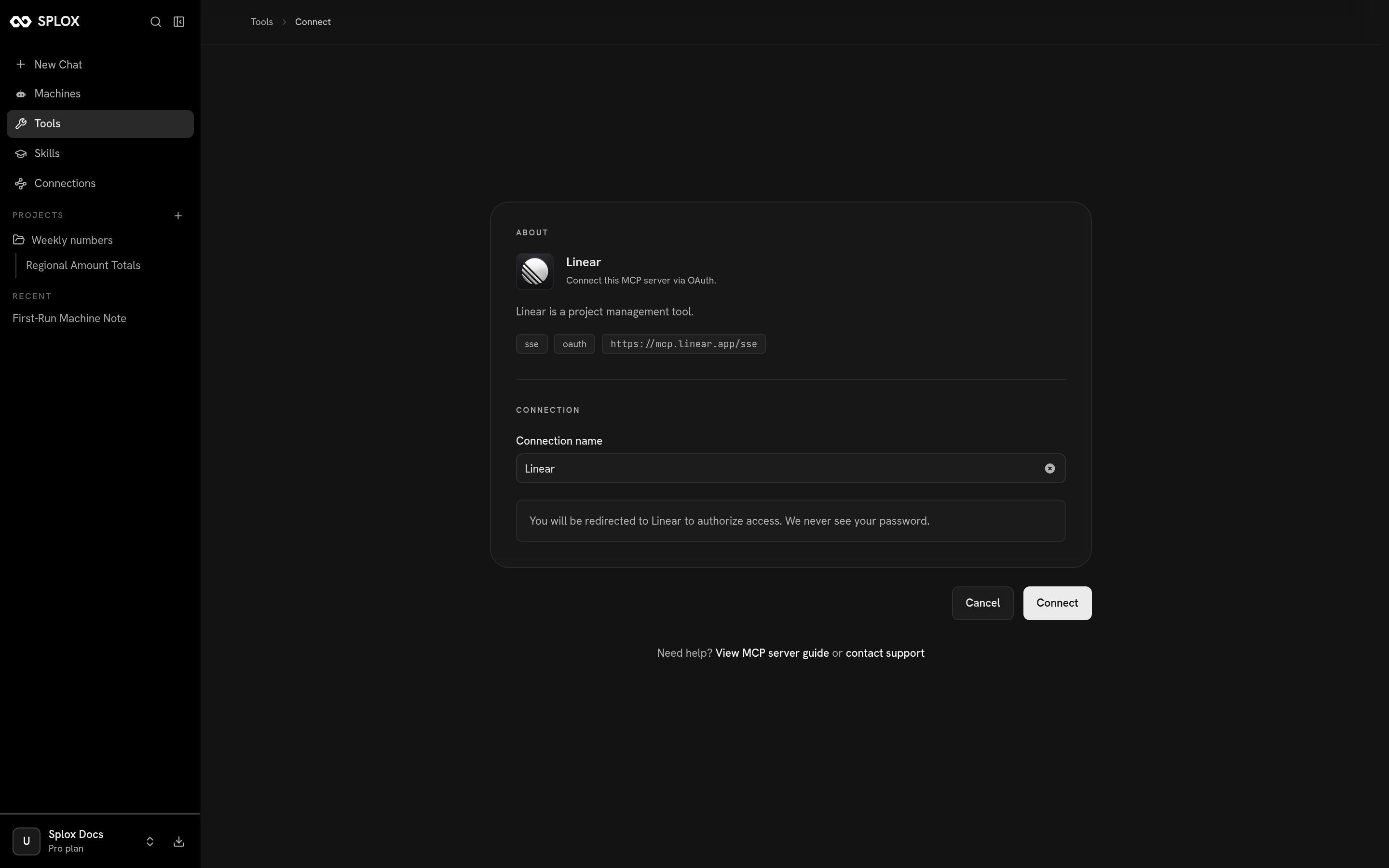
An OAuth server: you authorize at the provider, and Splox never sees the password
- OAuth — name the connection and press Connect. You are sent to the provider to authorize, and back.
- Manual — the page asks for exactly the headers that server wants, named
one by one (
X-api-key,X-access-token, and so on), with a link to where you get them.
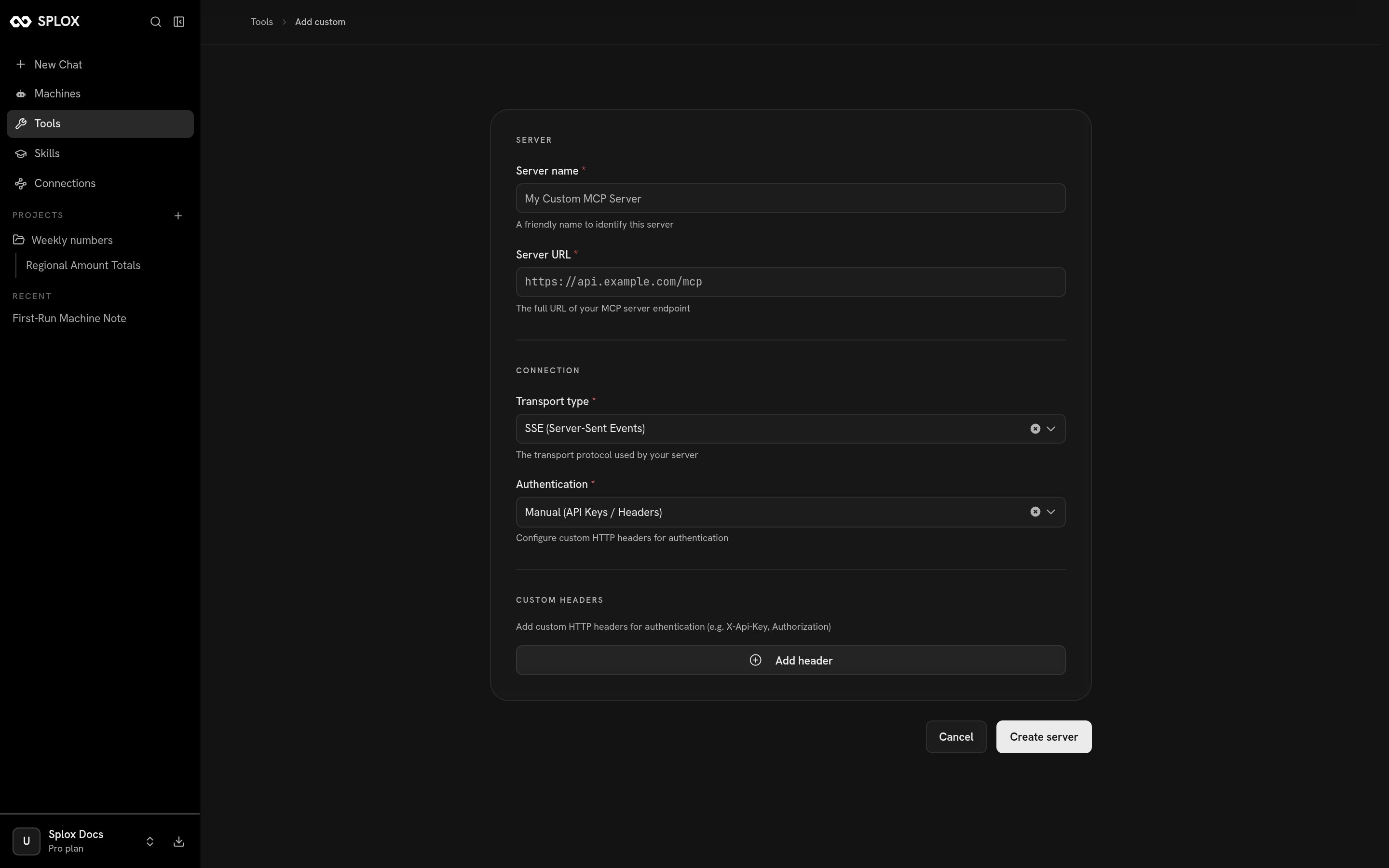
Adding a server the catalog does not have
tools.
Tools in the harness
Writing a tool of your own, and why tools are code and not JSON calls.
Tool servers over the API
Listing the sources and the tools inside them.