

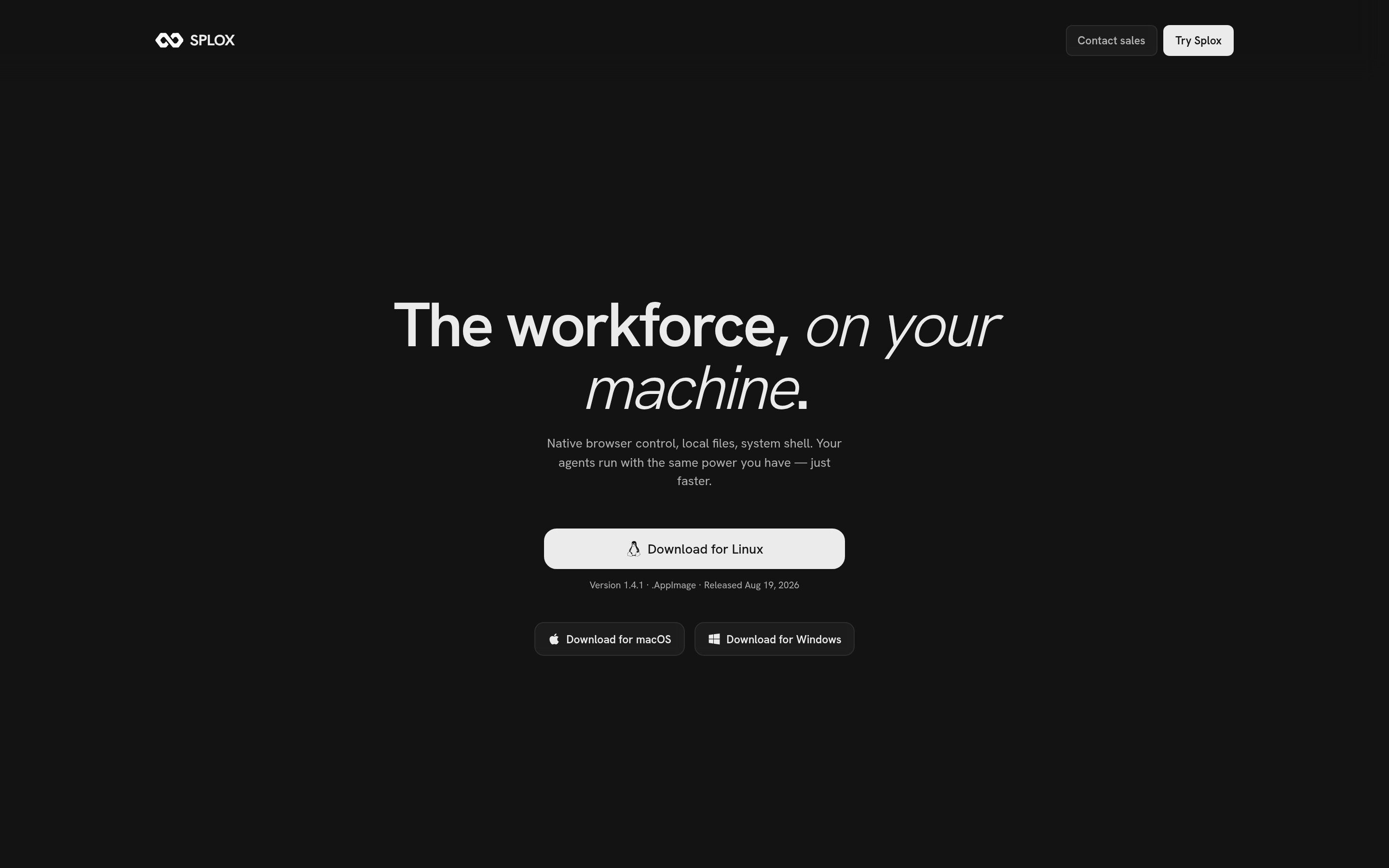
The desktop app is the same workspace in a window of its own, plus a small background agent that registers the computer it is installed on as a device of your account. Get it at splox.io/download.
The Splox download page offering Linux, macOS and Windows builds

The download page picks the build for the machine you are on

The platforms

Version 1.4.1, released August 19, 2026. The page offers the build for the system you are visiting from and links the other two underneath. The app updates itself from the same place, so an install is a one-time thing.

Signing in

Open the app and it sends you to your browser to approve the device. Approving there does two things at once: the window is signed in, and the background agent is paired to your account without a code to copy anywhere.

What it adds over the browser

The browser gives an agent a machine that Splox runs. The desktop app is how an agent reaches your computer instead: the background agent it installs is the thing on the other end of a local:<device_id> target, which the compute tools accept everywhere they accept the sandbox:
That is what the download page means by native browser control, local files, system shell — the same tools, pointed at the machine in front of you rather than at the sandbox. On Windows the background agent starts with your session and keeps running when you close the window, so the computer stays reachable. On macOS and Linux quitting the app stops it.
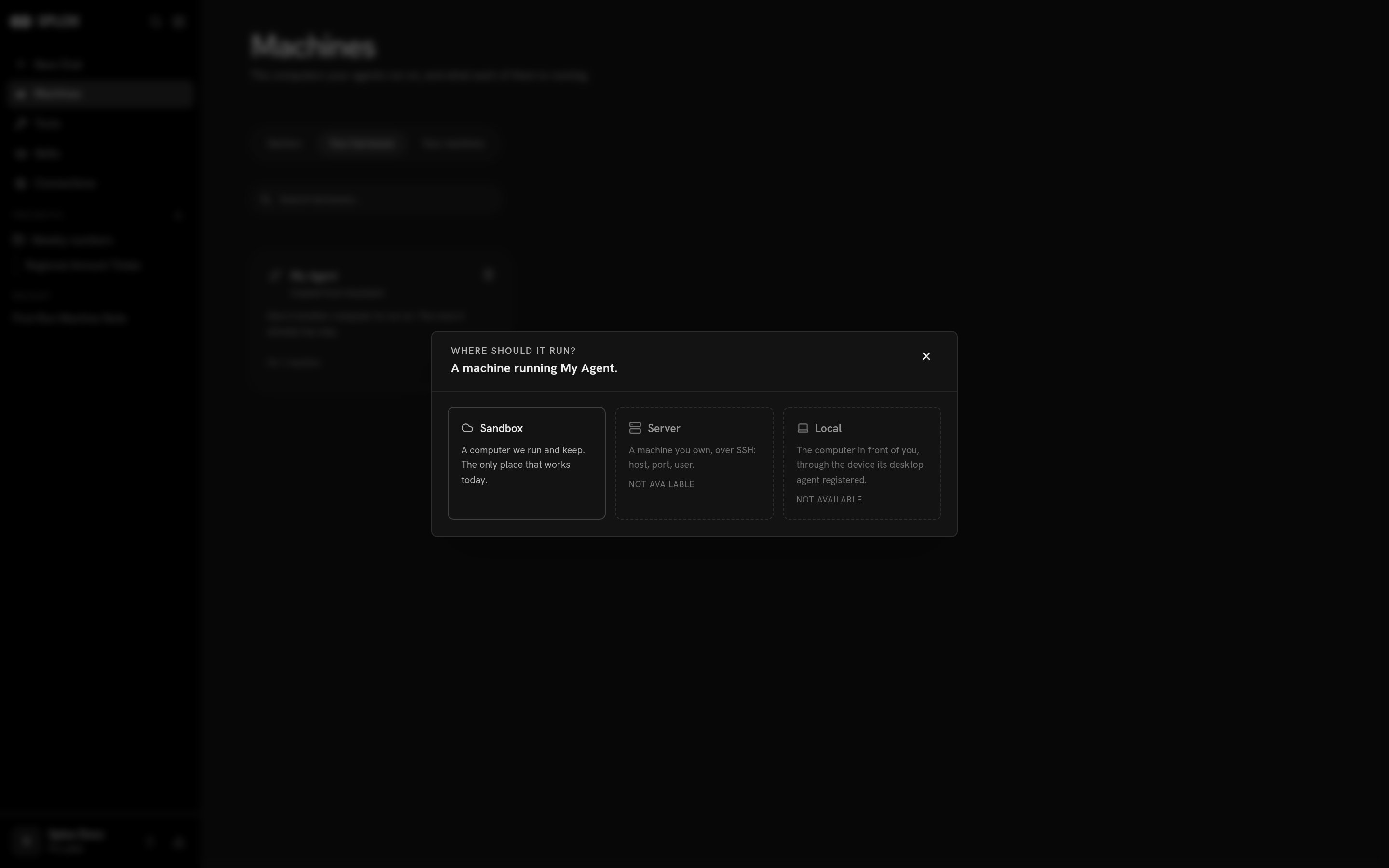
The Local machine kind is not switched on yet. On the Machines screen, adding a machine offers Sandbox, Server and Local, and the last two are marked Not available — so today the desktop app is a signed-in window and a paired device, and a chat still runs on a sandbox. Until that changes, nothing you do in the app executes on your own computer.
The Where should it run dialog with Local marked not available

Adding a machine: Local is listed, and not available yet

Machines

The machine kinds, and what each one gives an agent.

The workspace

The screen the app opens on, in the browser or out of it.