

git log, and publishing is git push.
The tree
main.py and hooks/<point>.py are the only fixed names. A publish needs at
least one programs/<name>/main.py and refuses a tree with none: a harness with
nothing to run is not a harness. Everything else is optional.
Where it comes from
A harness never comes into existence empty. The only gesture that creates one is copying a starter, and the copy’s first commit says where it came from: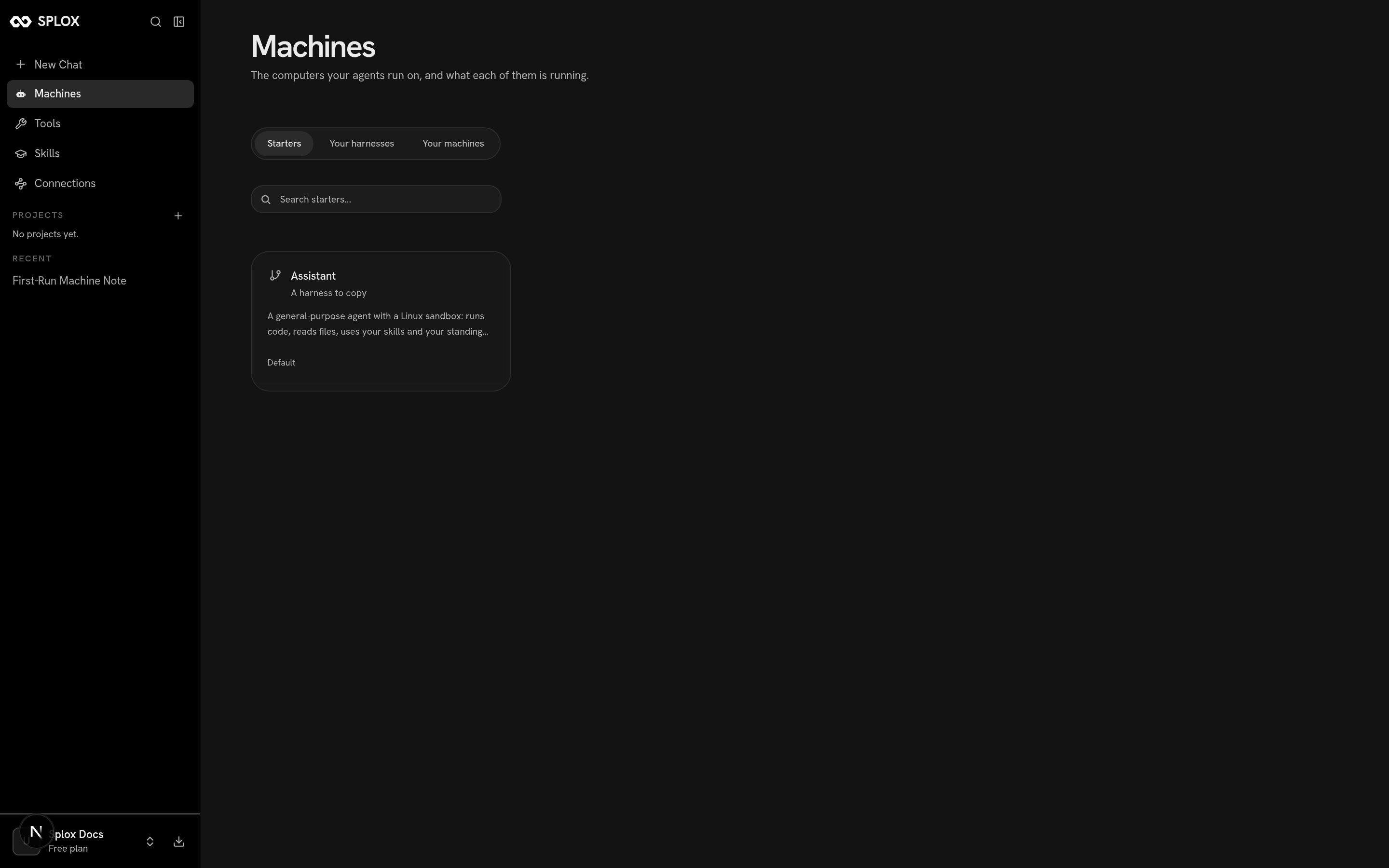
The starter library. Every account starts with a copy of the default one.
Versions
Every published version is a ref,refs/versions/N, N counting from 1.
refs/heads/main is the current version. A version is created one way: main
is pushed from the checkout, by the agent, when you ask it to change something
and publish. Under the hood that is an ordinary commit and an ordinary
git push origin main; the platform’s git proxy checks the tree and answers with
the number. You can edit the checkout yourself over
SSH or VS Code, but the push is authenticated by the
run’s own token, so publishing what you edited is still something you ask for.
The list of versions, with who made each and why, is a question your agent can
answer — see Versions. It is also an API:
refs/versions/N
puts on that commit for people to read; it is never a selector. A run records
harness_id plus harness_commit, which is why any answer can be traced back to
the exact tree that produced it.
Renaming a harness writes the repository’s description and nothing else. It
creates no version and mutates none. Deleting archives the repository rather than
removing it, so history survives.
A machine runs a harness at a ref
harness_ref on a machine names what that machine runs — main by default, but
it can be any ref, which is how you pin a machine to refs/versions/3 and leave
it there. One machine runs one harness; a harness may have several machines, each
with its own disk and its own checkout.
How an edit reaches the next turn
Two different things, and the difference is the one people trip on. Inside the machine, the checkout is what runs. The prompt, the model, the tools and the iteration cap are not stored anywhere: they are a question the platform asksmain.py at the moment it needs the answer. A chat message is a
run, so a line edited in ~/harness between two messages is read by the second
one — nothing published in between, nothing restarted. The same is true of tool
files, which are re-imported when their mtime moves.
Publishing is for everyone else. git push origin main makes a version. The
next chat opens on it, and so does any other machine tracking main. A run
already going keeps the version it started with, so nothing you push interrupts
anything that is running.
Versions
Cloning, the refs in full, publishing, rolling back, merging the starter.
Programs
What lives inside the repository, and what each directory is for.