

SKILL.md in it — instructions the agent reads when a
task calls for them, and files beside it that cost nothing until they are opened.
The Skills screen is the library those folders live in.
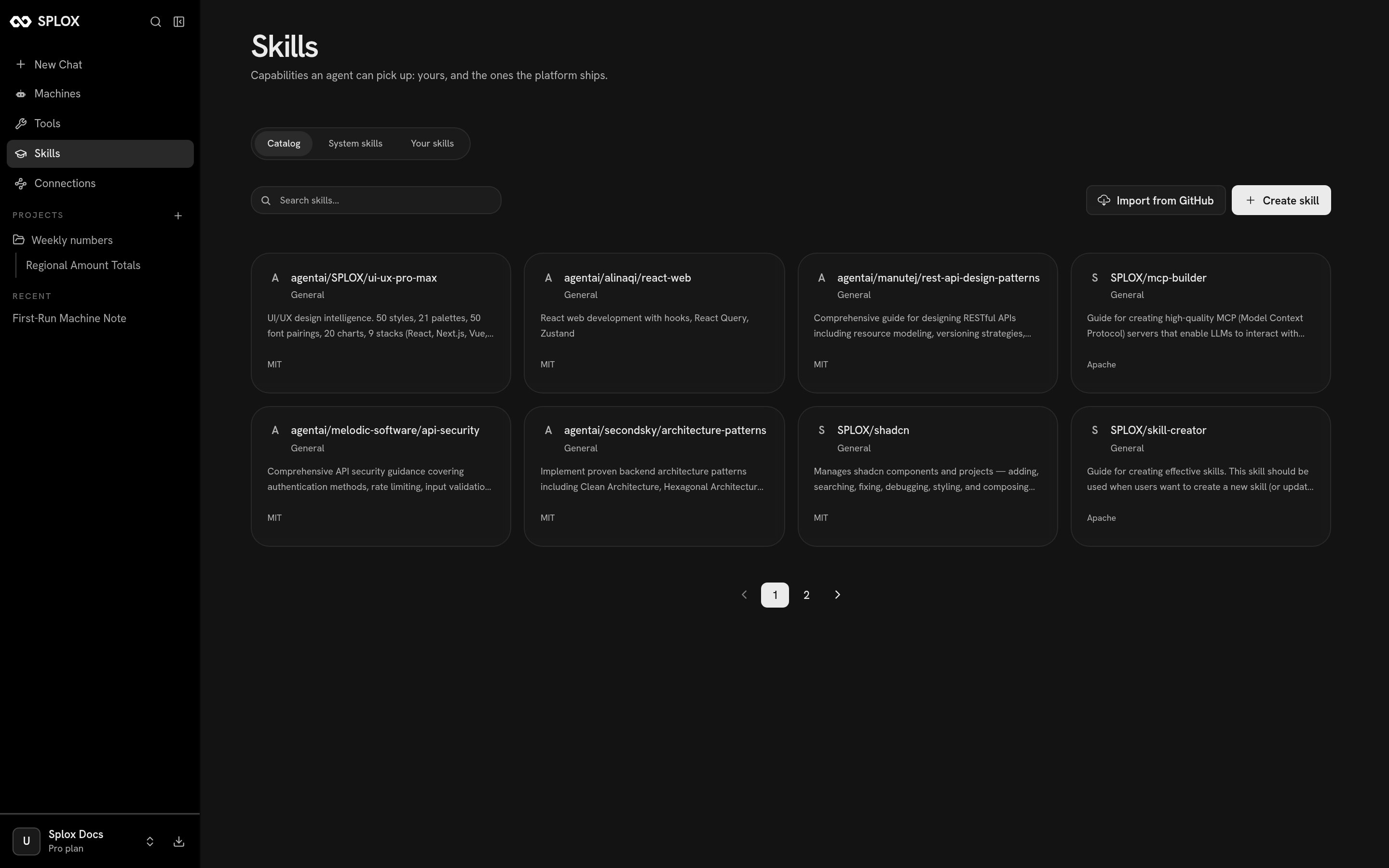
The catalog: skills you can fork into your own library
What ships
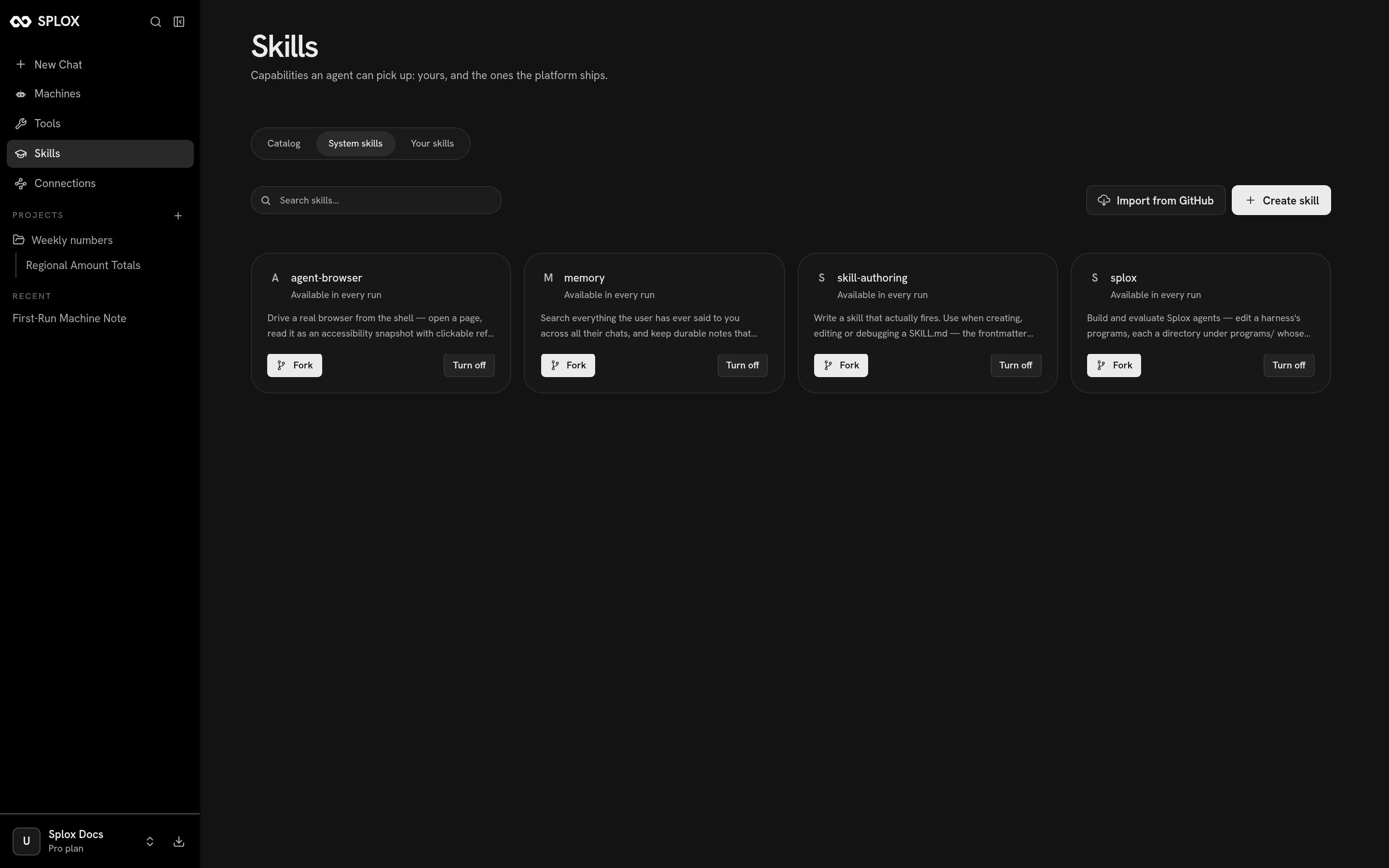
The four system skills, available in every run
Each has Fork — take a copy into your own library and change it — and Turn
off.
Getting one from the catalog
Click a card and you get the skill’s own files, read-only, with its license: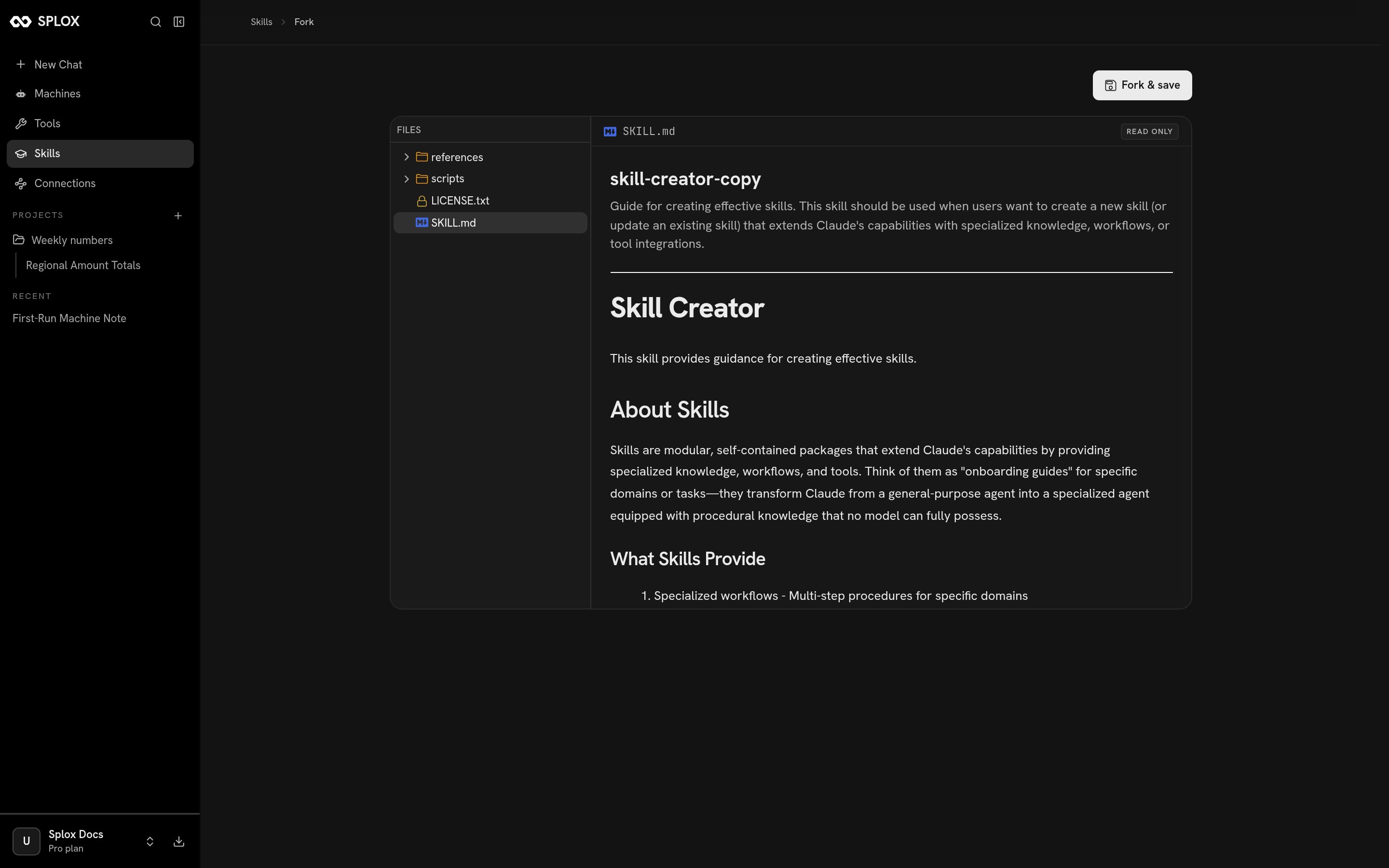
A catalog skill before you fork it: the files, the license, and the SKILL.md
<name>-copy — and from then on it is a file you can edit.
Two other ways to fill that tab:
- Create skill opens an editor on a fresh
SKILL.md, with the frontmatter and the headings already in place. - Import from GitHub takes a link to a skill folder in any public repository, or a directory holding several of them, and pulls them in.
Attaching one to an agent
Skills are attached in code, in the agent’s declaration:system:<name> is one of the platform’s; a bare name is one of yours. Every
skill is listed by name and there is no wildcard, so an agent has the skills its
line names and no others.
The library’s files are in the sandbox either way, at
~/skills. The skills=
list is what the agent is told it has — the name and the description sit in
its context, and the body is read when the skill fires. That is the whole trick:
a harness can carry a hundred pages of procedure and pay for a line of it per
turn.Writing a skill
What goes in SKILL.md, what goes beside it, and when a skill beats a prompt.
Agents
Everything else an agent declaration carries.