

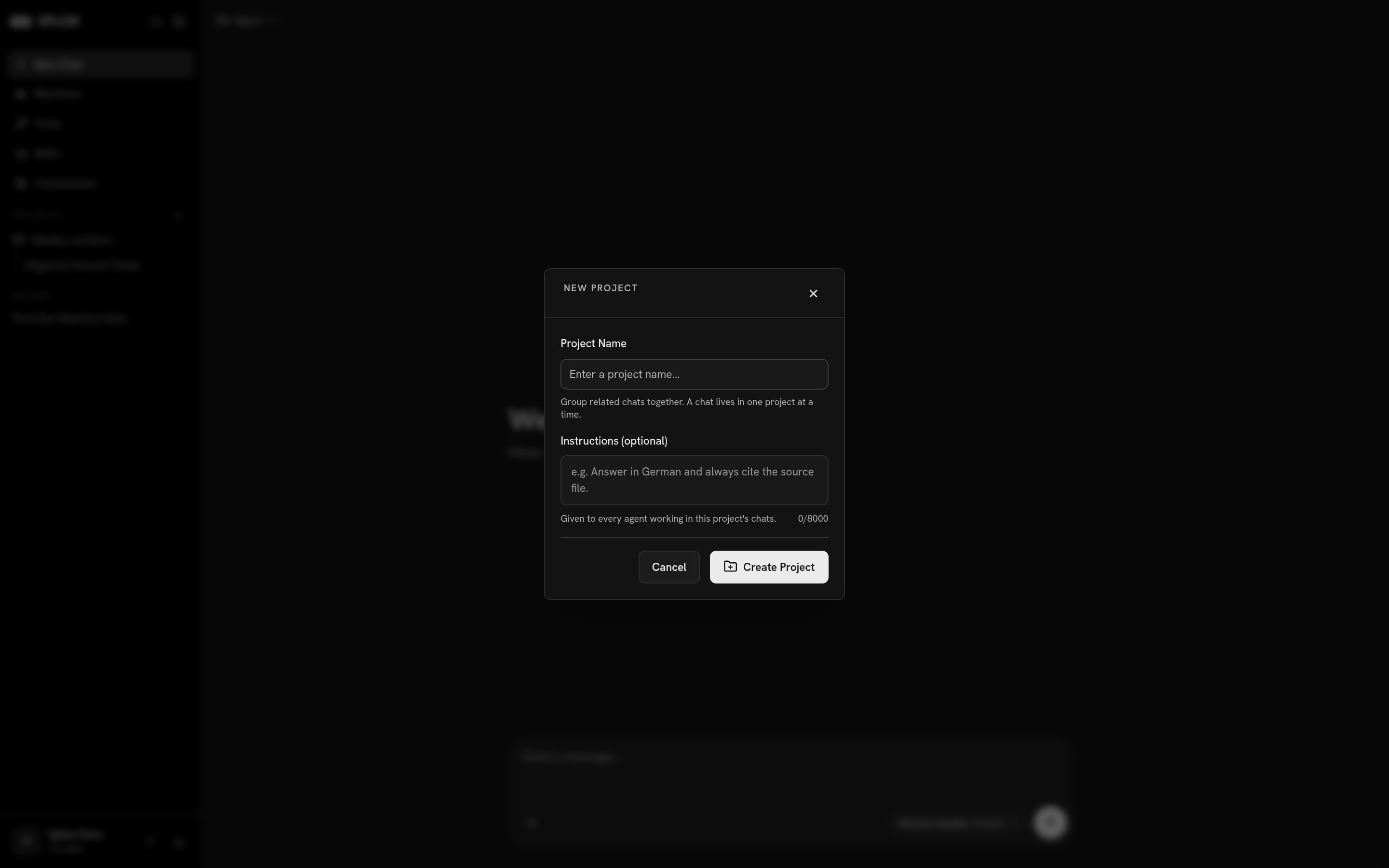
Creating a project: a name, and instructions that ride along with every chat in it
Putting a chat in one
Open the ··· menu on a chat in the sidebar. Your projects are listed there; pick one and the chat moves under it. New project… in the same menu makes a project and moves the chat into it in one step. A chat sits in RECENT until it belongs to a project, and under the project afterward — never both. Moving it back out is the same menu. The project row itself has a menu with Pin, Edit and Delete. Edit is where you change the instructions later.What it changes
The instructions. That is the whole of it, and it is worth using: a project whose instructions say totals go to/home/daytona/notes as markdown tables, one file
per report, and every answer names the file it wrote saves you from repeating
that sentence in every chat.
What it does not change
- Not the machine. A chat keeps the machine it was started on. Two chats in one project can be on two different computers, and a chat you move into a project does not move to a different disk.
- Not the agent. The harness still decides who answers, with the same tools and the same skills. Project instructions are added to what that agent is given; they do not replace its prompt.
- Not access. A project is a grouping in your own sidebar. Sharing a chat is still per chat — see A conversation.
A conversation
Everything else you can do with a chat.
Context
Where an agent’s context comes from, and how a harness shapes it.