

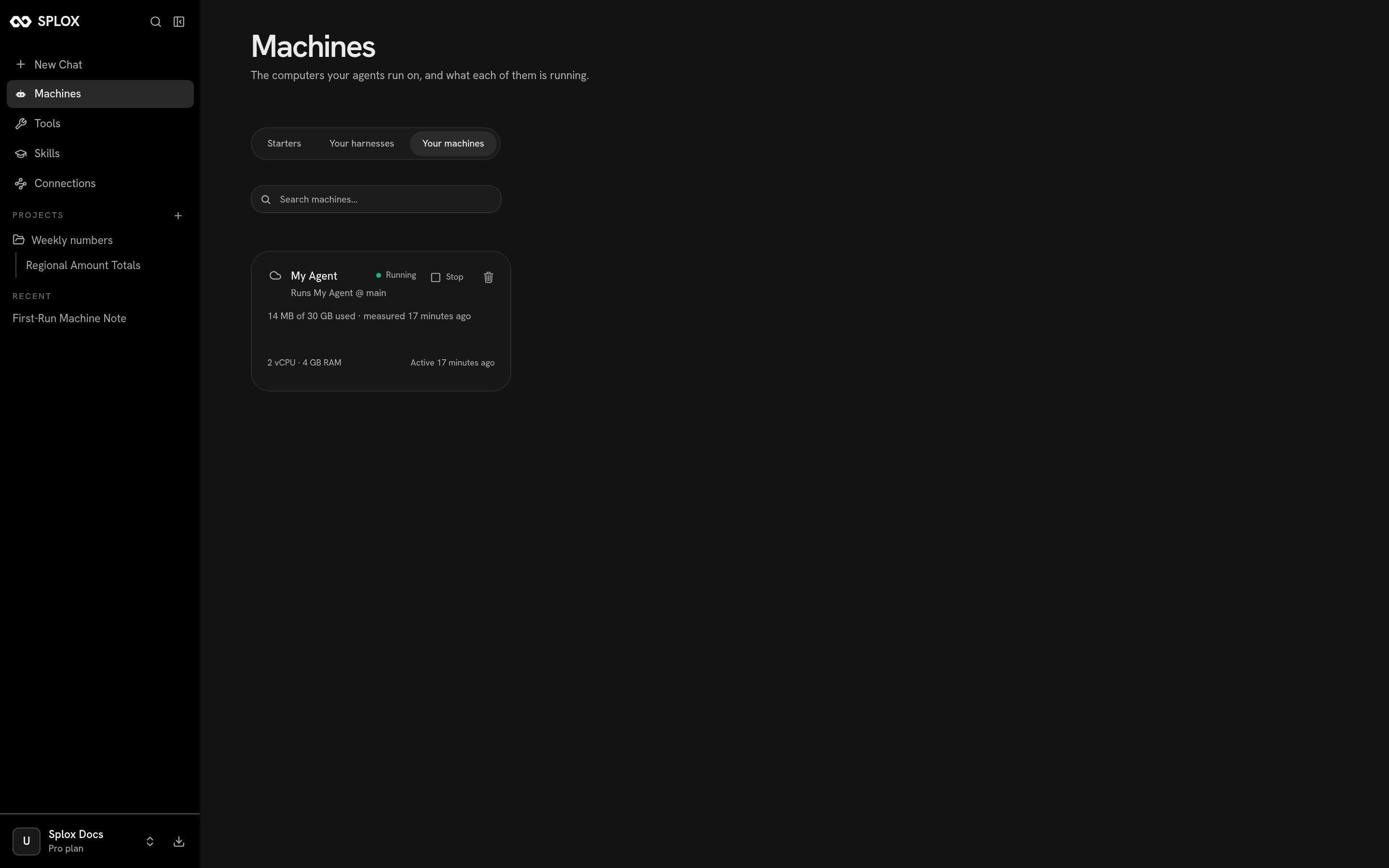
Your machines: one running machine, what it runs, and what it has used
What the card says
Reading the card above, line by line:
The button on the right is Stop when it is running and Start when it is
not. Stopping is not deleting: the disk survives, and the machine comes back
where it left off. What does not survive is anything that was running — see
Machine for the full list, and for what your plan does about
machines that go idle.
You do not have to press Start to use a stopped machine. Sending a message in a
chat that runs on it starts it.
Renaming and powering from the machine page
Clicking a card opens the machine itself.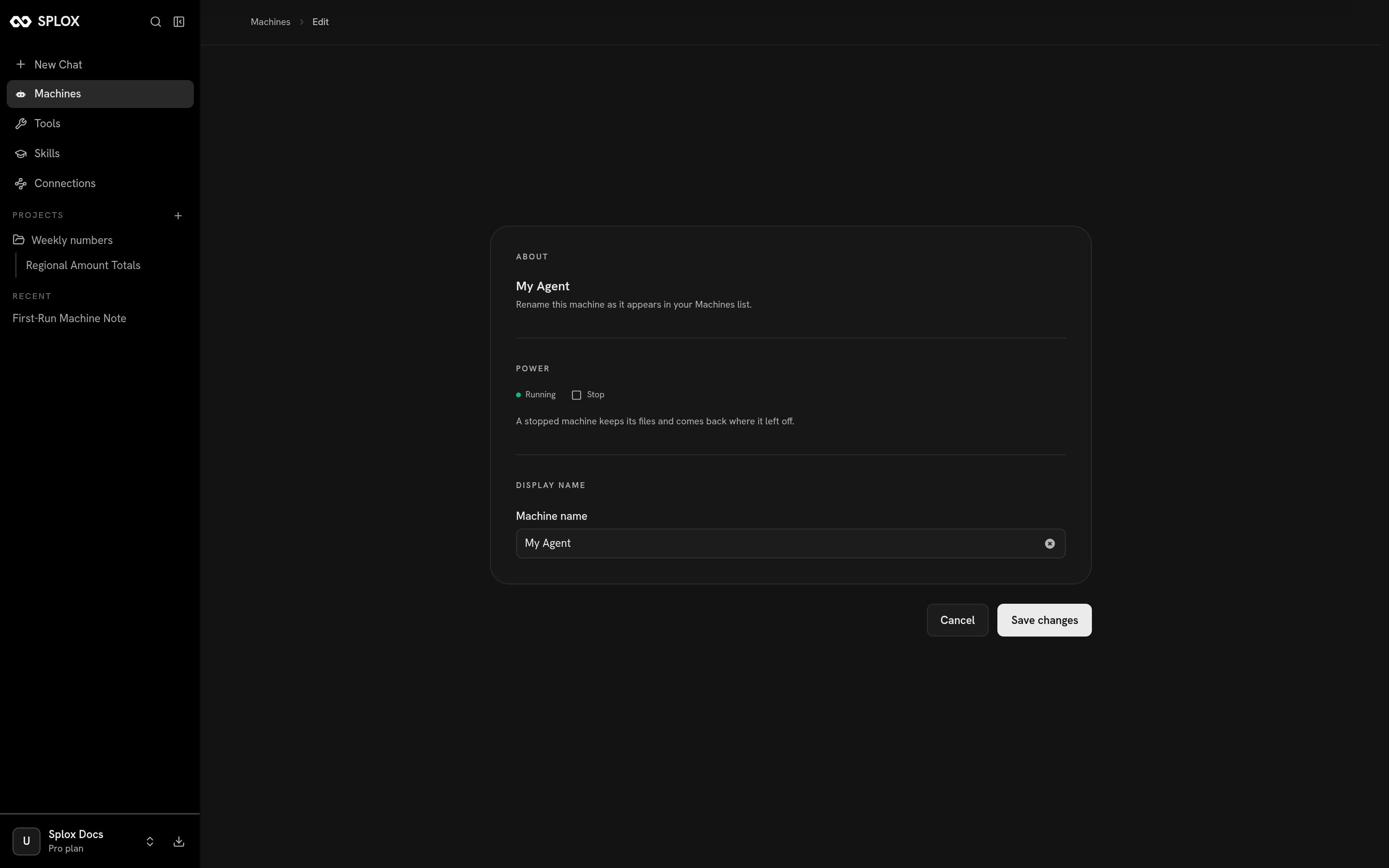
A machine's own page: power, and the name it is listed under
A second machine
A machine runs one harness. To give a harness another computer, open Your harnesses and click the card.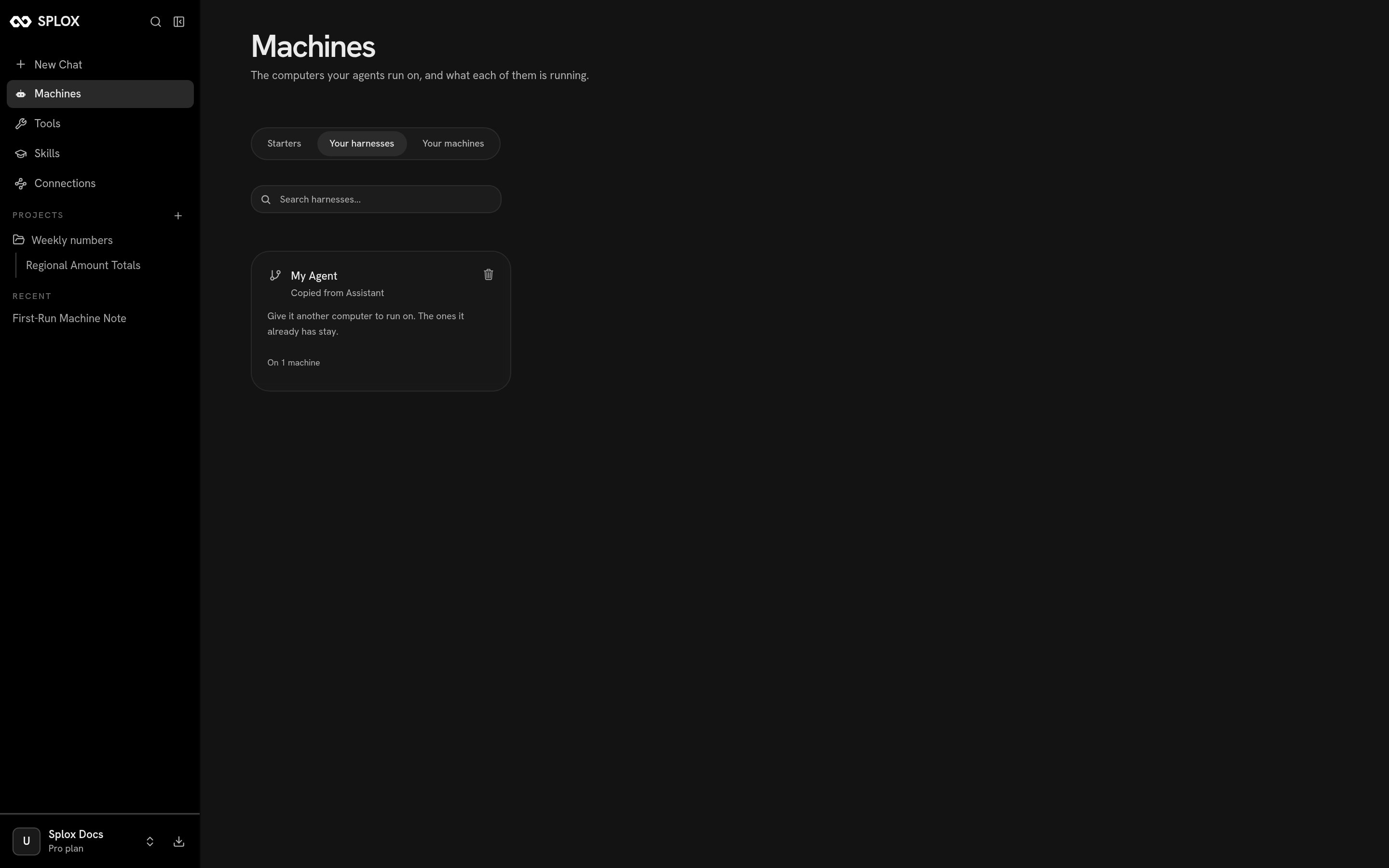
Your harnesses: what the harness was copied from, how many machines it is on, and the invitation to add one
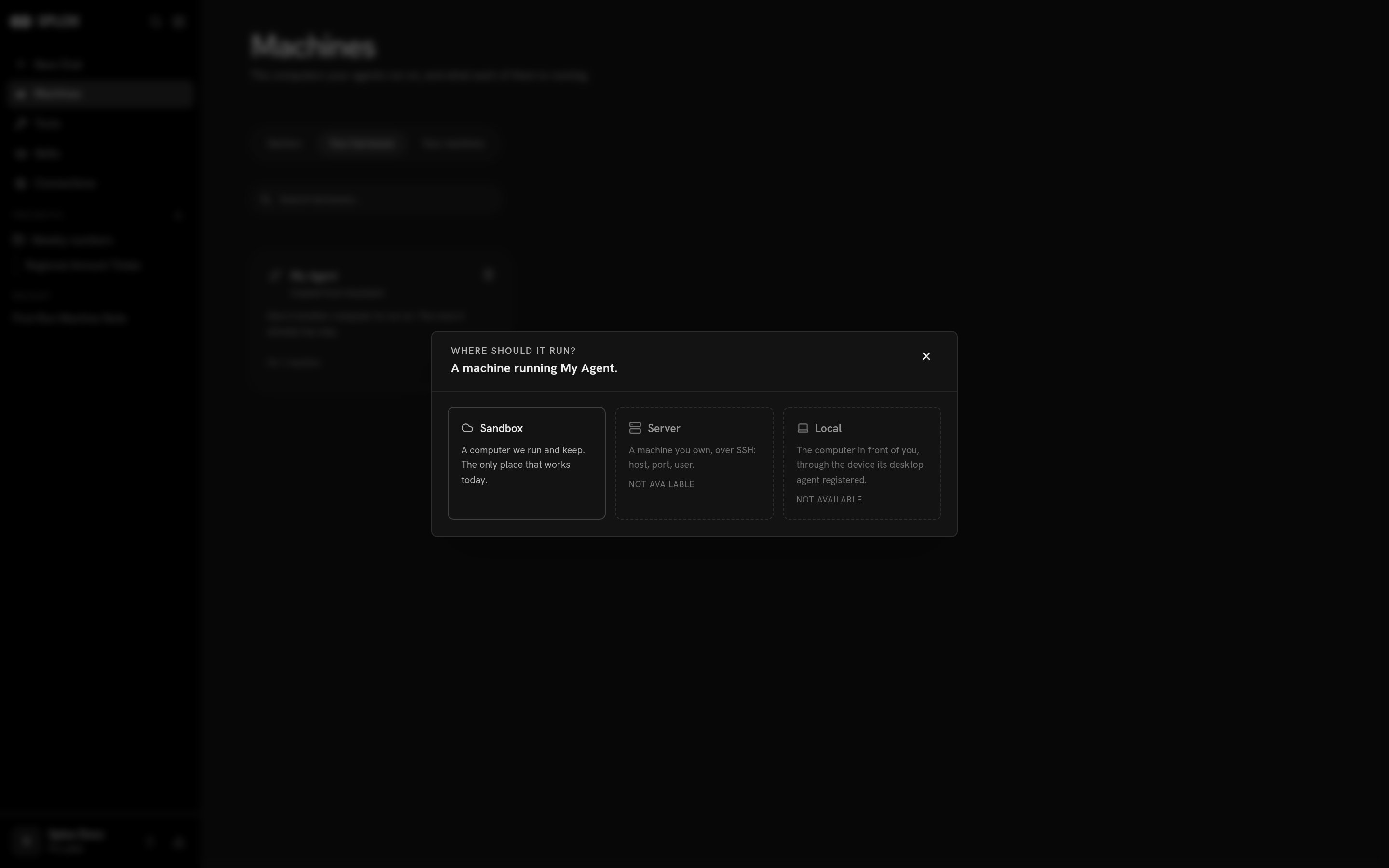
Three kinds of machine; one of them works today
- Sandbox — a computer Splox runs and keeps. The only place that works today.
- Server — a machine you own, over SSH. Not available yet.
- Local — the computer in front of you, through the device the desktop app registered. Not available yet.
Deleting
Both cards have a trash icon, and they delete two different things. Deleting a machine takes the computer away and leaves the code:Are you sure you want to delete “My Agent”? The machine stops being listed anywhere and nothing can run on it again. The harness it ran is untouched, and your existing chats are kept.
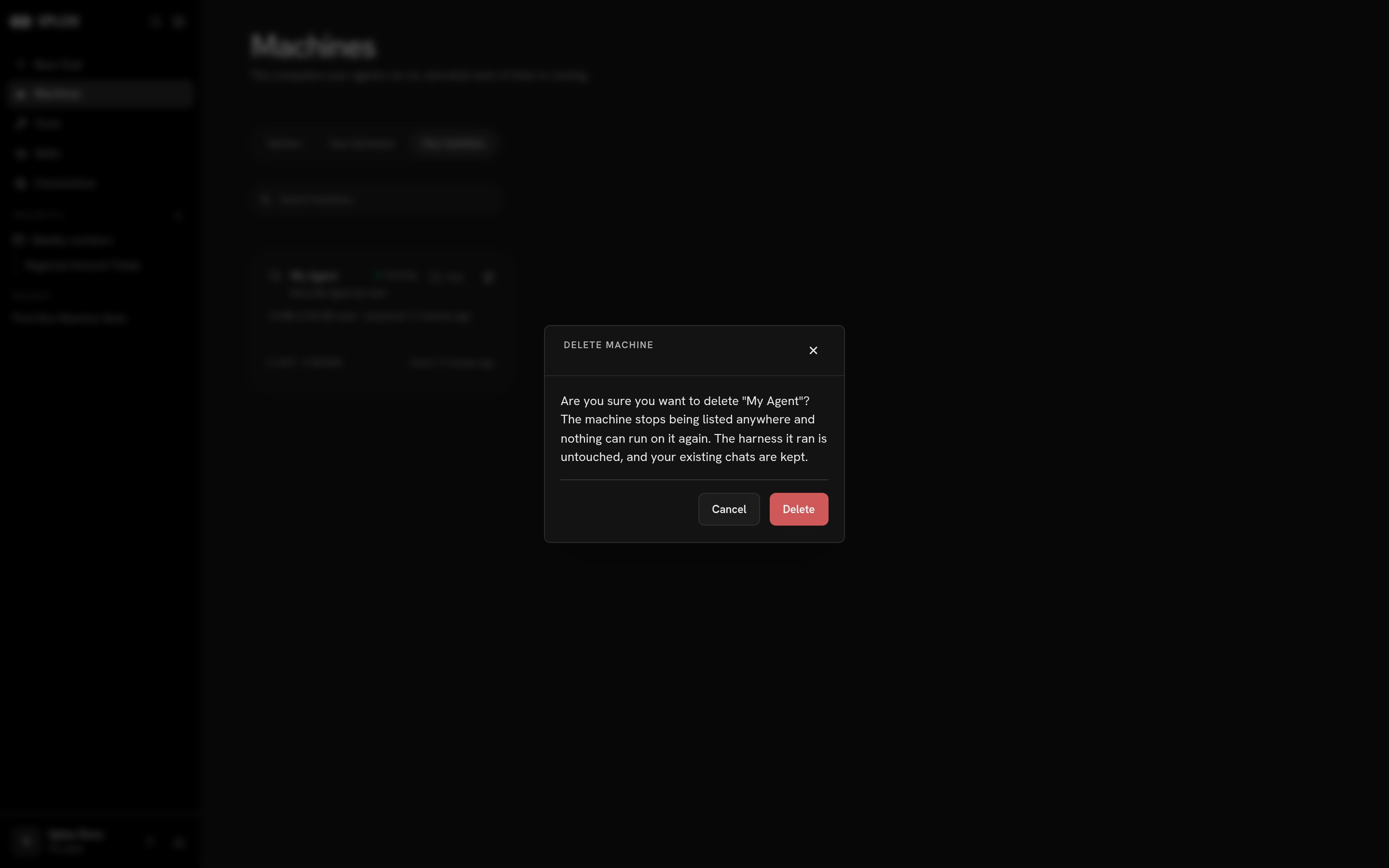
Deleting a machine
Delete “My Agent”? The repository goes, and so do 1 machine running it — a machine whose harness is gone can never run again. Your existing chats are kept.
Starters
Starting from a copy of a working harness.
Machine
What persists, what a plan gives you, what lives where on the disk.