

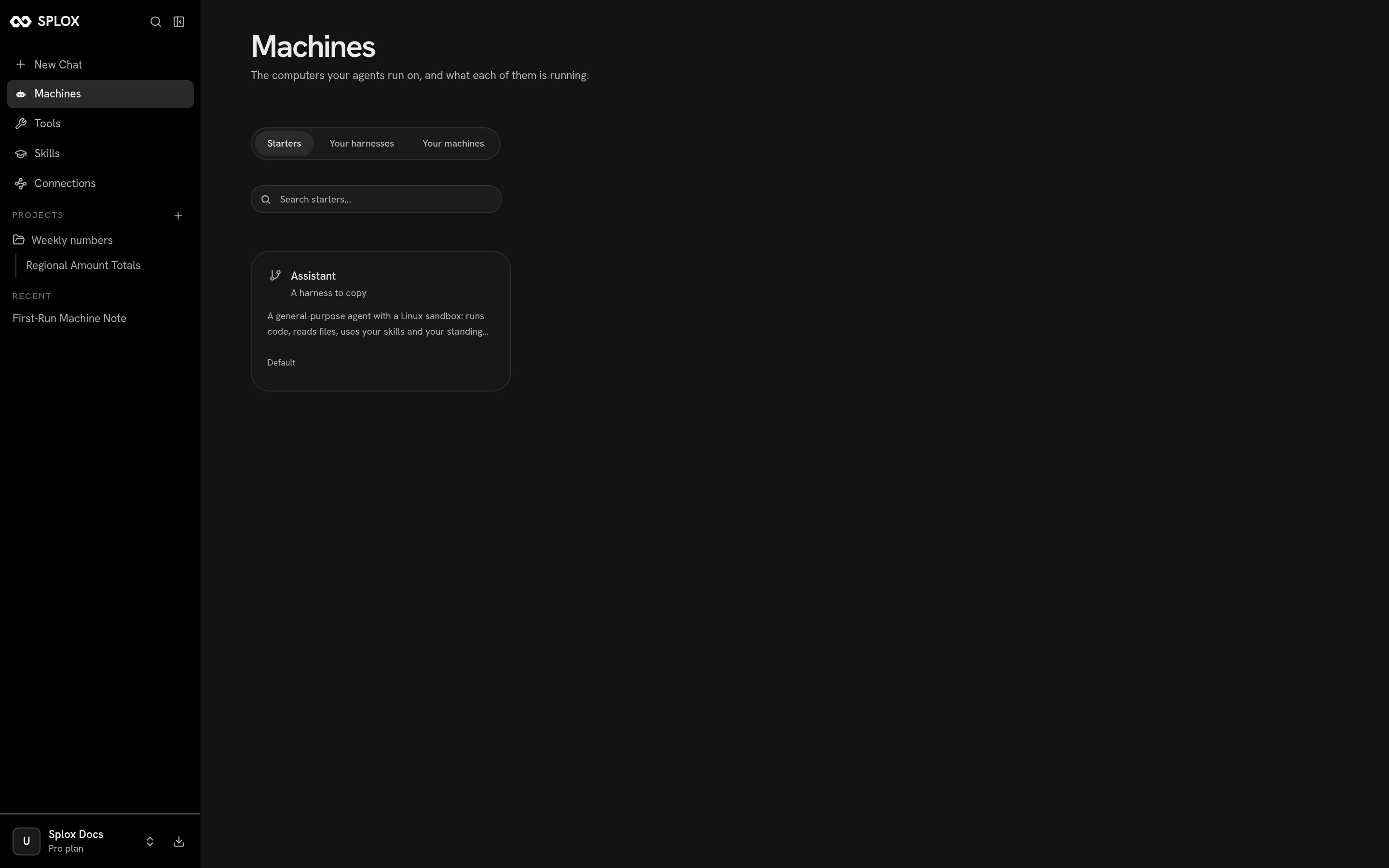
The Starters tab: a harness to copy, and what it is
Copying one
Click the card. Splox asks where the copy should run, then what to call the two things it is about to make: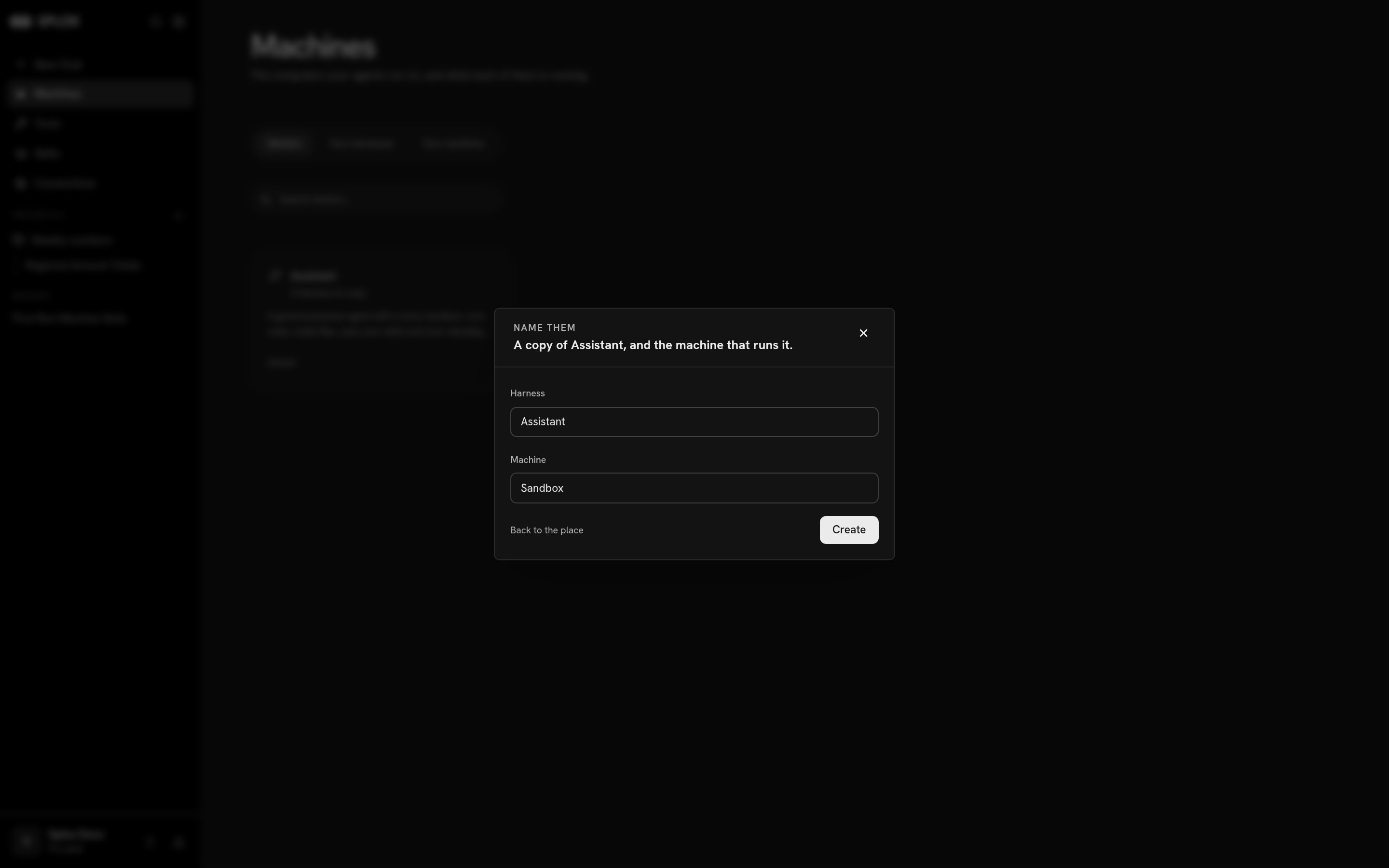
A copy of the starter, and the machine that runs it
Sandbox; change them if you are going to have more than one.
What you get
A copy is a real repository, not a template you fill in. It carries the programs the starter declared —programs/splox/main.py
with the agents in it, the hooks/ that shape its runs, the harness’s own
tools/, its prompts and its evals.
From then on it is yours and it drifts from the original. Publishing a new
version of the starter does not reach into harnesses copied from it, and nothing
you change is pushed back.
What happens next
The machine checks the harness out at~/harness, installs whatever the tree
declares, and starts answering. Nothing else is required of you: open a chat on
the new machine and it works.
To change who that agent is, edit the checkout. The agent can do it for you —
that is what the ~/harness checkout is for — or you can clone the repository
and push. Either way the next message reads the new file.
Changing what your agent is
The tour of the tree you just copied.
Versions and going back
How an edit reaches the machine that runs it.