

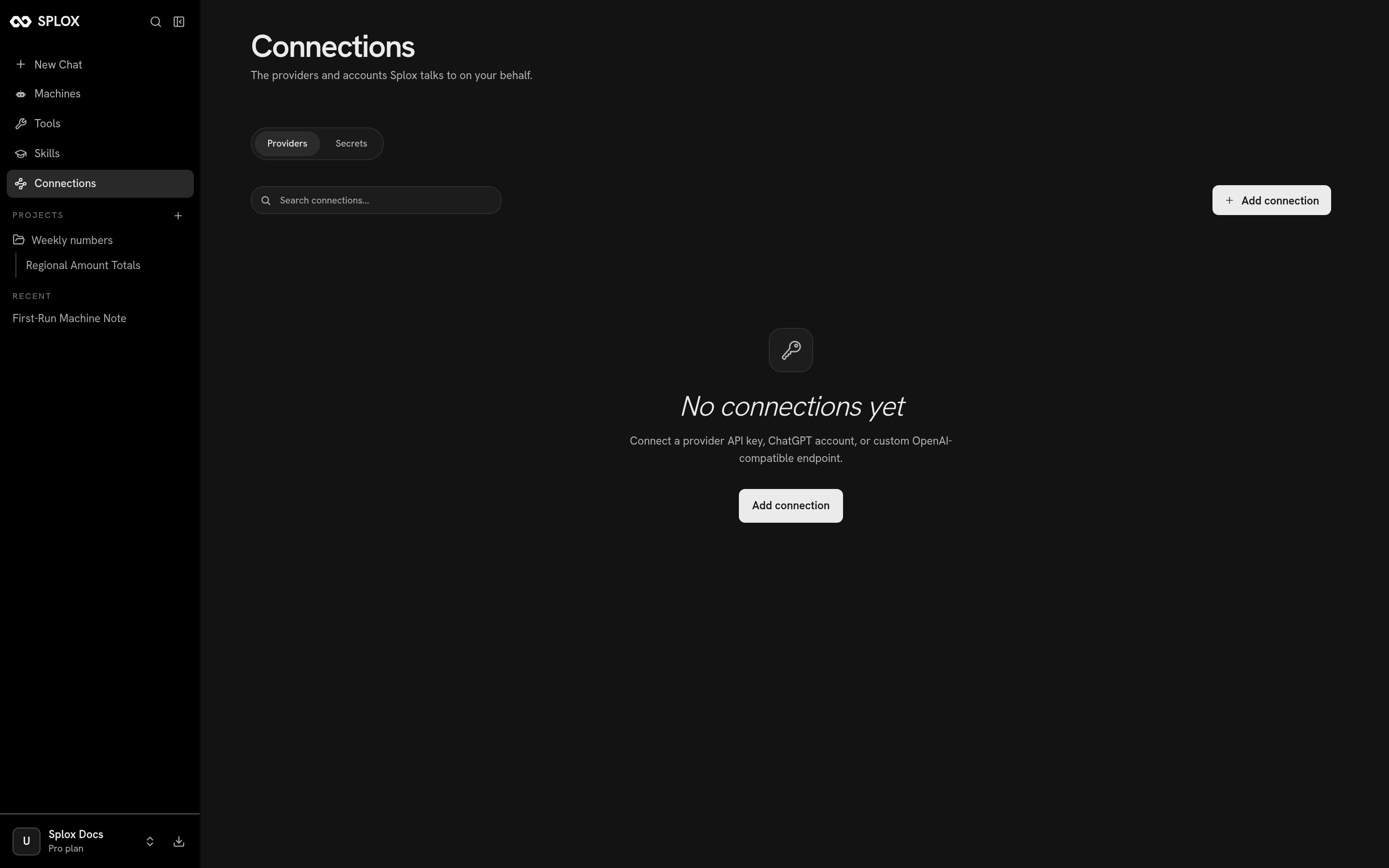
A new account has none of these — the platform's own providers are already there
This screen is about models and secrets, not about Gmail or Slack. Connecting
an external service — an MCP server, with OAuth or with an API key — happens on
the Tools screen.
Adding a provider
Add connection offers five: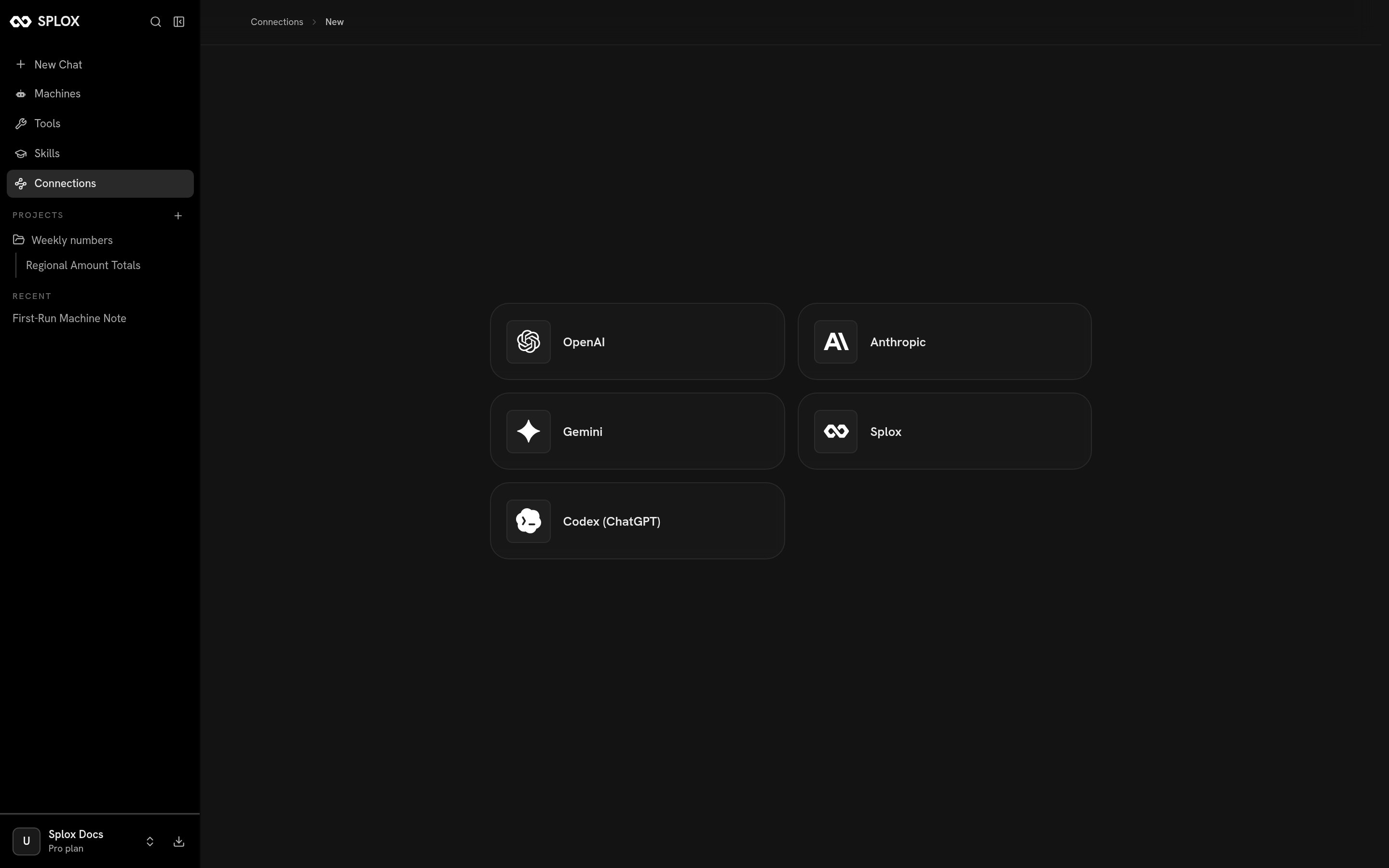
What you can connect
The key form is short: a name for the connection, the key itself, and under
Advanced a custom base URL when the endpoint is not the provider’s own.
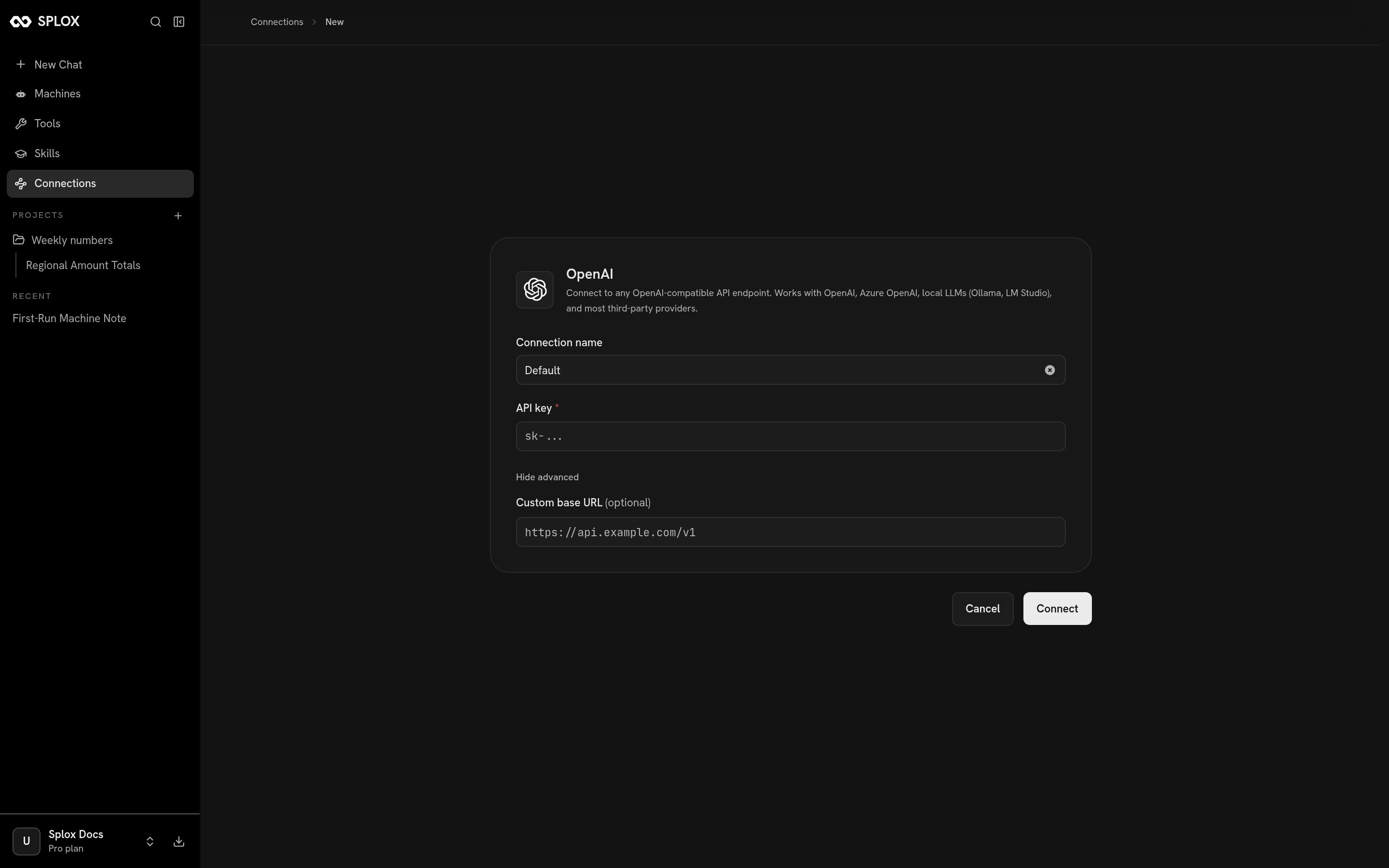
An API-key connection, with the base URL override open
What OAuth looks like here
Codex (ChatGPT) is the one that does not take a key. It routes requests through the ChatGPT subscription you already pay for: the device flow opens onchat.openai.com, you authorize there, and Splox keeps the rotating tokens for
you afterward. The button says Connect ChatGPT account and there is nothing
else to fill in.
Where the credential lives
Splox keeps the credential and uses it when a run names the endpoint. What you get in exchange is a new endpoint — the same kind of thing the platform’s own OpenAI, Anthropic, Gemini and Splox entries are. A connected endpoint turns up in two places:- In a chat, under the composer’s Advanced → Endpoint, by the name you gave it. Picking it there runs that conversation on your credential.
- In a harness, as
text_llm_endpoint_idon an agent — the id of the endpoint row, and the alternative toprovider, never its companion. The ids come from/v2/llm-endpoints.
Secrets
The second tab is for the machine rather than the model.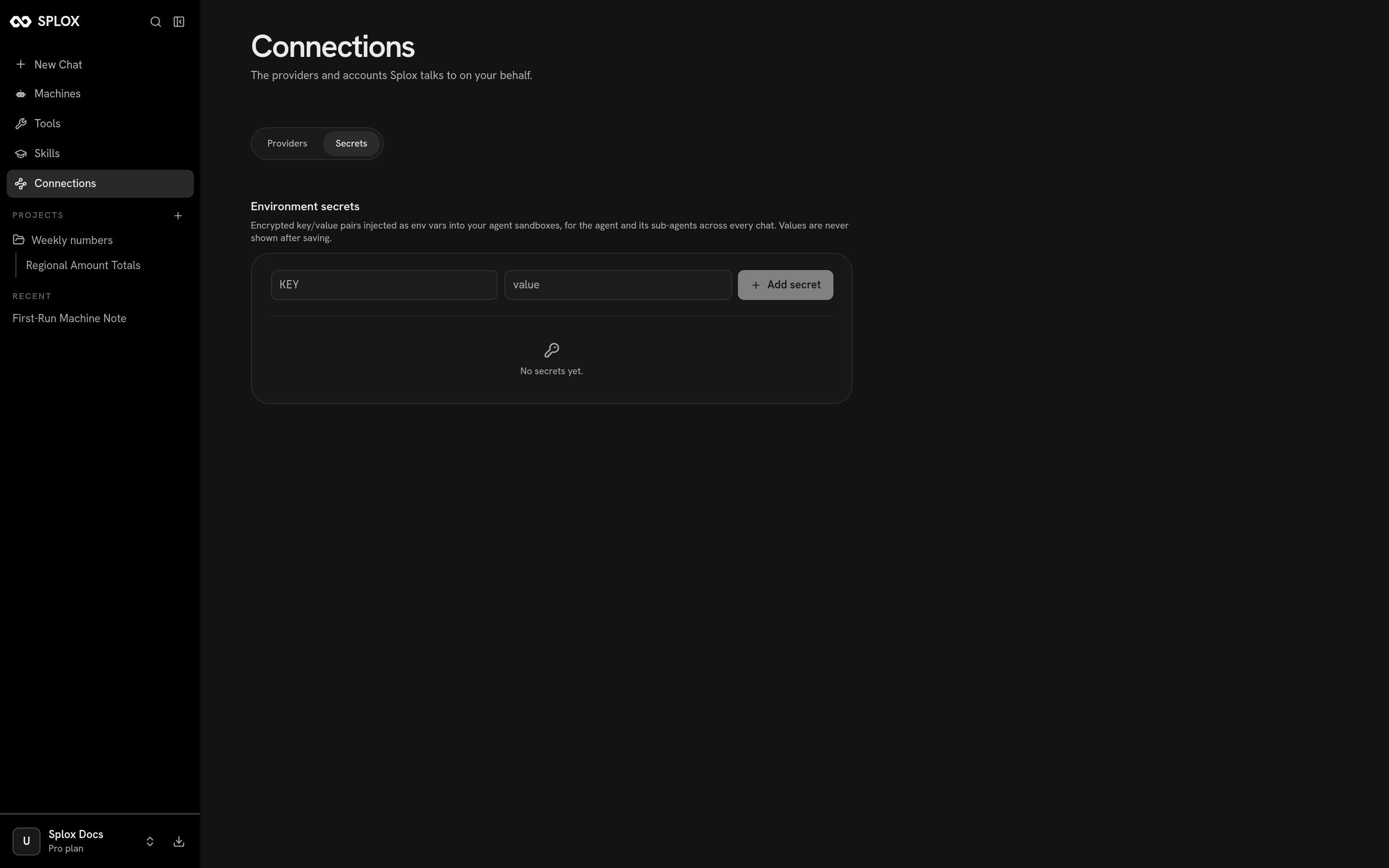
Environment secrets: key/value pairs the sandbox gets as environment variables
os.environ. Provider keys go in the Providers tab instead, because those are
used by the platform, not by your code.
Models
Which model to reach for, and what an agent’s
model and provider mean.Tools
Connecting an external service through an MCP server.