

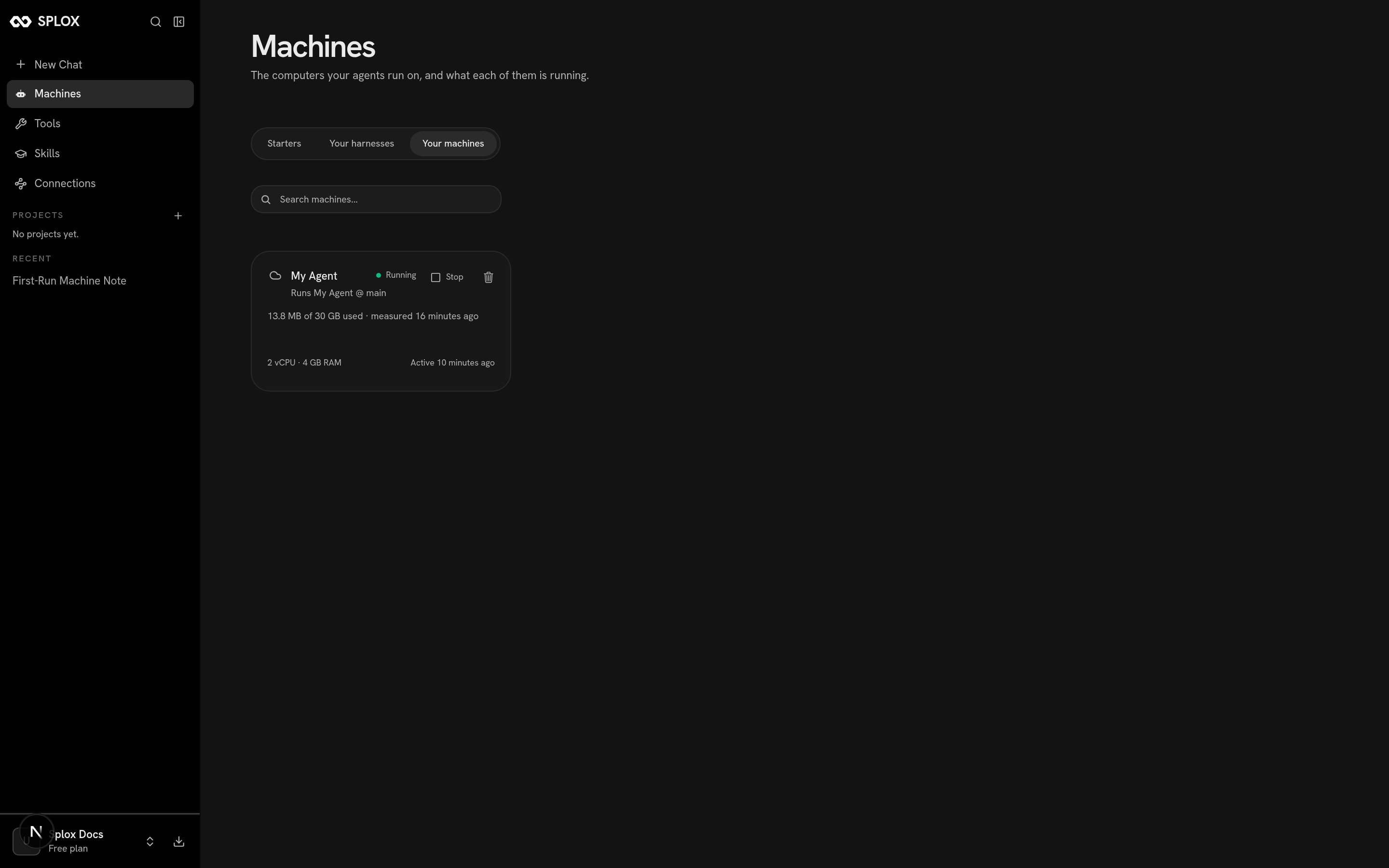
A machine: what it runs, what it has, what it has used, when it was last active
What it is
The agent’s home is/home/daytona. Inside it:
The card above reads
2 vCPU · 4 GB RAM and 13.8 MB of 30 GB used. The same
numbers come back from the app’s own API, alongside the harness the machine runs:
harness_ref is the interesting field: a machine runs one harness, at one
ref. Nothing else is checked out beside it, so there is nothing for ~/harness
to collide with and no path to disambiguate. A second harness of yours runs on a
machine of its own.
Start and stop
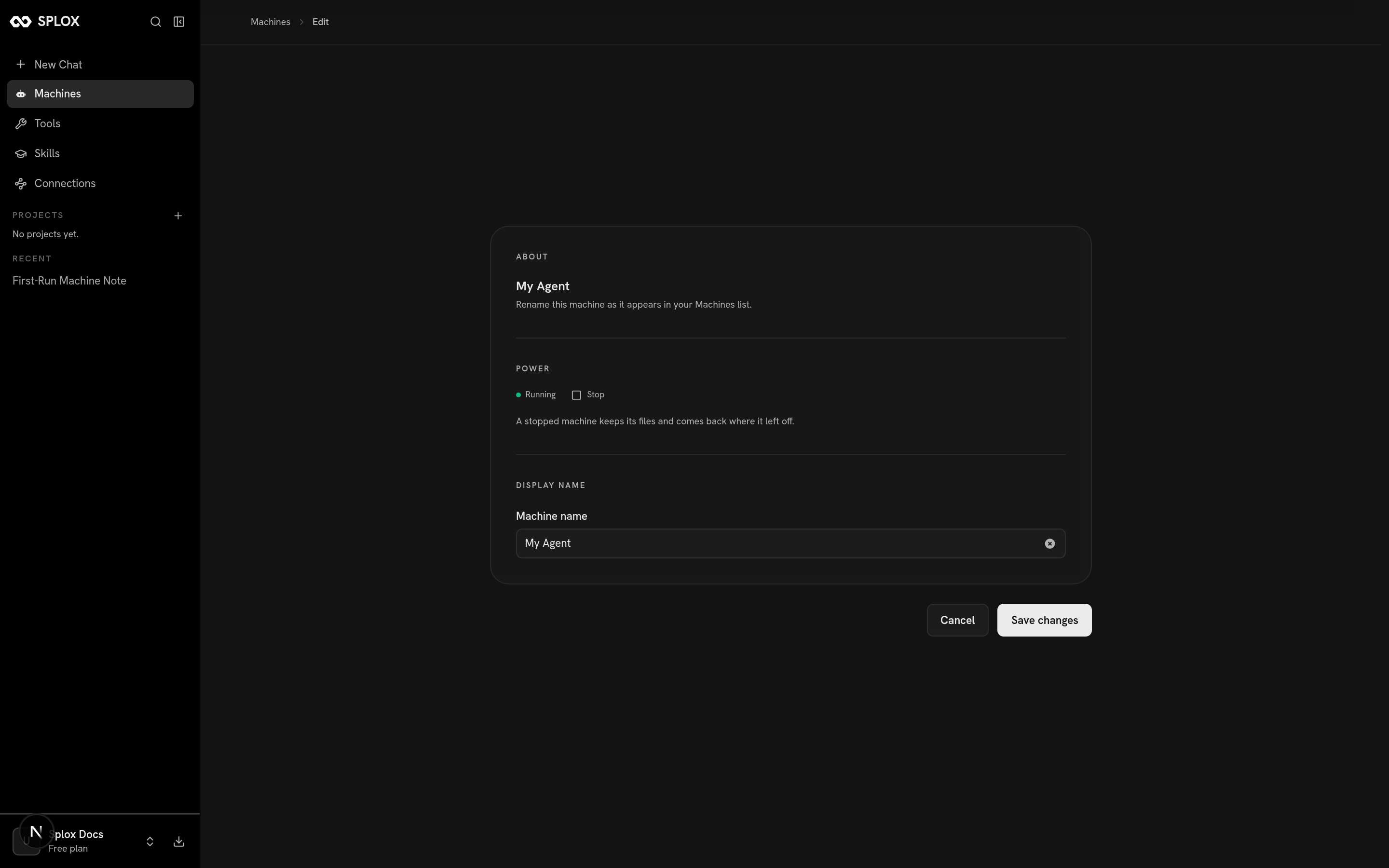
A machine's power section, from the machine page
auto_stop_minutes in the live half above is
that timer — 30 on the free plan. Starting it again is one button, or simply
sending a message.
What survives, and what does not
The projection of a published version leaves a dirty checkout alone: it will not
overwrite work sitting in the sandbox with the published commit. That is what
makes editing a tool or a prompt in place a reasonable way to develop one.
One machine, or several
A machine runs one harness. A harness can be given more than one machine — on the Your harnesses tab, the card says “Give it another computer to run on. The ones it already has stay.” — and each of those machines is a separate computer with a separate disk.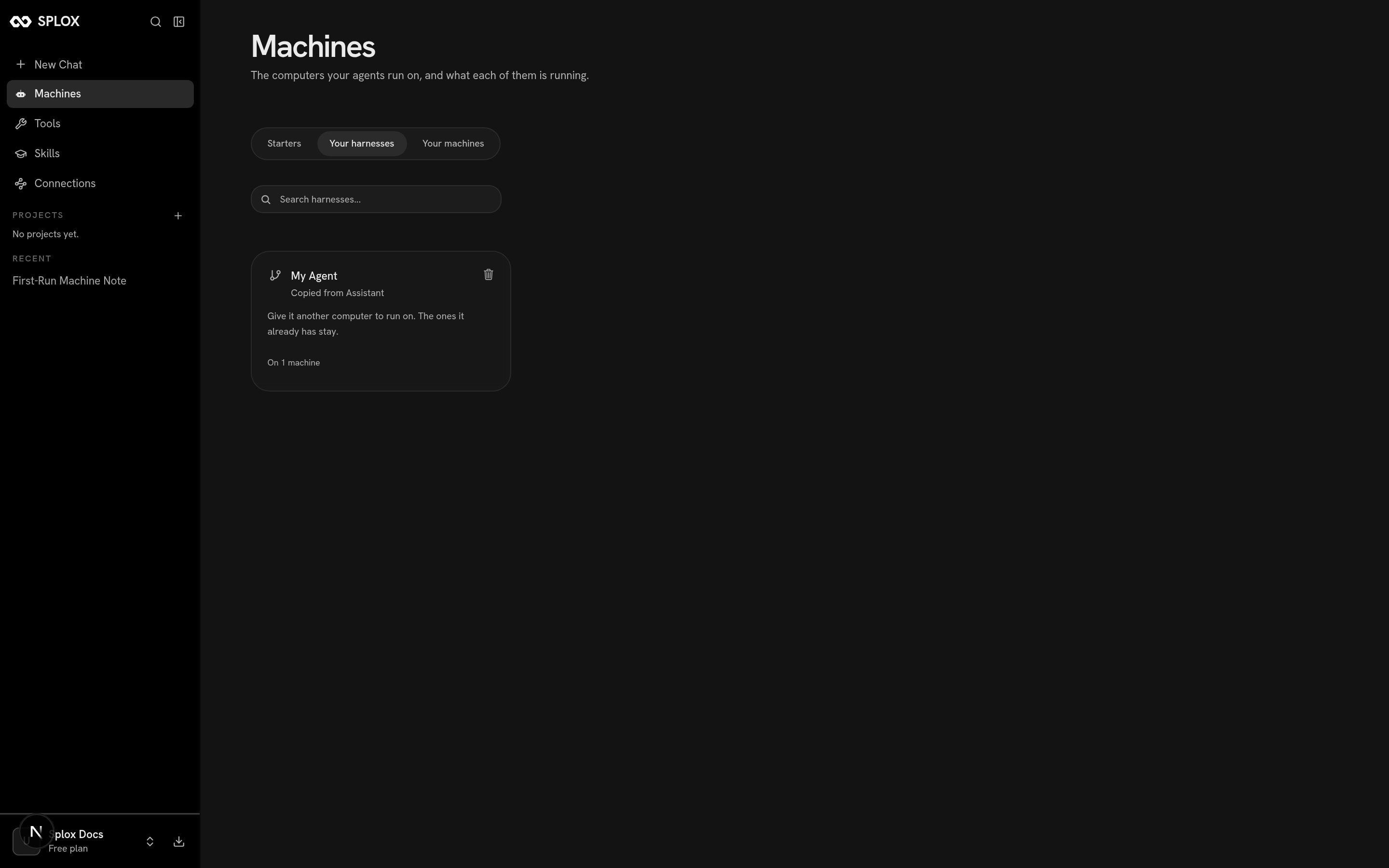
A harness, and how many machines it is on
On the free plan a machine still keeps its disk across a stop. What it does not
do is stay up while you are not talking to it, which is the thing a long-running
program needs.
Which machine a chat runs on
The picker at the top left of a chat is the machine picker, not an agent picker. It reads the machine’s name, and under it the harness and ref that machine runs.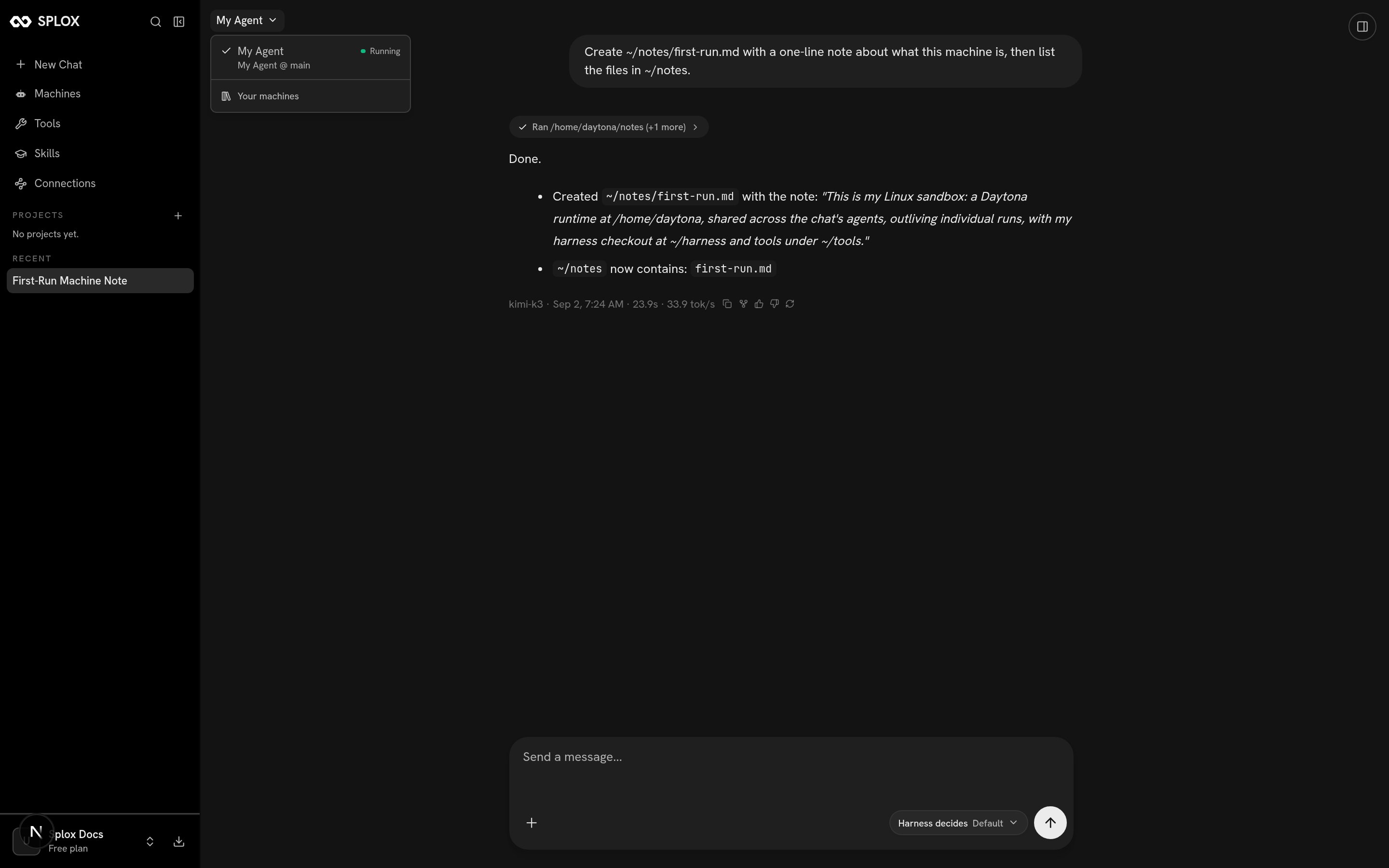
The machine picker in a chat: the name, then the harness at its ref
Harness
What the machine runs, and how a version reaches it.
Memory and what persists
The four places a fact can live between runs.