

Template Node

Purpose: Transform and format data using template expressions Template nodes process text templates with dynamic variable substitution, allowing you to format data from previous nodes.
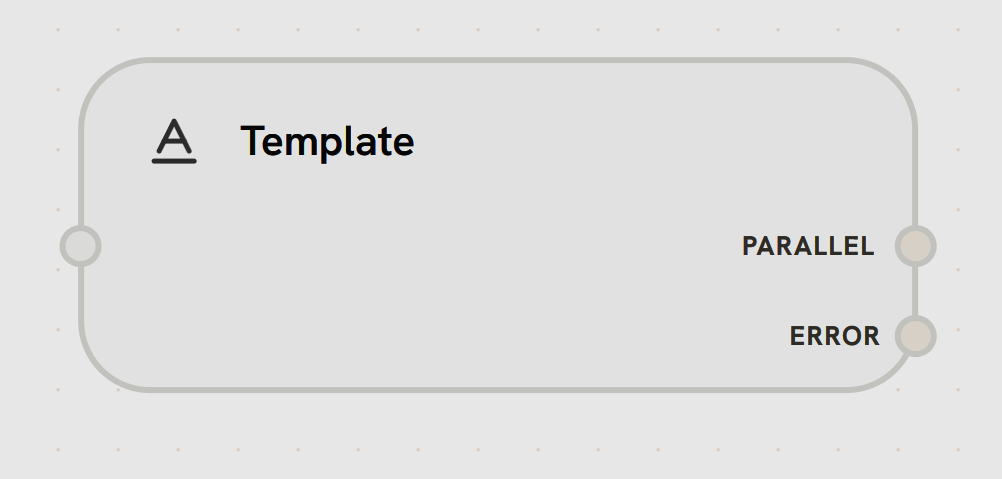
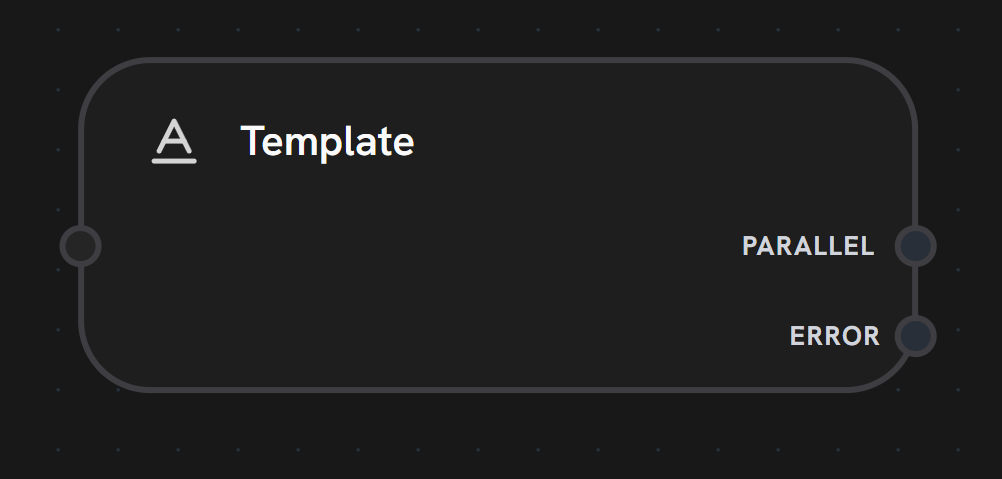
Template node visual representation
Node Handles:
Left Side - Template TriggerReceives trigger to process the template.Accepts:
  • Workflow execution flow
  • Template variables from variable mappings
  • Previous node outputs (accessed via template syntax)
Template Engine (Pongo2): Splox uses Pongo2, a Django-syntax inspired template engine, for powerful text processing.
Variable Substitution
{{ variable_name }}                    <!-- Insert variable value -->
{{ node_output.field }}                <!-- Access object fields -->
{{ data.nested.deep }}                 <!-- Access nested fields -->
{{ array.0 }}                          <!-- Access array elements -->
Example:
Hello {{ name }}, you have {{ count }} new messages.
Output Format: Template nodes return a structured object:
{
  "template": "Processed template text with all variables substituted"
}