

What are Sandboxes?
Sandboxes are persistent, isolated code execution environments that maintain state across workflow runs. Unlike ephemeral execution, sandboxes preserve files, installed packages, and running processes between invocations.Note: While sandboxes appear in the integrations browse list, they’re not a typical integration. Instead of calling external APIs, sandboxes provide persistent code execution environments—a fundamentally different capability that warrants special attention.
Persistent State
Files and data survive between workflow runs
Isolated Environment
Each sandbox is a dedicated container
Pause & Resume
Stop to save costs, resume when needed
User-Defined IDs
Retrieve the same sandbox across runs
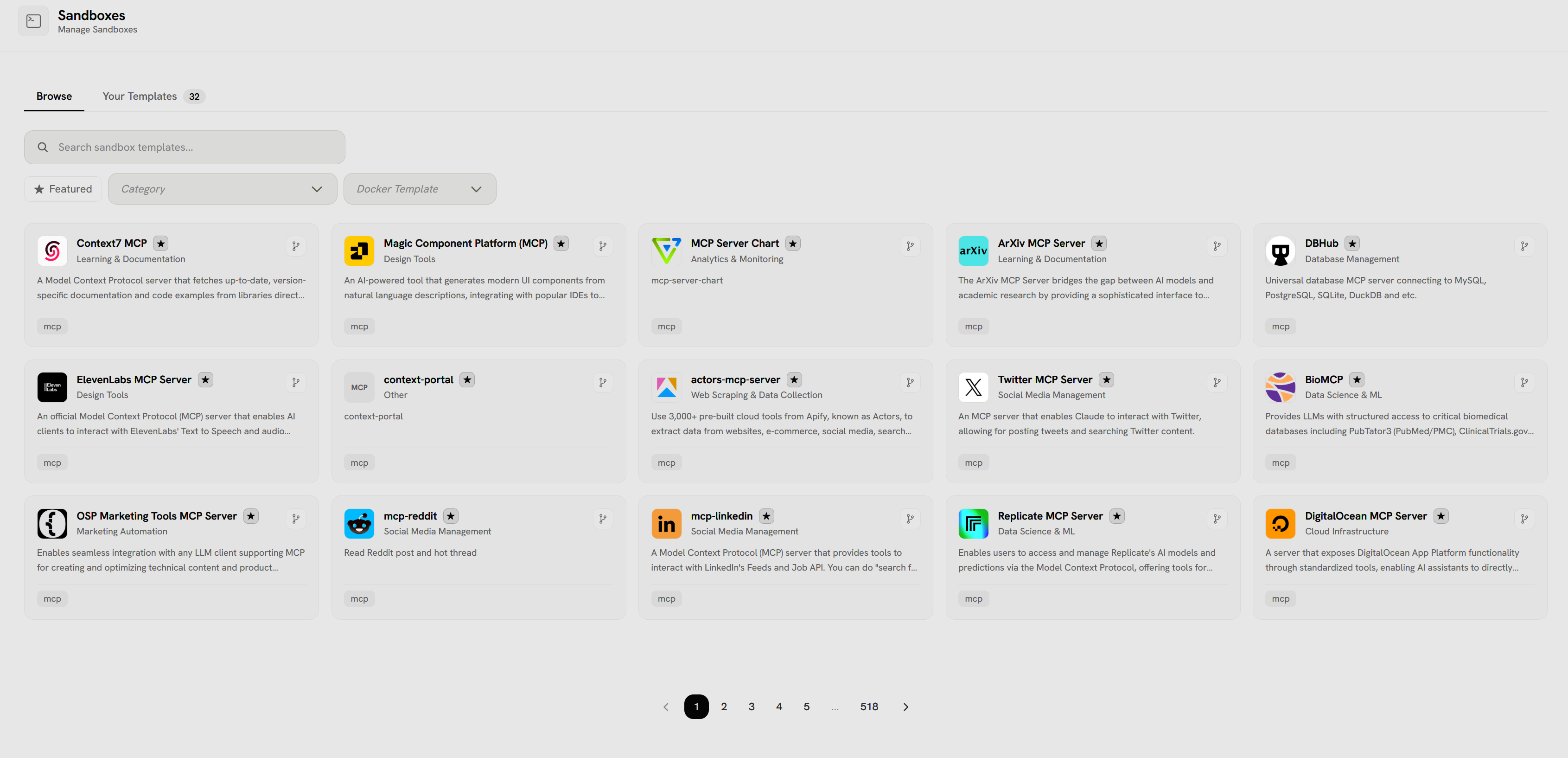
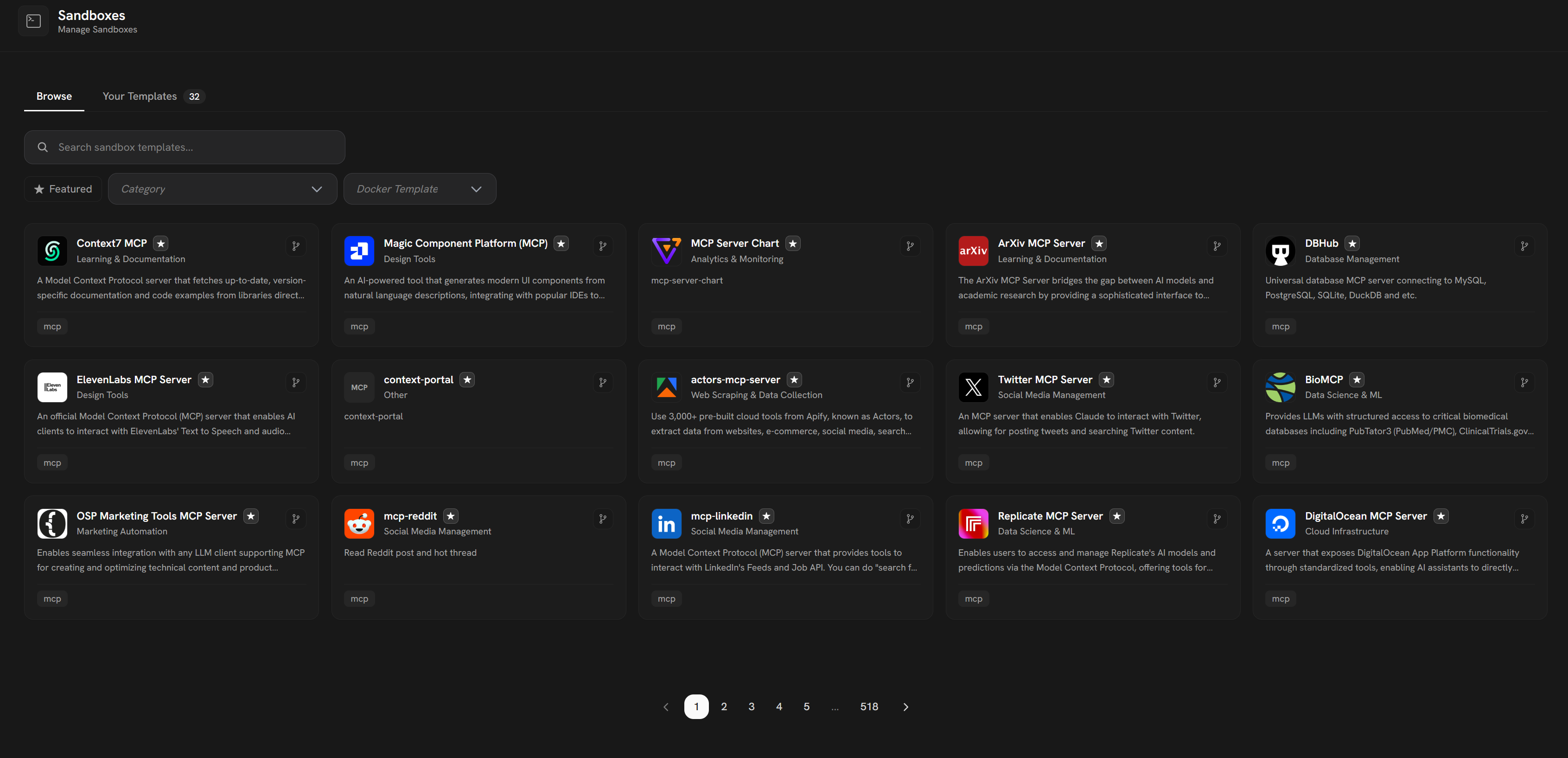
- Browse tab shows available sandbox templates (518 total)
- Your Templates tab (32) shows custom templates
- Search bar to find specific templates
- Filter options: Featured, Category, Docker Template
- Grid of template cards with:
- MCP Servers: Context7, Magic Component Platform, MCP Server Chart, ArXiv, ElevenLabs, actors-mcp-server, Twitter, Replicate, DigitalOcean
- Database Tools: DBHub (MySQL, PostgreSQL, SQLite, DuckDB)
- Data Science & ML: BioMCP (PubMed/PMC access), Replicate
- Web Scraping: actors-mcp-server (3,000+ Apify tools)
- Social Media: mcp-reddit, mcp-linkedin, Twitter MCP Server
- Marketing: OSP Marketing Tools (LLM integration)
- Other: context-portal
- Each card shows category/tags (mcp, Learning & Documentation, Design Tools, etc.)
- Star icons for featured/favorite templates
- Pin icons for template actions
How Sandboxes Work
1
Create Sandbox
Workflow creates a sandbox from a templateExample: Ubuntu 22.04 with Python 3.11 pre-installedSandbox spins up as a Docker container
2
Execute Code
Workflow sends code to sandbox for executionExample: Install packages, create files, run scriptsAll changes persist in the container
3
Save State
Files written to
/workspace are preservedExample: Download data, generate reports, store modelsState survives workflow completion4
Resume Later
Next workflow run retrieves the same sandbox by IDExample: Continue from where last run left offAll files, packages, and state intact
5
Pause When Idle
Sandbox automatically pauses after timeoutExample: After 20 minutes of inactivitySaves costs while preserving state
6
Destroy When Done
Manually destroy or auto-destroy after expirationExample: Delete after 7 days of inactivitySoft delete allows recovery
Sandbox Lifecycle
- Running
- Paused
- Destroyed
Active execution stateCharacteristics:
- Container is running
- Can execute code immediately
- Incurs compute costs
- Has timeout (auto-pauses after inactivity)
- During active workflow execution
- When frequent access is needed
- → Paused (after timeout)
- → Destroyed (manual deletion)
Sandbox Components
Sandbox Template
A template defines the base image and configuration for sandboxes. Template Properties:- Base Image: Docker image (Ubuntu, Python, Node.js, etc.)
- Pre-installed Packages: Tools, libraries, dependencies
- Environment Variables: Configuration settings
- Resource Limits: CPU, memory, disk quotas
- Python 3.11 + Data Science (pandas, numpy, scikit-learn)
- Node.js 20 + Web Tools (Playwright, Puppeteer)
- Ubuntu 22.04 + Build Tools (gcc, make, cmake)
User Sandbox Instance
An instance is a running or paused sandbox. Instance Properties:- user_defined_id: Your custom identifier (retrieve across runs)
- status: running, paused, destroyed
- timeout_at: When sandbox auto-pauses
- last_resumed_at: Last time sandbox was activated
Creating Sandboxes
In Workflows
Sandboxes are created automatically when workflows reference them:1
Add Tool Node
Add a Sandbox Execution tool node to your workflow
2
Configure Sandbox
Settings:
- Template: Choose pre-configured template
- User Defined ID: Set custom identifier
- Timeout: Set auto-pause duration (e.g., 20 minutes)
3
Write Code
Specify code to execute in the sandboxExample:
4
First Run Creates Sandbox
When workflow executes:
- Checks if sandbox with
user_defined_idexists - If not, creates new sandbox from template
- Executes code in sandbox
- Sandbox persists after workflow completes
5
Subsequent Runs Reuse Sandbox
Next workflow execution:
- Finds sandbox by
user_defined_id - Resumes sandbox (if paused)
- Executes code in same environment
- Previous files still available
Sandbox Operations
Pause Sandbox
When: Automatically after timeout or manually Effect:- Container stops
- State saved to disk
- No compute costs
- Can resume instantly
Resume Sandbox
When: Workflow needs sandbox again Effect:- Container starts from saved state
- Files and packages intact
- Execution continues
Destroy Sandbox
When: No longer needed or expired Effect:- Soft delete (can recover briefly)
- Container removed
- State lost
Use Cases
Stateful Agents
AI agents with persistent memory
- Store conversation history
- Cache knowledge bases
- Maintain tool results across sessions
- Build up state over time
Data Processing Pipelines
Incremental data processing
- Download large datasets once
- Process in chunks over multiple runs
- Store intermediate results
- Resume from last checkpoint
ML Model Training
Train and serve models
- Install ML frameworks once
- Train models incrementally
- Save checkpoints
- Load models for inference
Web Scraping
Stateful browser automation
- Maintain browser state
- Store cookies and sessions
- Cache scraped data
- Resume interrupted scrapes
Cost Optimization
Set Short Timeouts
Set Short Timeouts
Pause quickly when idle❌ Timeout: 60 minutes (wasteful)✅ Timeout: 10 minutes (saves money)Sandbox pauses soon after workflow completes
Share Sandboxes Across Workflows
Share Sandboxes Across Workflows
Destroy Unused Sandboxes
Destroy Unused Sandboxes
Clean up when done
- Manually destroy completed sandboxes
- Set auto-destroy policies
- Review sandbox list periodically
Use Lightweight Templates
Use Lightweight Templates
Choose minimal base images❌ Full Ubuntu with GUI (large, slow)✅ Alpine Linux with Python (small, fast)Faster startup, lower storage costs
Best Practices
Use Meaningful IDs
Use Meaningful IDs
Descriptive user_defined_id❌
sandbox_1✅ customer_analytics_prodEasy to identify and manageHandle Missing Files Gracefully
Handle Missing Files Gracefully
First run might not have files
Install Packages in Template
Install Packages in Template
Pre-install common dependencies
- Faster execution (no install wait)
- More reliable (no network issues)
- Better cost (install once)
Monitor Sandbox Usage
Monitor Sandbox Usage
Track costs and activity
- Review running sandboxes regularly
- Check timeout settings
- Monitor storage usage
- Set alerts for long-running sandboxes
Troubleshooting
Sandbox Creation Failed
Sandbox Creation Failed
Symptoms: Can’t create sandboxSolutions:
- Check template exists and is valid
- Verify account has sandbox quota
- Try different template
- Check network connectivity
Files Not Persisting
Files Not Persisting
Symptoms: Files disappear between runsSolutions:
- Ensure writing to
/workspace/ - Check disk space limits
- Verify sandbox not being destroyed
- Check if using correct
user_defined_id
Sandbox Timeout Too Short
Sandbox Timeout Too Short
Symptoms: Sandbox pauses during executionSolutions:
- Increase timeout setting
- Optimize code to run faster
- Split work into smaller chunks
- Use manual pause/resume
High Storage Costs
High Storage Costs
Symptoms: Unexpected storage billsSolutions:
- Check sandbox count and sizes
- Clean up old files in /workspace
- Destroy unused sandboxes
- Compress large data files