

Stop Node
Purpose: Force-terminate subflow execution immediately Stop nodes set aForceFinish flag that exits the subflow loop, regardless of max_iterations.
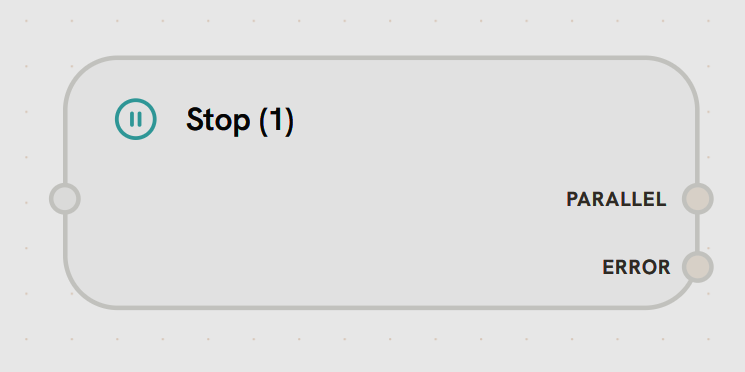
- Input Handle
Left Side - Force Termination TriggerReceives signal to immediately terminate subflow execution.Accepts:
- Final output data before termination
- Completion signal from tools (e.g., “send_final_response”)
- Error conditions requiring immediate exit
- Immediate Termination: Stops all remaining iterations in the subflow
- Return to Parent: Parent workflow continues from the node after the subflow
- Iteration Override: Bypasses max_iterations check
- Last Output Returned: Returns the output from the most recent completed iteration
- Agent completes task and calls “send_final_response” tool → Stop
- Error condition requires immediate exit
- Task completion detected (no need for more iterations)
- Resource limits reached
- In Subflows
- In Main Workflows
Stops the entire subflow iteration loopEven if max_iterations = 10, the Stop Node immediately terminates the subflowParent workflow resumes immediately from the node after the subflow