

Error Edges
Purpose: Handle errors and failures in workflow execution Error edges create alternative paths for when nodes fail, enabling graceful error handling and recovery.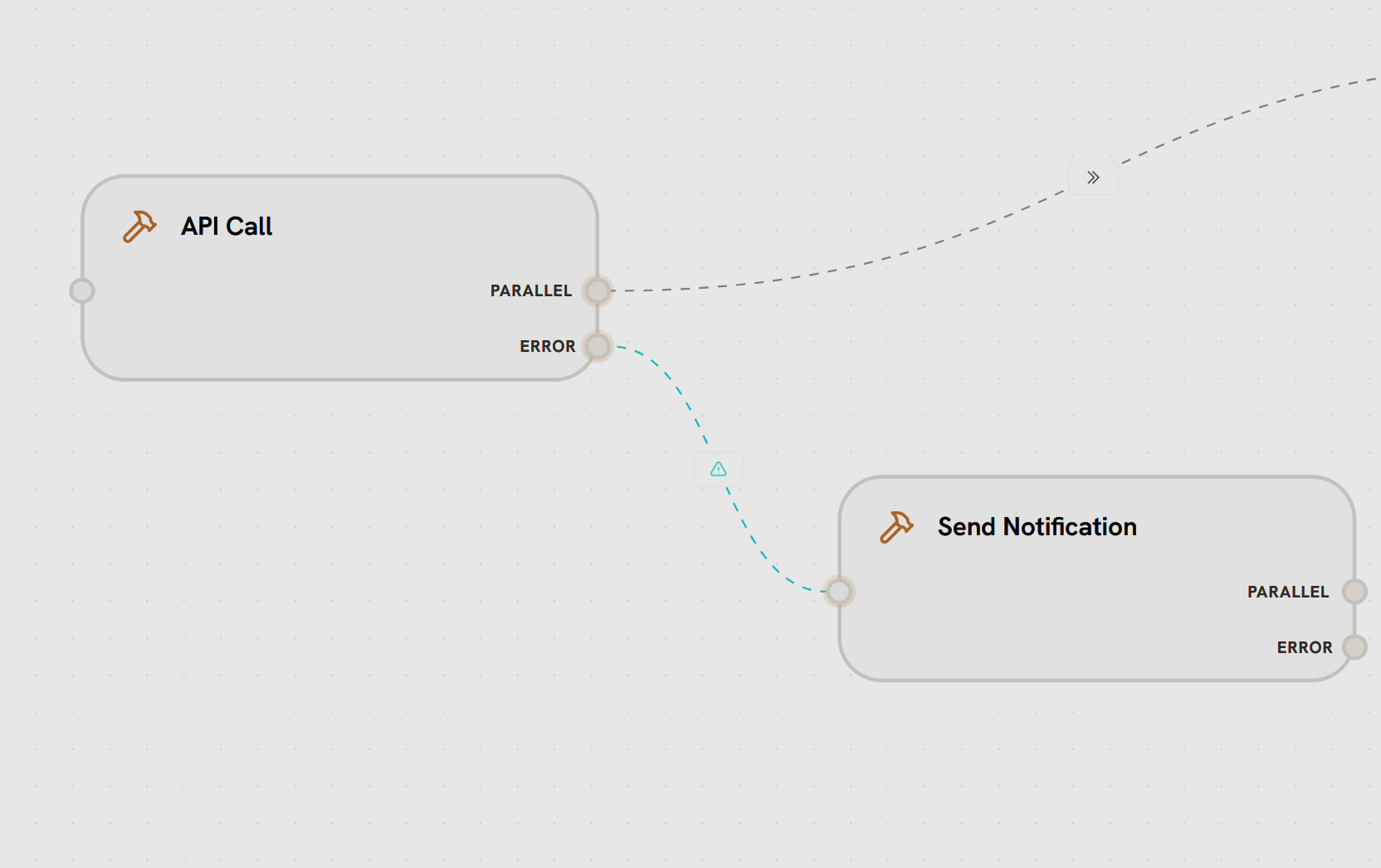
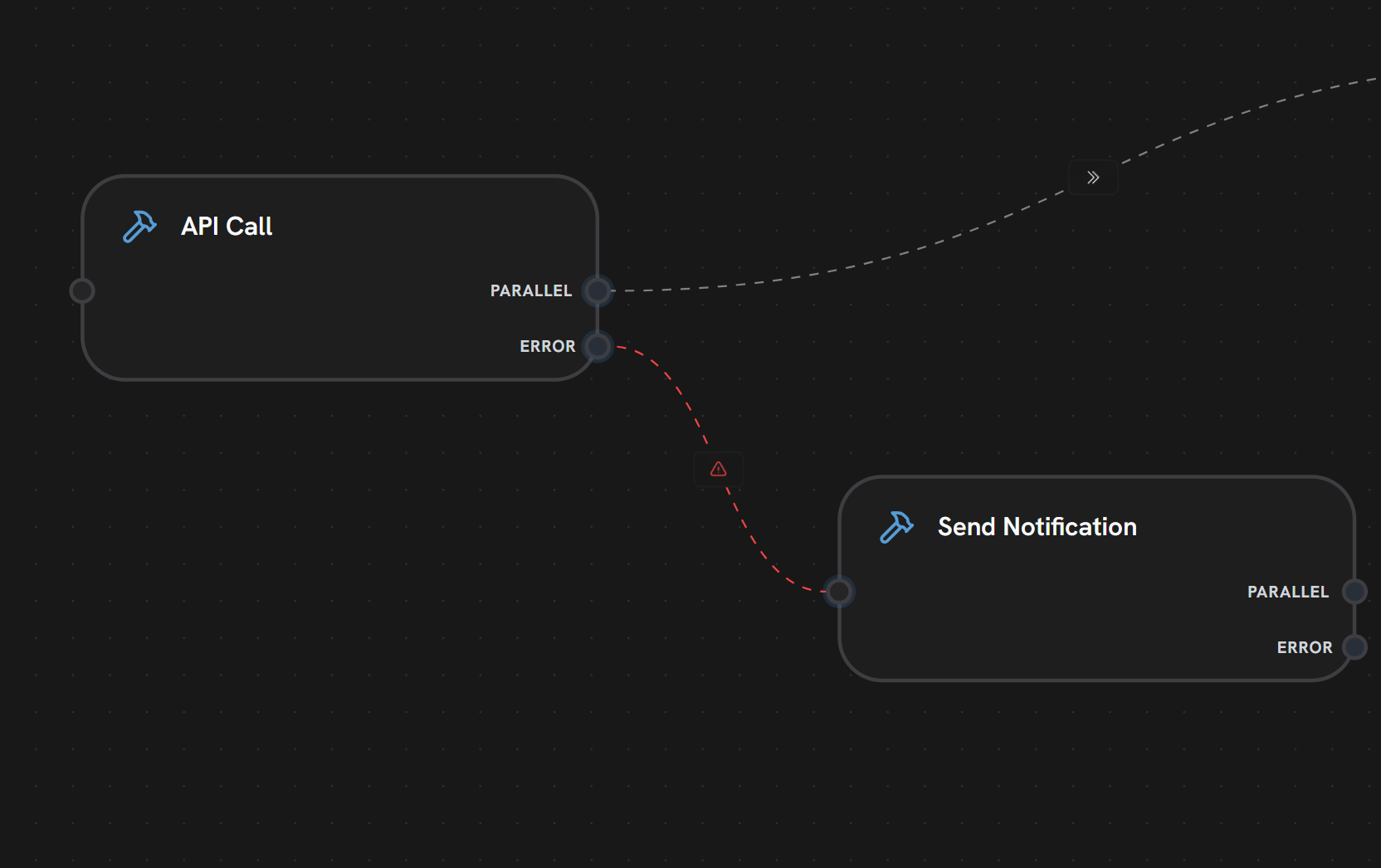
- API Call node has both PARALLEL and ERROR output handles
- PARALLEL edge (gray dashed) routes to success path (shown partially)
- ERROR edge (red dashed line with warning icon) connects to Send Notification
- If API Call fails, execution follows the red error edge
- Send Notification handles the failure (alerting, logging, recovery)
- Visual Style: Red dashed line with warning icon ⚠️
- Failure Routing: Activates only when source node fails
- Separate Path: Distinct from normal execution flow
- Error Data: Passes error information to handler node
1
Node Execution
Source node attempts to execute
2
Failure Detected
Node execution fails (API error, timeout, etc.)
3
Error Edge Activated
Instead of normal edges, error edge is followed
4
Handler Execution
Error handler node receives error details
5
Recovery
Handler can retry, alert, or gracefully fail
- API failure handling
- Retry logic
- Alerting and notifications
- Graceful degradation
- Error logging
What’s Next?
All Nodes
See which nodes support error handles
Parallel Edges
Learn about standard execution flow
Conditional Edges
Route based on conditions
Best Practices
View all edge patterns and practices