

Overview
Variable mappings are a fundamental feature in Splox that allow nodes to access and reference data from previous nodes in the workflow. All node types support variable mappings.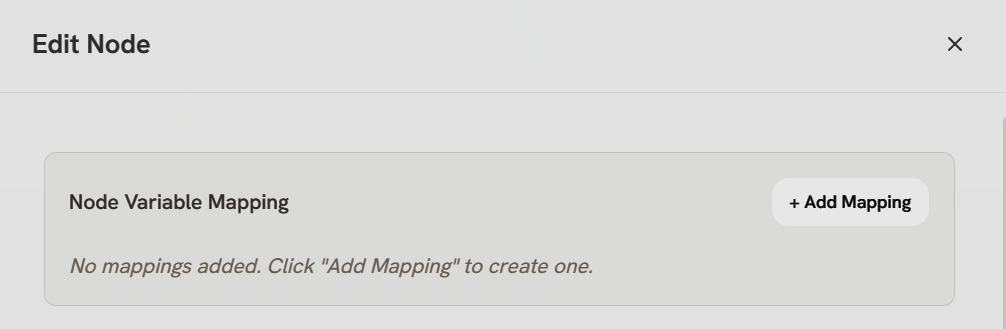
How Variable Mappings Work
1
Select Source Node
Choose which previous node’s output you want to accessAvailable nodes: Any node that has already executed in the workflow
2
Define Mapping Name
Give the mapping a name to reference in templatesExample:
user_data, api_response, search_results3
Use in Templates
Reference the mapped data using Jinja2 template syntaxSyntax:
{{ mapping_name.field }}Configuration Structure
Variable mappings are stored in the node configuration:Template Syntax (Jinja2)
Once mapped, use Jinja2 syntax to access the data:- Basic Access
- Filters
- Conditionals
- Loops
Reference mapped variables
Nodes That Support Variable Mappings
All node types support variable mappings, allowing you to reference data from previous nodes throughout your entire workflow.Entry Node
Entry Node
- Access trigger data (
{{ start.text }},{{ start.chat_id }},{{ start.files }}) - Reference workflow inputs and webhook payloads
Agent Node
Agent Node
- Include context in system prompts and user messages
- Reference outputs from previous nodes for dynamic instructions
Tool Node
Tool Node
- Pass data as tool parameters and inputs
- Reference upstream outputs for dynamic tool arguments
Switch Node
Switch Node
- Use in condition evaluation and branching logic
- Reference data to determine which branch to follow
Merge Node
Merge Node
- Access merged data from parallel branches
- Reference outputs from all converging paths
Variable mappings are a universal feature in Splox. Every node can access outputs from any previously executed node in the workflow.
Common Use Cases
API Response Formatting
Map API node output and format for LLM consumption
User Context
Pass user information between nodes
Conditional Logic
Make decisions based on previous outputs
Data Transformation
Transform data formats between nodes
Jinja2 Documentation: Splox uses the Gonja template engine (Jinja2 for Go). Full syntax reference: https://github.com/NikolaLohworkarinski/gonja
What’s Next?
Agent Node
Use variable mappings in Agent system prompts
Tool Node
Pass dynamic data to tool parameters
Switch Node
Reference data in Switch node conditions
Entry Node
See what data the entry node provides