

Overview
Data processing nodes transform, format, and prepare data as it flows through workflows.Template Node
Transform and format data using Pongo2 template expressions
Template Node
Purpose: Transform and format data using template expressions Template nodes process text templates with dynamic variable substitution, allowing you to format data from previous nodes.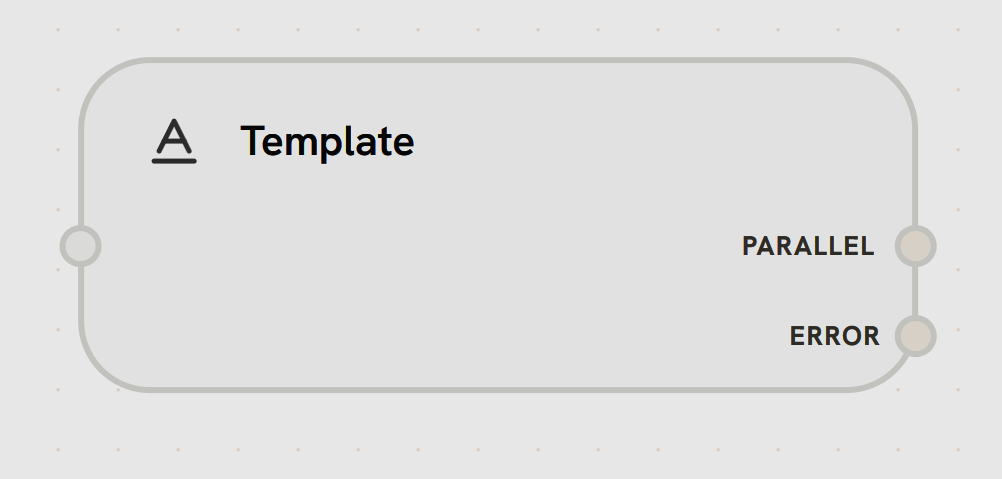
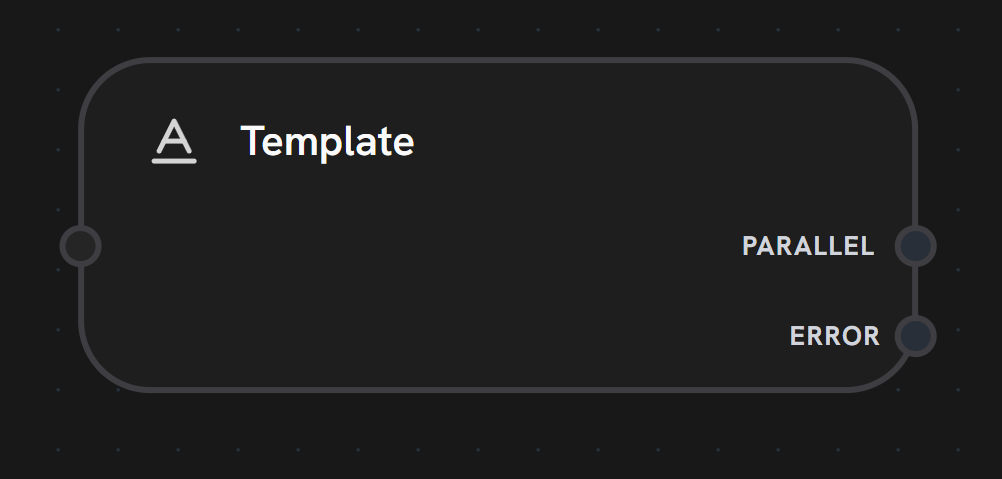
- Input Handle
- Output Handles
Left Side - Template TriggerReceives trigger to process the template.Accepts:
- Workflow execution flow
- Template variables from variable mappings
- Previous node outputs (accessed via template syntax)
Template Engine (Pongo2)
Splox uses Pongo2, a Django-syntax inspired template engine, for powerful text processing.- Basic Syntax
- Filters
- Control Flow
Variable SubstitutionExample:
Variable Mappings
Template nodes access data through variable mappings that reference previous nodes:Output Format
Template nodes return a structured object:Use Cases
API Response Formatting
Format API responses for display or LLM consumption
Dynamic Messages
Generate personalized messages with user data
Email Content
Build email/notification content from data
Data Combination
Combine data from multiple nodes into formatted output