

Overview
AI nodes form the intelligence layer of Splox workflows, enabling LLM-powered reasoning and tool-based actions.LLM Node
Execute AI model completions with tool calling and memory
Tool Node
Execute operations, call APIs, and integrate with external services
LLM Node
Purpose: Execute AI model completions with tool calling, streaming, and memory The LLM node is the core of agentic workflows, enabling AI models to generate responses, make decisions, and use tools.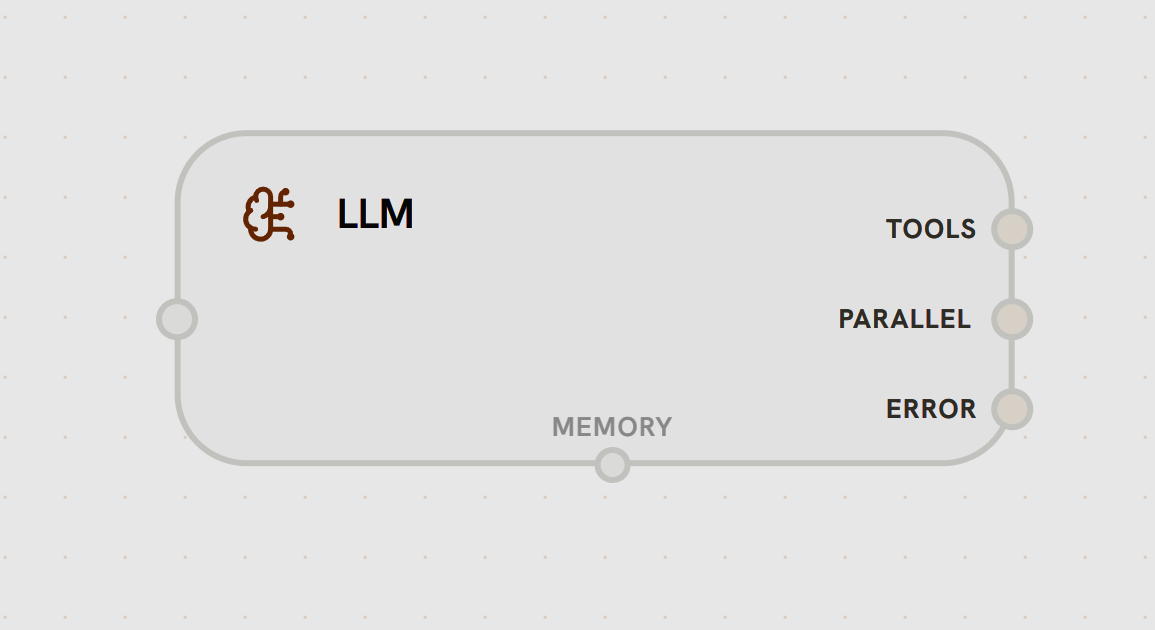
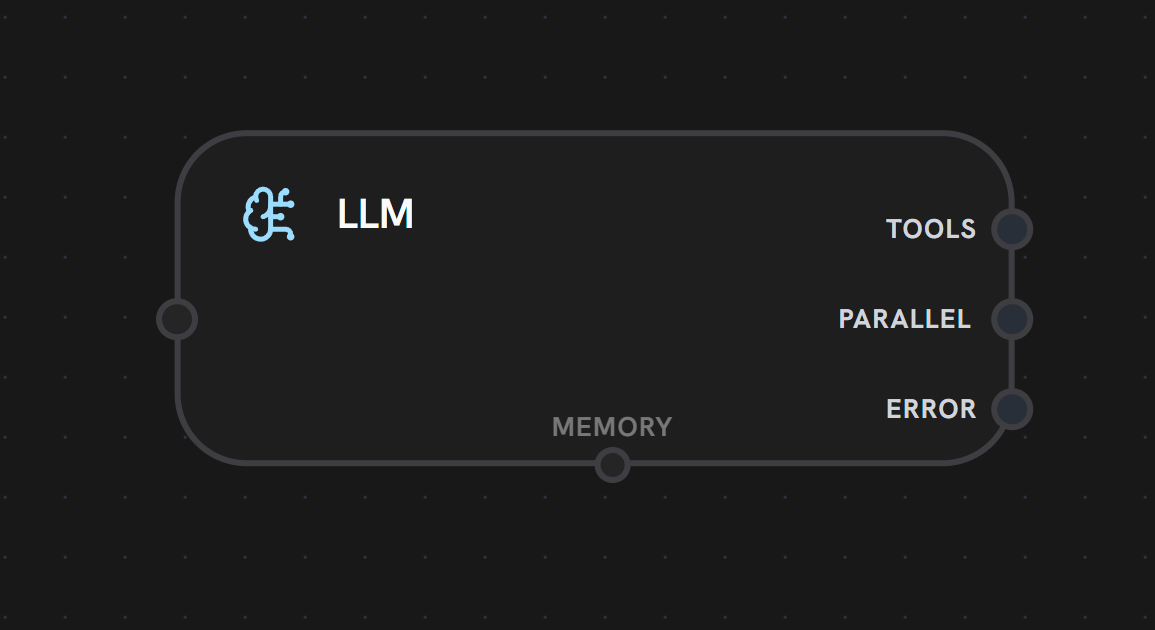
- Input Handle
- Output Handles
Left Side - Main InputReceives data from previous nodes in the workflow. This is the primary execution trigger and data source for the LLM.Accepts:
- Workflow context
- User input/messages
- Previous node outputs
- Template variables
- Model Execution
- Tool Calling
- Memory Integration
- Multi-Provider Support: OpenAI, Anthropic, OpenRouter, custom providers
- Model Selection: Choose from hundreds of models
- System Prompts: Define AI behavior with template variables
- Streaming: Real-time response generation
- Temperature Control: Adjust creativity vs. consistency
- Customer support agents with CRM tools
- Research assistants with web search
- Code generation with execution sandboxes
- Content creation with multi-step refinement
Tool Node
Purpose: Execute operations, call APIs, run code, and integrate with external services Tool nodes enable LLMs to take actions in the real world.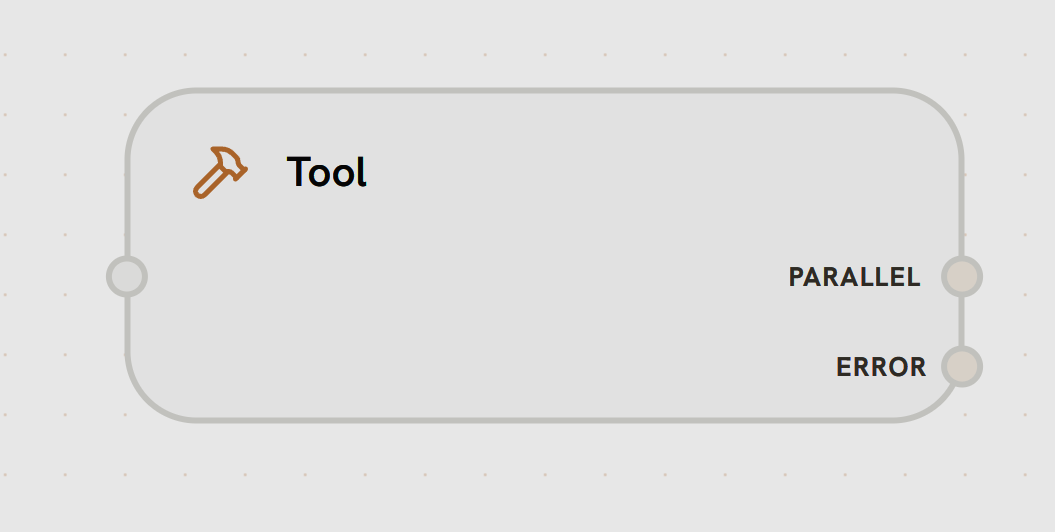
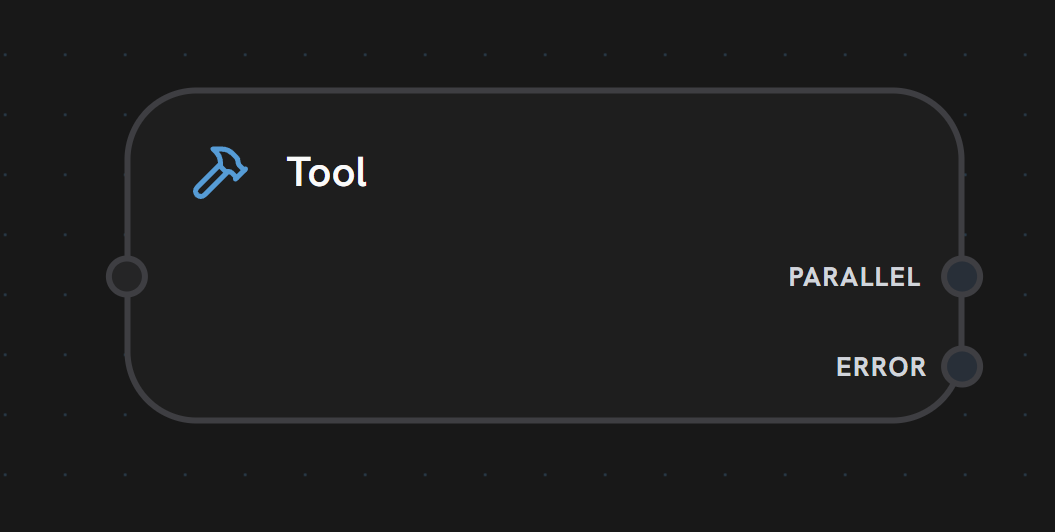
- Input Handle
- Output Handles
Left Side - Tool Call InputReceives tool call requests from LLM nodes or other workflow nodes.Accepts:
- Tool call parameters from LLM
- Direct invocation data
- Workflow context variables
Operations Tools
Operations Tools
Execute platform-specific operations (API calls, database queries, etc.)Features:
- OAuth integration support
- Dynamic credential management
- Input/output schema validation
- Rate limiting and retry logic
Custom Tools
Custom Tools
Execute custom JavaScript/Python code with user-defined logicFeatures:
- Full language support
- Access to workflow context
- Timeout protection
- Error handling and logging
MCP Tools
MCP Tools
Model Context Protocol servers for standardized tool interfacesFeatures:
- Server-side tool execution
- Stateful connections
- Resource access patterns
- Prompt injection protection
Workflow Tools
Workflow Tools
Trigger other workflows as sub-tasksFeatures:
- Specify target workflow and start node
- Pass input data programmatically
- Wait for completion or run async
- Access sub-workflow outputs
Sandbox Tools
Sandbox Tools
Execute code in isolated E2B sandboxesFeatures:
- User-defined sandbox templates
- Persistent sandbox instances
- File system access
- Package installation
- Automatic inactivity pausing
LLM Tool Integration
When connected to an LLM node, tools become automatically available to the AI model:Tool Calling Behavior
- Outside Subflows
- Inside Subflows
Tool executes independently - no feedback loopWhen an LLM node is in the main workflow (not in a subflow), tool execution is one-directional:
- LLM analyzes the request
- Decides which tool to use (if any)
- Calls the selected tool
- Tool executes and completes
- Workflow continues to next node (tool results don’t return to LLM)
The ability to call tools multiple times is enabled by the subflow loop, not the LLM node itself. Outside subflows, tools execute independently without returning results to the LLM.