

Overview
Execution nodes control the fundamental flow of workflow execution—where workflows begin, where iterations end, and how subflows terminate.Start Node
Entry point for workflow execution
End Node
Complete iterations or workflow
Stop Node
Force-terminate subflows immediately
Start Node
Purpose: Entry point for workflow execution Every workflow must have at least one start node. When a workflow is triggered, execution begins at the specified start node.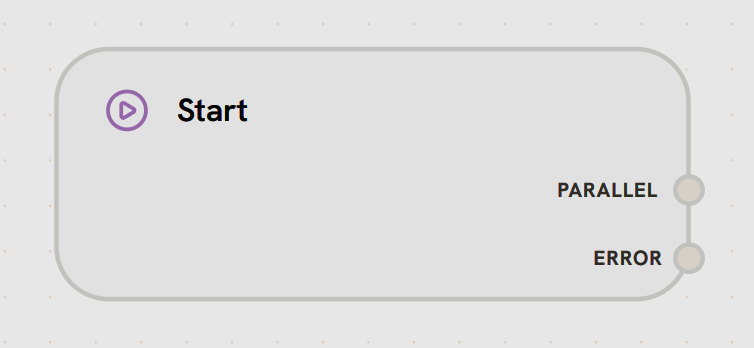
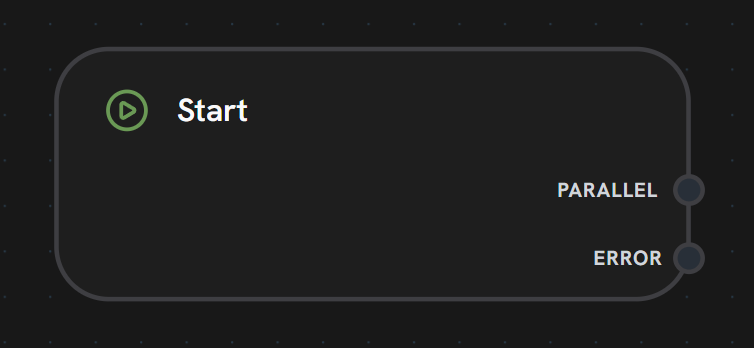
- Output Handles
Right Side Handles:
- PARALLEL: Main output path after trigger activation
- Fires when workflow starts
- Passes trigger input data to next nodes
- Enables workflow execution to begin
- ERROR: Error handling path for trigger failures
- Activated if trigger validation fails
- Passes error details for logging
- Allows error recovery at workflow start
- Multiple start nodes supported for multi-entry workflows
- Receives input data from workflow triggers
- Controls maximum trigger calls to prevent infinite loops
- Passes initial data to connected nodes via PARALLEL handle
- Error handling via ERROR handle for failed triggers
- API endpoint entry points
- Scheduled task triggers
- Manual workflow execution
- Multi-agent workflow initialization
End Node
Purpose: Marks the end of a single iteration (in subflows) or workflow completion (in main workflows)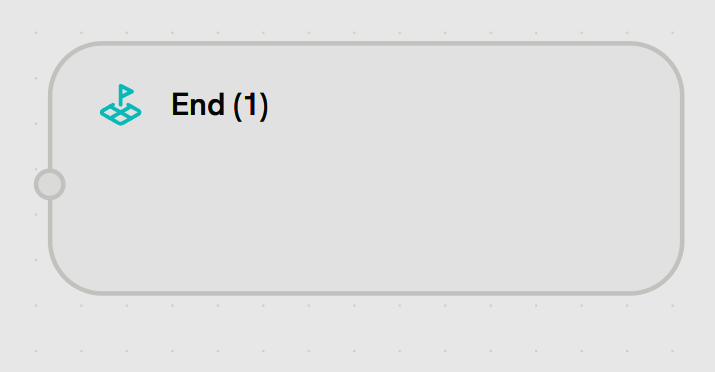
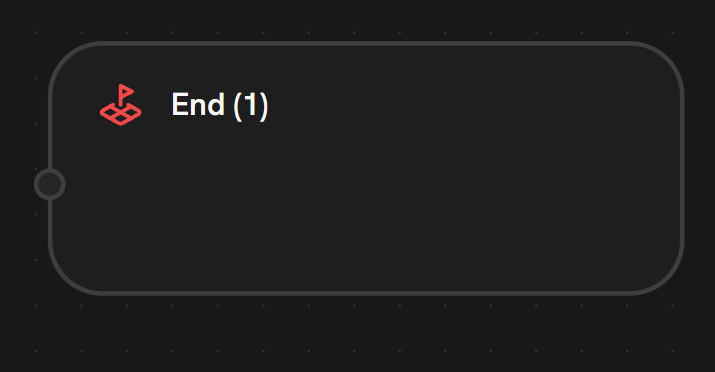
- Input Handle
- Output Handle
Left Side - Iteration/Workflow EndReceives data marking the end of execution flow.Accepts:
- Final output data from workflow/iteration
- Results to return to parent workflow (in subflows)
- Data to pass to next iteration (in loops)
- Multiple end nodes supported (different exit points)
- In main workflows: Marks workflow completion and returns output
- In subflows: Marks end of one iteration, loop may continue
- Output data passed to next iteration or parent workflow
End Node vs Stop Node in Subflows
- End Node: Completes the current iteration. If more iterations remain, execution loops back to Start Node.
- Stop Node: Immediately terminates the entire subflow, regardless of remaining iterations.
Stop Node
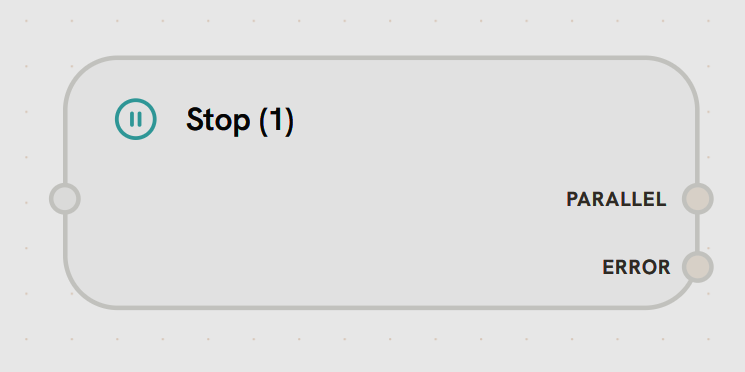
Purpose: Force-terminate subflow execution immediately Stop nodes set aForceFinish flag that exits the subflow loop, regardless of max_iterations.
- Input Handle
Left Side - Force Termination TriggerReceives signal to immediately terminate subflow execution.Accepts:
- Final output data before termination
- Completion signal from tools (e.g., “send_final_response”)
- Error conditions requiring immediate exit
- Immediate Termination: Stops all remaining iterations in the subflow
- Return to Parent: Parent workflow continues from the node after the subflow
- Iteration Override: Bypasses max_iterations check
- Last Output Returned: Returns the output from the most recent completed iteration
- Agent completes task and calls “send_final_response” tool → Stop
- Error condition requires immediate exit
- Task completion detected (no need for more iterations)
- Resource limits reached
- In Subflows
- In Main Workflows
Stops the entire subflow iteration loopEven if max_iterations = 10, the Stop Node immediately terminates the subflowParent workflow resumes immediately from the node after the subflow