

Overview
Memory nodes enable stateful conversations by storing and retrieving chat history for LLM nodes.Chat Memory Node
Store and retrieve conversation history with automatic trimming and summarization
Chat Memory Node
Purpose: Manage chat history and conversation context Memory nodes store and retrieve conversation history for LLM nodes, enabling stateful conversations.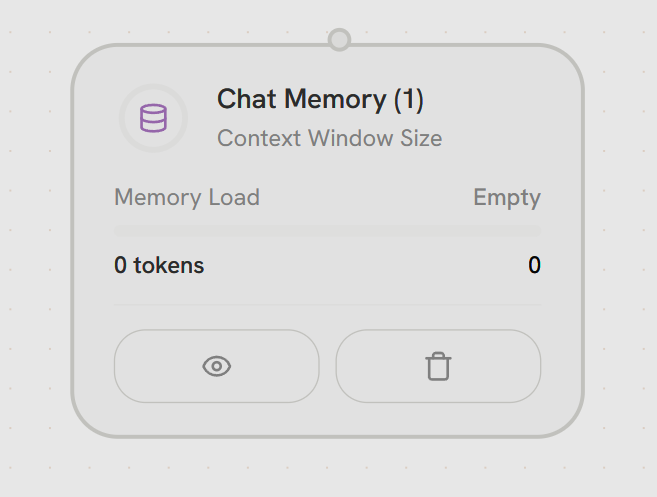
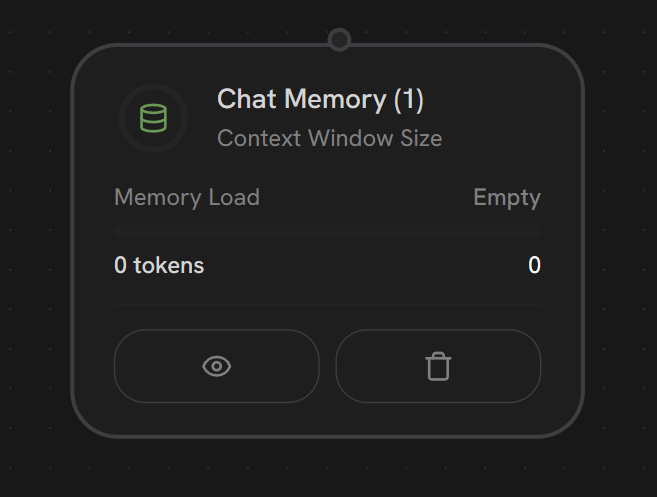
- Memory Connection
Top - Memory HandleConnects to LLM node’s MEMORY handle (bottom) for bidirectional communication.Functionality:
- Reads: Retrieves existing conversation history for LLM context
- Writes: Stores new messages after LLM execution
- Bidirectional: Both input and output through single connection
- LLM requests history → Memory provides messages
- LLM generates response → Memory stores new message
Memory nodes use a special bidirectional connection to the LLM’s MEMORY handle. They don’t have traditional PARALLEL or ERROR output handles - the memory connection handles all data flow.
Memory Limit Types
- Message Limit
- Token Limit
- Custom Messages
Keep last N messages
- Simple message-based trimming
- Maintains recent context
- Predictable memory usage
Summarization
When messages are trimmed, enable summarization to condense old context:External Chat IDs
Memory nodes use external chat IDs to group conversations:- Multi-user conversations
- Session management
- Conversation history across workflow executions
- Isolated contexts per user/session