

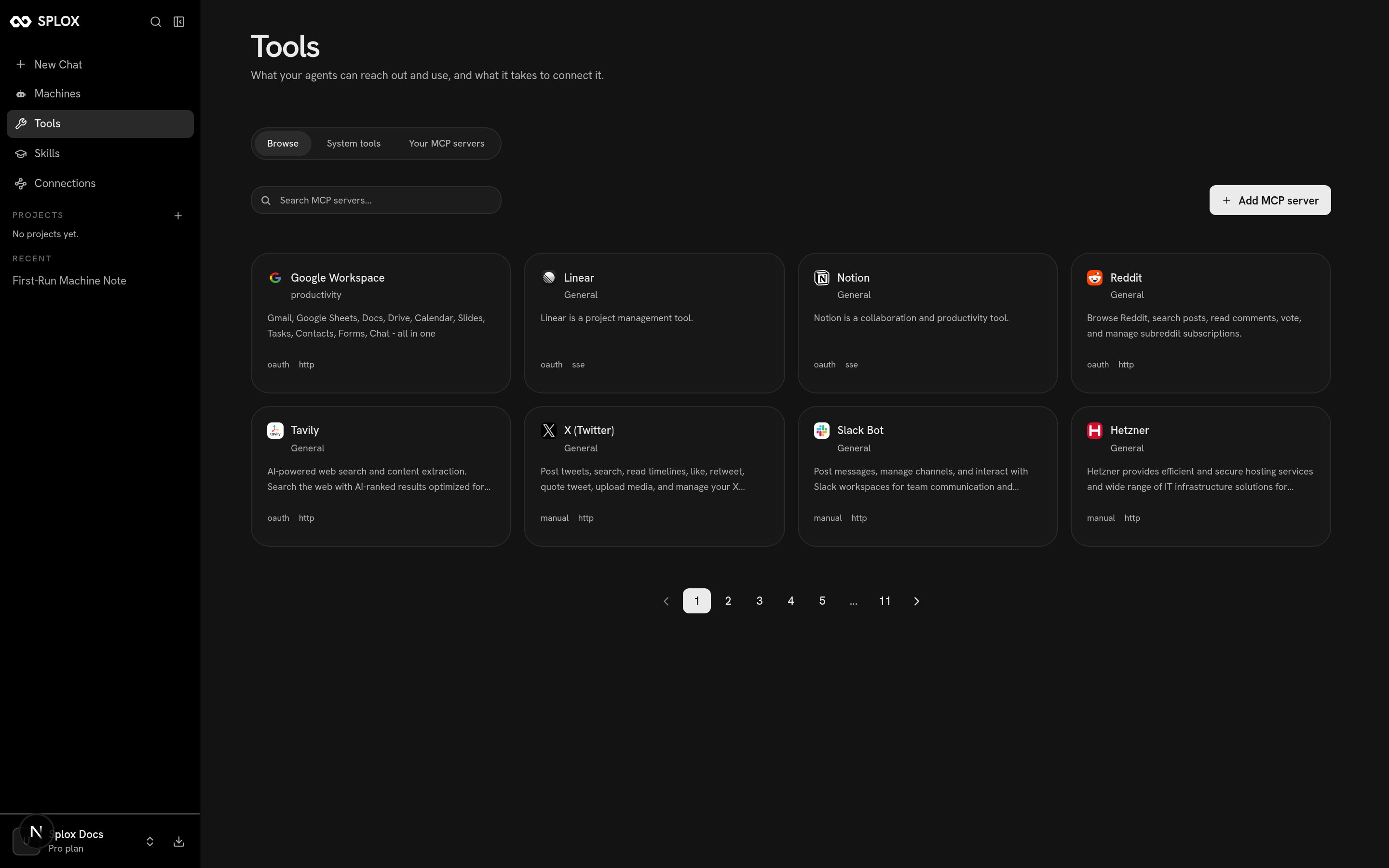
The catalog: name, category, description, auth type and transport
What a catalog entry is
An entry is a server somebody else runs, plus everything Splox needs to reach it on your behalf. This is one, as the app fetches it:string
http or sse. How Splox speaks to the server. The catalog knows the right
one; you only choose it when you add a server of your own.string
oauth — you are redirected to the provider and come back with a token.
manual — you paste API keys into named fields. Either way the credential is
held by the platform, not by your harness. See Connections.mcp.splox.io/reddit/mcp),
some are the vendor’s own server (mcp.linear.app/sse, mcp.notion.com/sse).
The distinction does not change anything about how you use it.
per_page is capped at 20 by the server, whatever you ask for. Page through with
page=, or use the search box in the app.Adding one
Click the card. You get a page that shows what the server is, the URL it lives at, and a form for the one thing Splox does not already know — who you are on the other side.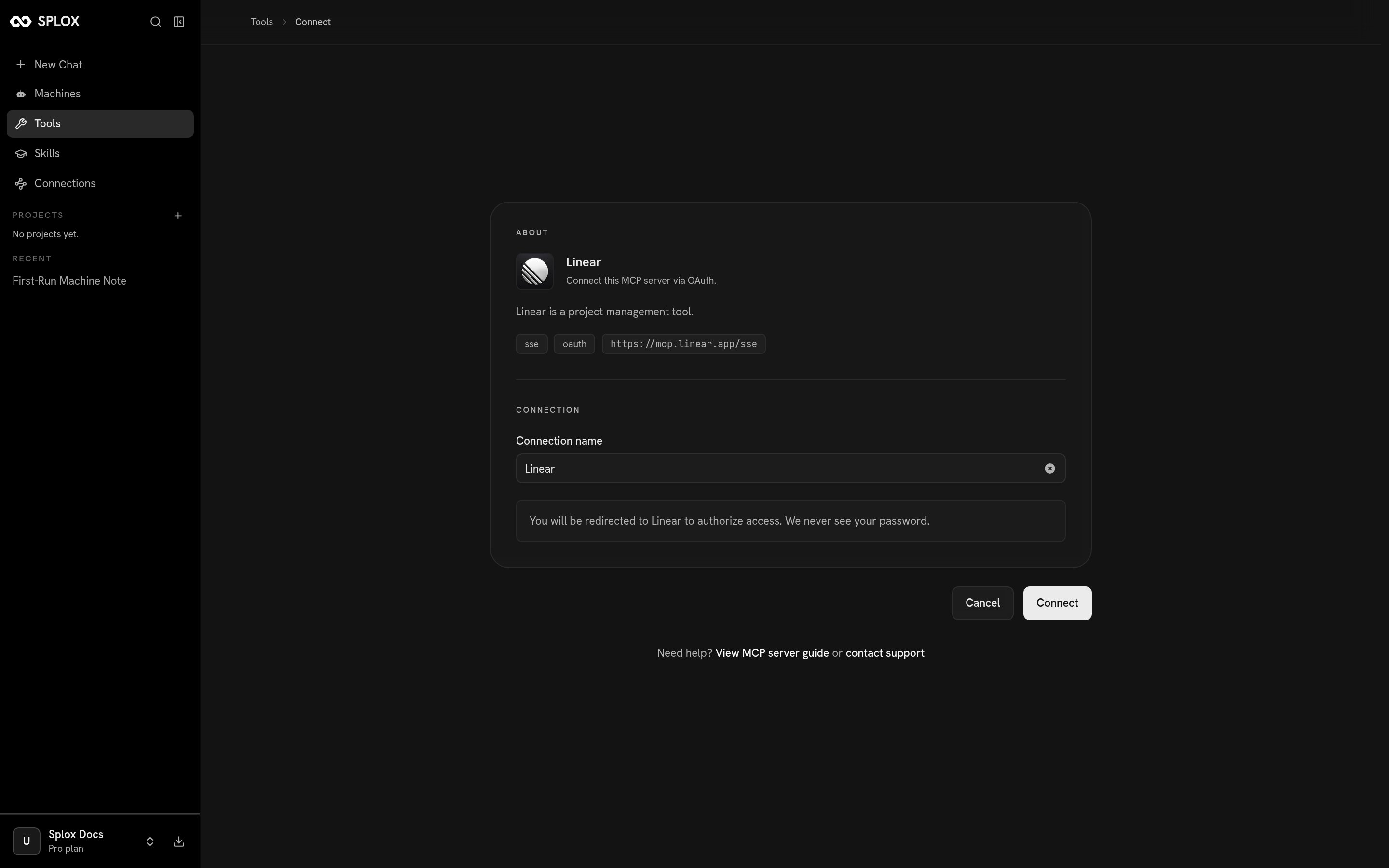
An OAuth entry asks for a name; the authorization happens at the provider
Adding a server that is not in the catalog
Add MCP server takes a URL instead of an entry. You choose the transport yourself, and authentication is either none or custom headers.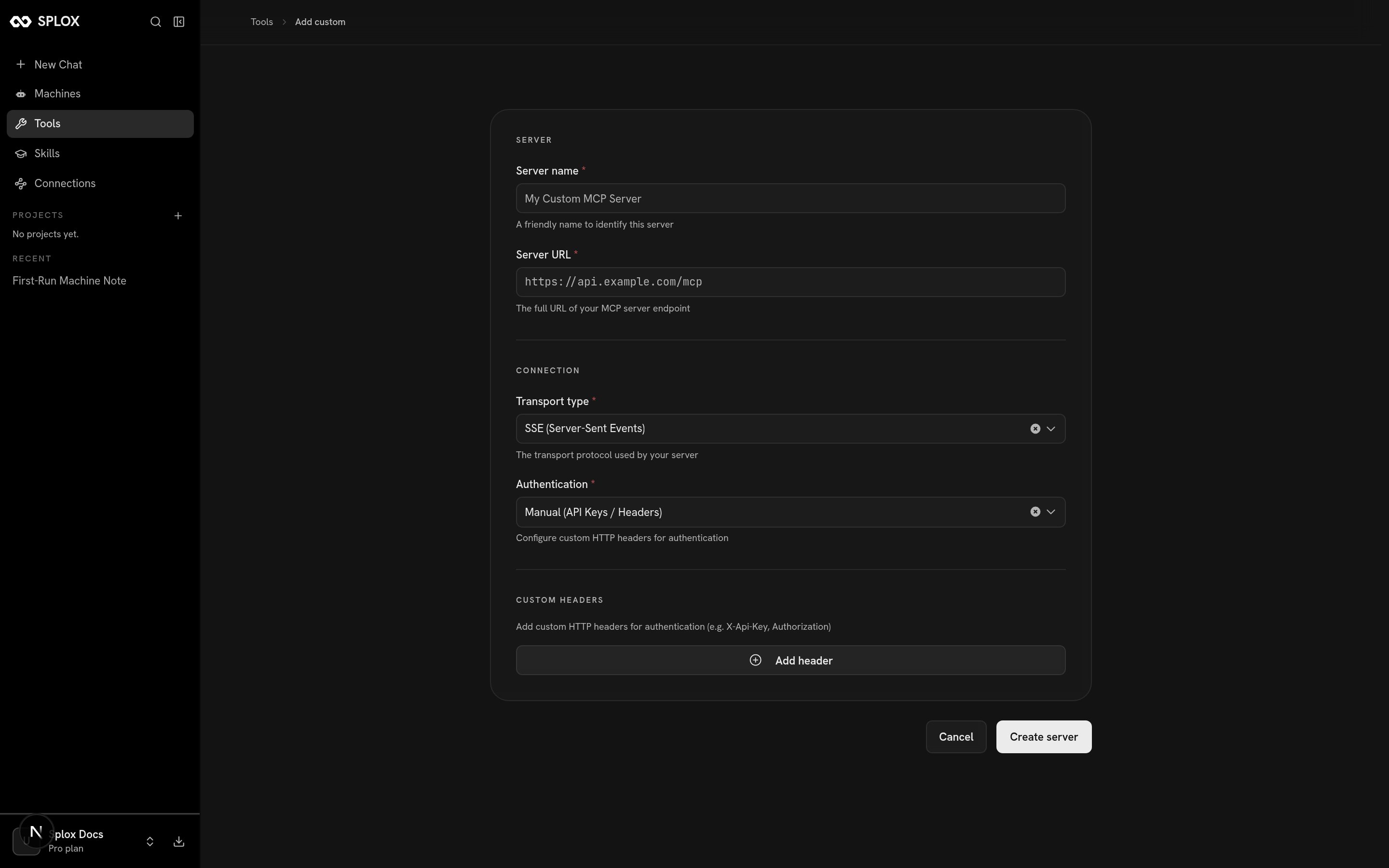
Any MCP endpoint, by URL, with headers you name
id is the point of the whole exercise. It is what an agent’s tools entry
names.
What you have afterwards
The server shows up under Your MCP servers, with its transport, its auth type and a trash icon that removes it.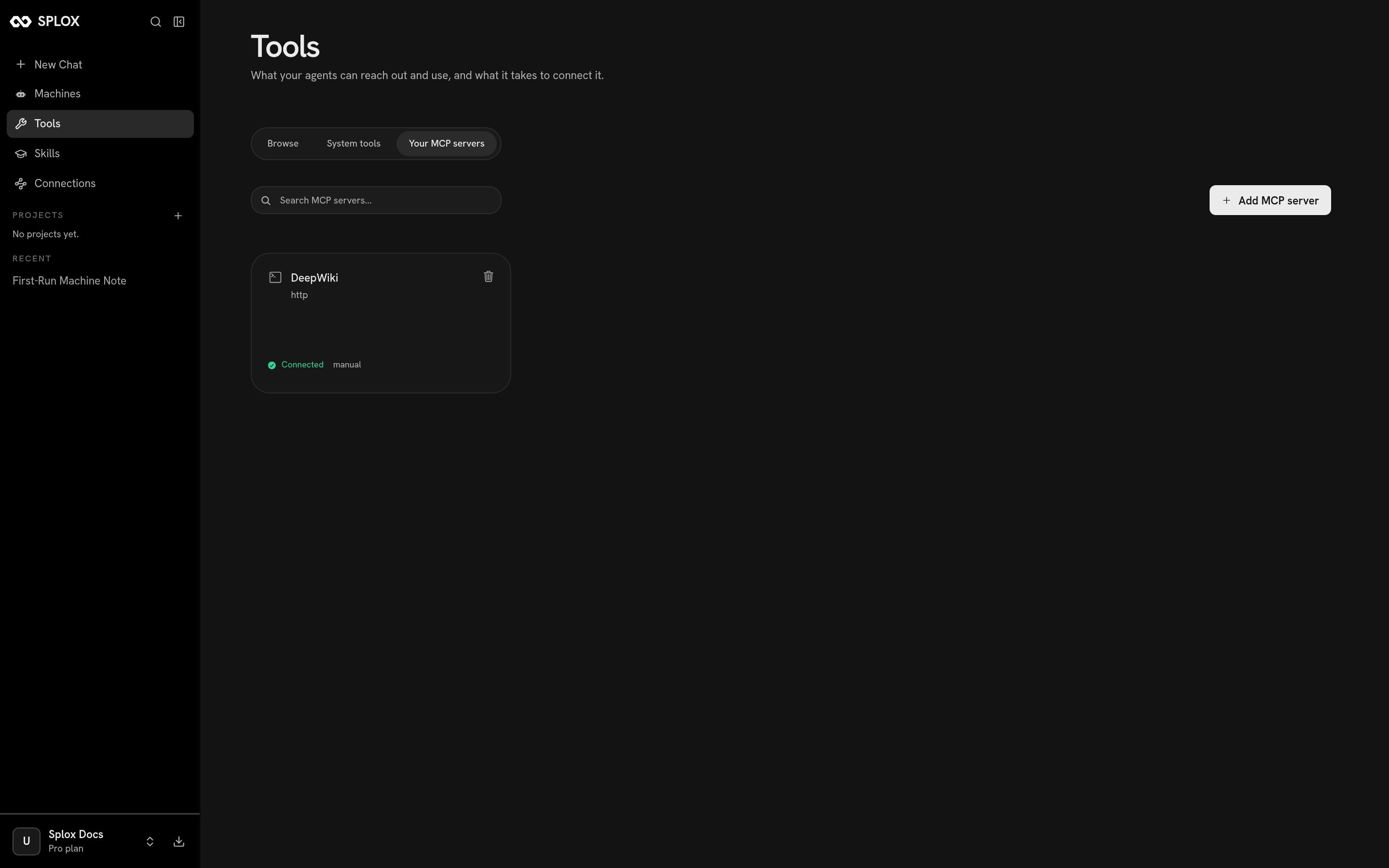
A connected server: this is where its uuid comes from
programs/<name>/main.py:
git push origin main refuses the publish, naming the file
and the slug — which is the cheapest place to find out. See
Publishing a version.
The v2 API has the same two questions as
GET /v2/tool-servers, with system:* ids for the platform
packages and uuids for yours. Use that one from outside the product; the
/api/v1 paths above are what the app itself calls.