

Two kinds of authentication
A catalog entry declares which one it uses inauth_type.
- OAuth
- Manual
You are sent to the provider, you approve the scopes there, and you come back
to Splox with a token it stores. The screen says it plainly: “You will be
redirected to Linear to authorize access. We never see your password.”The scopes are fixed by the catalog entry, not by you. Reddit’s, for example:Read that line before connecting.
submit and vote are the ones that mean
an agent can post as you.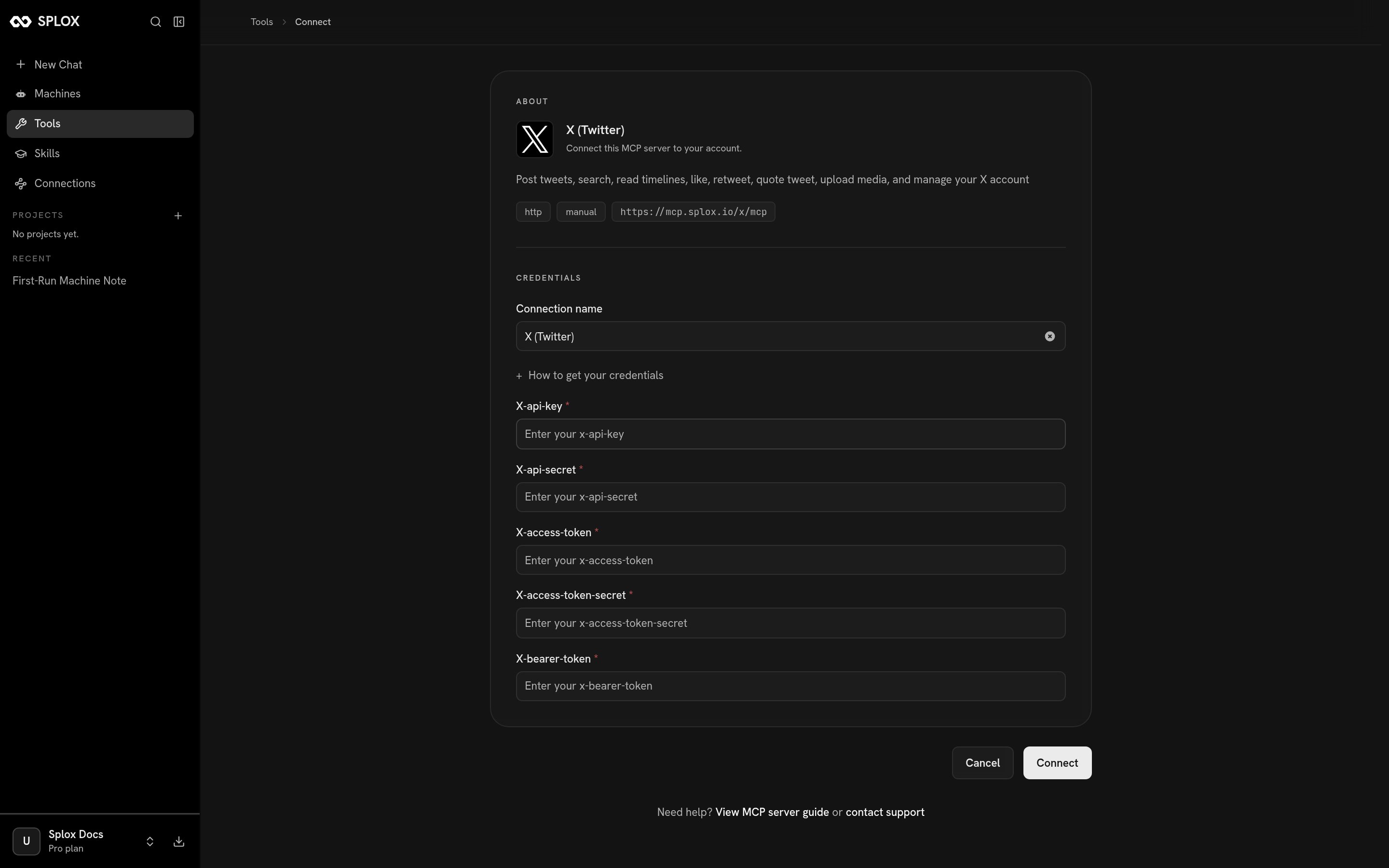
A manual entry asks for the provider's own credential names
Authorization: Bearer … or X-Api-Key: … yourself in the
Add MCP server form.
Where the secret lives
With the platform, in one row per connection. The list endpoint the app calls tells you whether there is a credential and when it expires, and never what it is:- The credential is attached to the connection, not to a harness or an agent. Publishing a version, cloning a harness or handing it to somebody else moves no secret.
- A run calls the tool; the platform attaches the credential on the way out. The model is never shown it, so it cannot be leaked in a transcript or a run’s events.
- Two accounts on the same provider are two connections with two names.
Changing a credential
Click the connected server. The form comes back pre-filled with the name and empty credential fields — “Update your credentials below. Leave fields blank to keep existing values.” Fill only what rotated and press Update connection.Revoking
The trash icon on the card removes the connection.tools entry names that uuid
is left with a source that has nothing behind it — so remove the entry from
programs/<name>/main.py too. Access you granted at the provider’s own site is
revoked there, in the provider’s settings; deleting the connection here does not
sign you out over there.
Environment secrets
A different thing on a nearby screen. Connections → Secrets holds key/value pairs that are injected as environment variables into your agent’s sandbox — for the agent and its sub-agents, in every chat.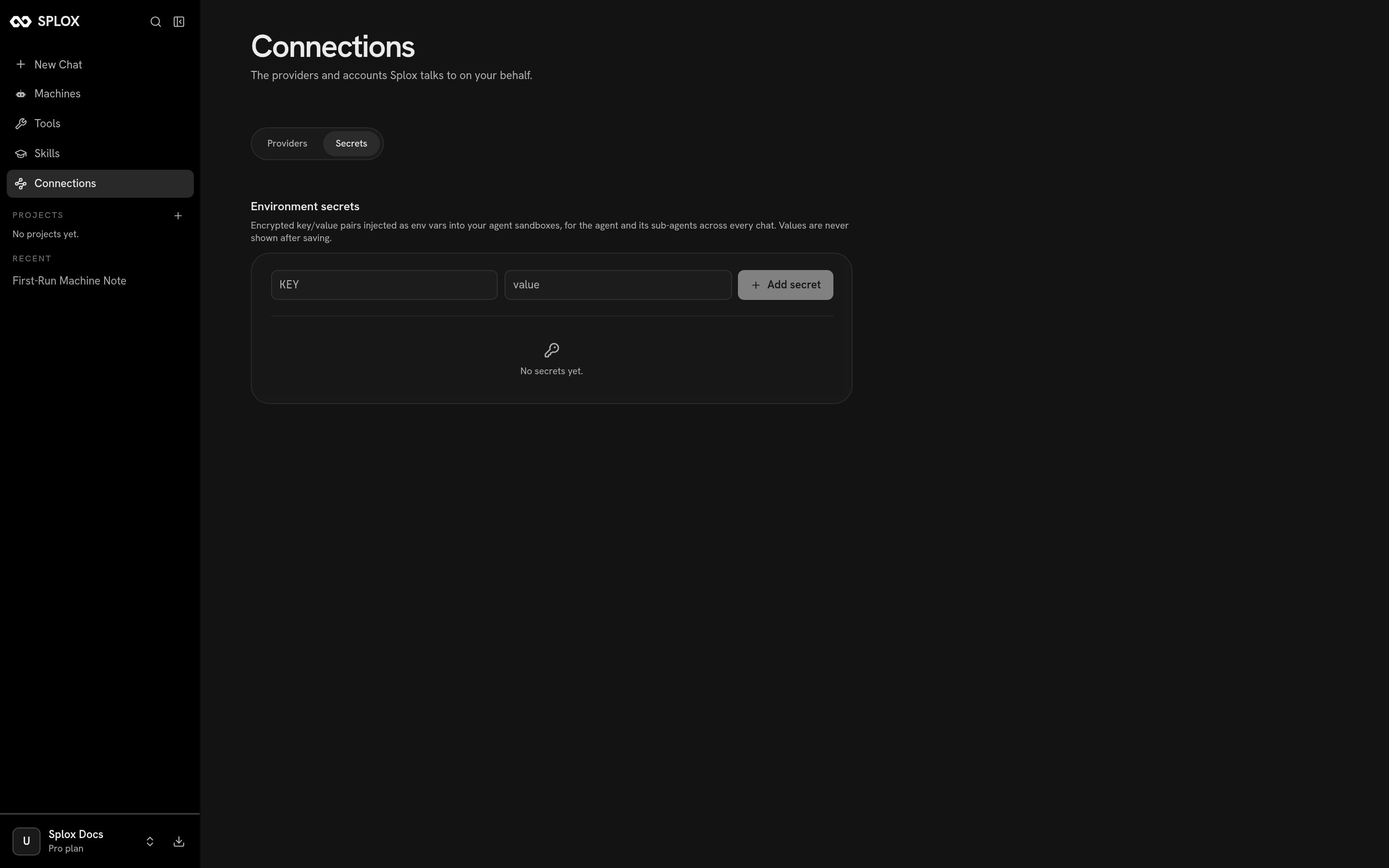
Connections → Secrets: key/value, encrypted, never shown again
tools/ file needs, anything a script on the
machine reads. The value is write-once — after saving, the screen shows the key
and not the value.
The agent is told the names and reads the values from the environment:
~/tools/catalog.json under env_secrets,
which is how a prompt can say “you have a Telegram token” without ever printing
one.