> ## Documentation Index
> Fetch the complete documentation index at: https://docs.splox.io/llms.txt
> Use this file to discover all available pages before exploring further.
# Merge Node
> Combine multiple execution paths into a single workflow
## Merge Node
**Purpose:** Combine data from multiple parallel paths
Merge nodes wait for all incoming connections to complete, then combine their outputs.
**Node Handles:**
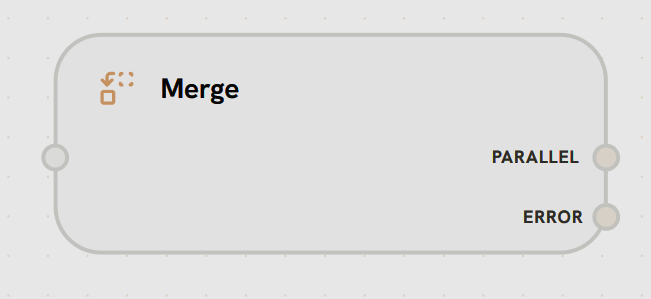
**Left Side - Multiple Inputs**
Accepts multiple incoming connections from parallel paths.
**Functionality:**
* Waits for all connected inputs to complete
* Receives data from each parallel branch
* Synchronizes parallel execution
**Accepts:**
* Multiple node outputs
* Parallel branch results
* Any data to merge
**Right Side Handles:**
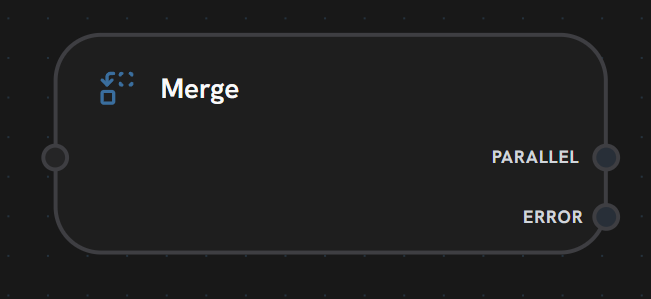
* **PARALLEL:** Main output with merged data
* Fires after all inputs complete
* Contains combined/merged output based on strategy
* Continues workflow with unified data
* **ERROR:** Error handling path
* Activated if any input fails or merge operation errors
* Passes error details
* Allows graceful error recovery
Merge nodes act as synchronization points in workflows. They wait for ALL incoming connections to complete before executing the merge operation and continuing.
**Merge Strategies:**
**Combine objects into single object**
```json theme={null}
// Input 1: {name: "John"}
// Input 2: {age: 30}
// Output: {name: "John", age: 30}
```
**Collect outputs into array**
```json theme={null}
// Input 1: "result1"
// Input 2: "result2"
// Output: ["result1", "result2"]
```
**Use first completed input**
Race condition - fastest path wins
**Use Cases:**
* Parallel API calls with combined results
* Multi-agent responses aggregation
* Redundant path execution (use fastest)
* Batch processing collection
***