> ## Documentation Index
> Fetch the complete documentation index at: https://docs.splox.io/llms.txt
> Use this file to discover all available pages before exploring further.
# Error Edges
> Handle node execution failures with graceful error recovery paths
## Error Edges
**Purpose:** Handle errors and failures in workflow execution
Error edges create alternative paths for when nodes fail, enabling graceful error handling and recovery.
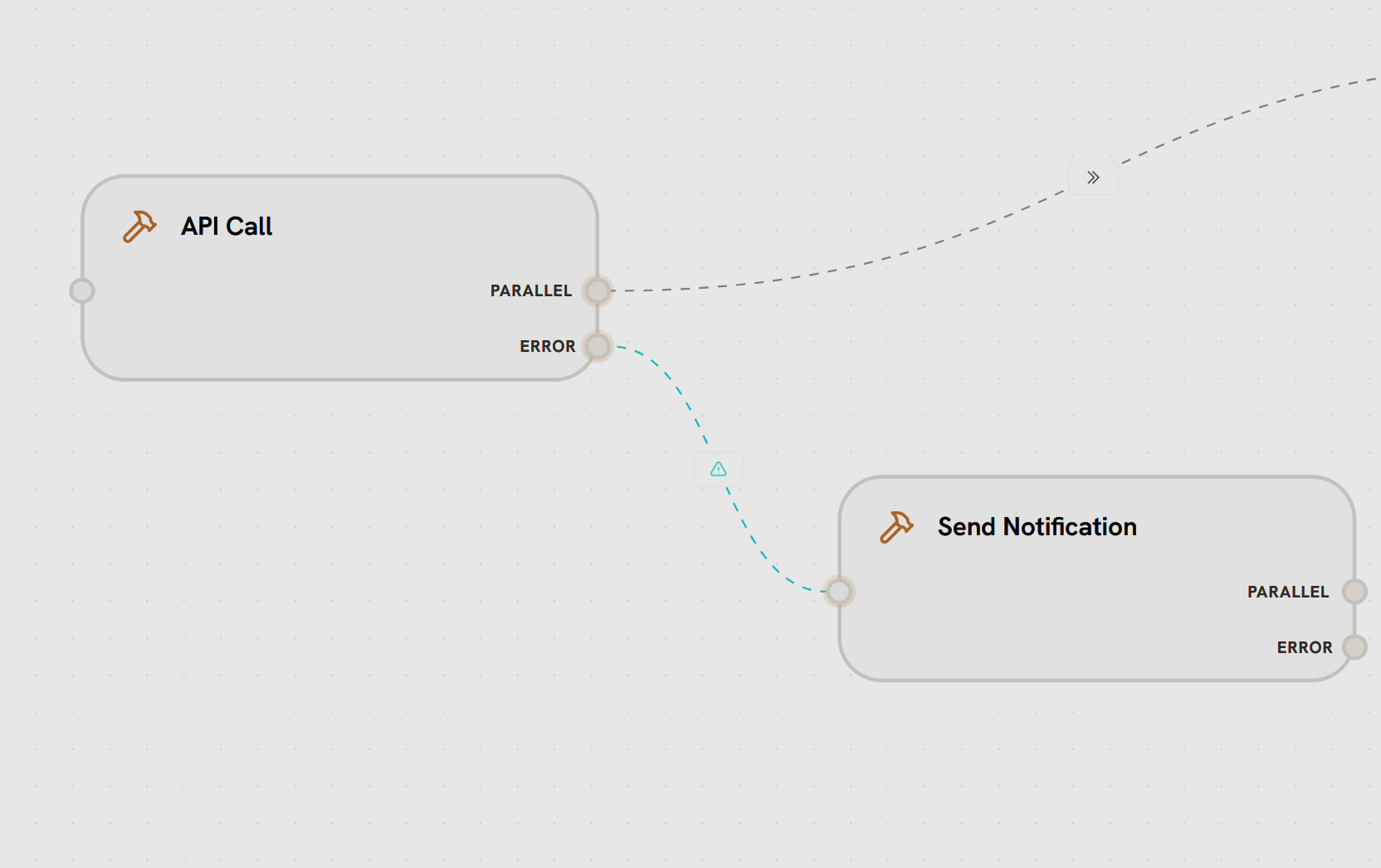
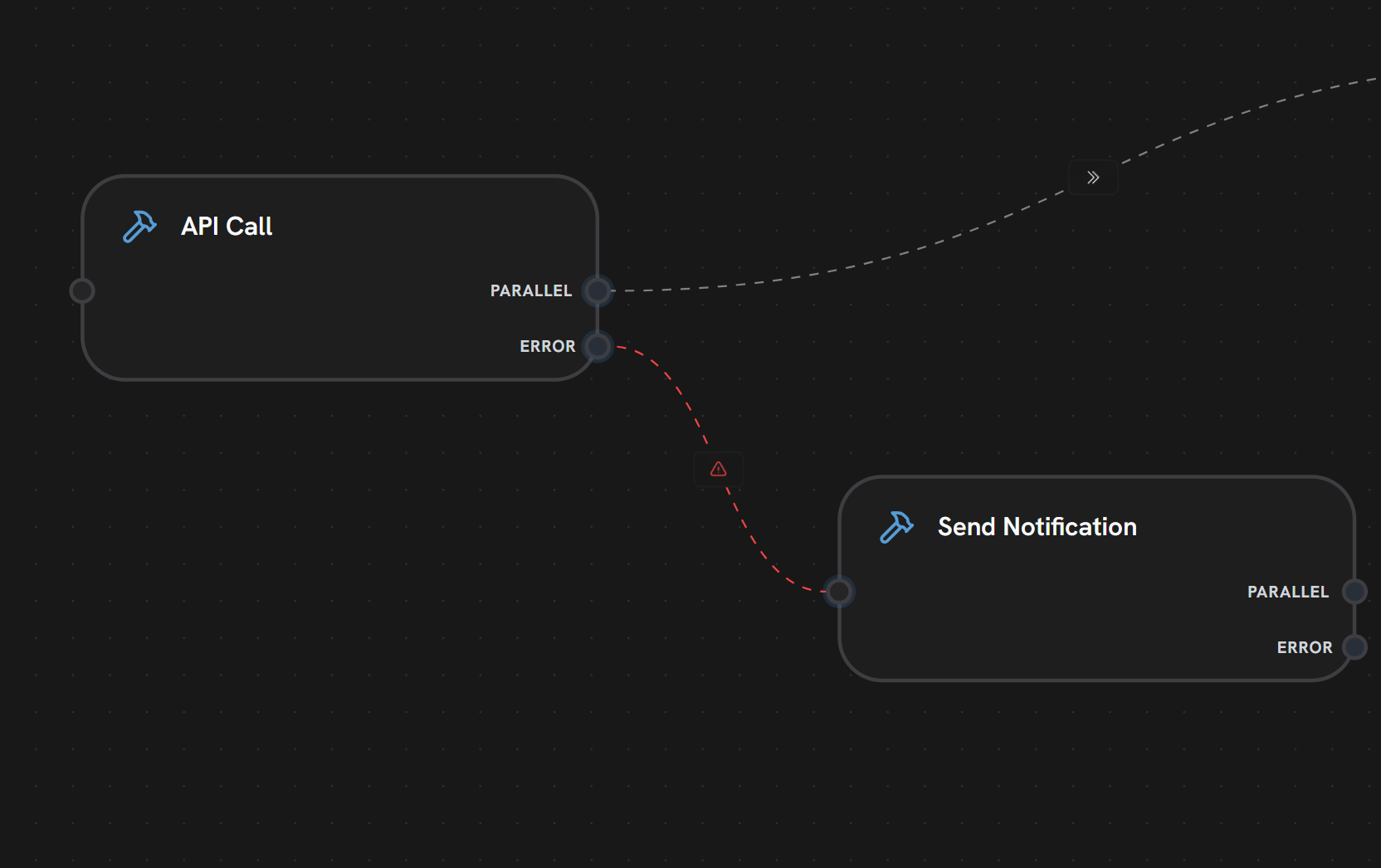
**In this example:**
* **API Call** node has both PARALLEL and ERROR output handles
* **PARALLEL edge** (gray dashed) routes to success path (shown partially)
* **ERROR edge** (red dashed line with warning icon) connects to **Send Notification**
* If API Call fails, execution follows the red error edge
* Send Notification handles the failure (alerting, logging, recovery)
**Characteristics:**
* **Visual Style:** Red dashed line with warning icon ⚠️
* **Failure Routing:** Activates only when source node fails
* **Separate Path:** Distinct from normal execution flow
* **Error Data:** Passes error information to handler node
**How It Works:**
Source node attempts to execute
Node execution fails (API error, timeout, etc.)
Instead of normal edges, error edge is followed
Error handler node receives error details
Handler can retry, alert, or gracefully fail
**Use Cases:**
* API failure handling
* Retry logic
* Alerting and notifications
* Graceful degradation
* Error logging
Error edges are **only** followed when the source node fails. For normal execution flow, use parallel or conditional edges.
***
***
## What's Next?
See which nodes support error handles
Learn about standard execution flow
Route based on conditions
View all edge patterns and practices