> ## Documentation Index
> Fetch the complete documentation index at: https://docs.splox.io/llms.txt
> Use this file to discover all available pages before exploring further.
# Conditional Edges
> Route execution based on switch node conditions with IF/ELIF/ELSE logic
## Conditional Edges
**Purpose:** Route execution based on switch node conditions
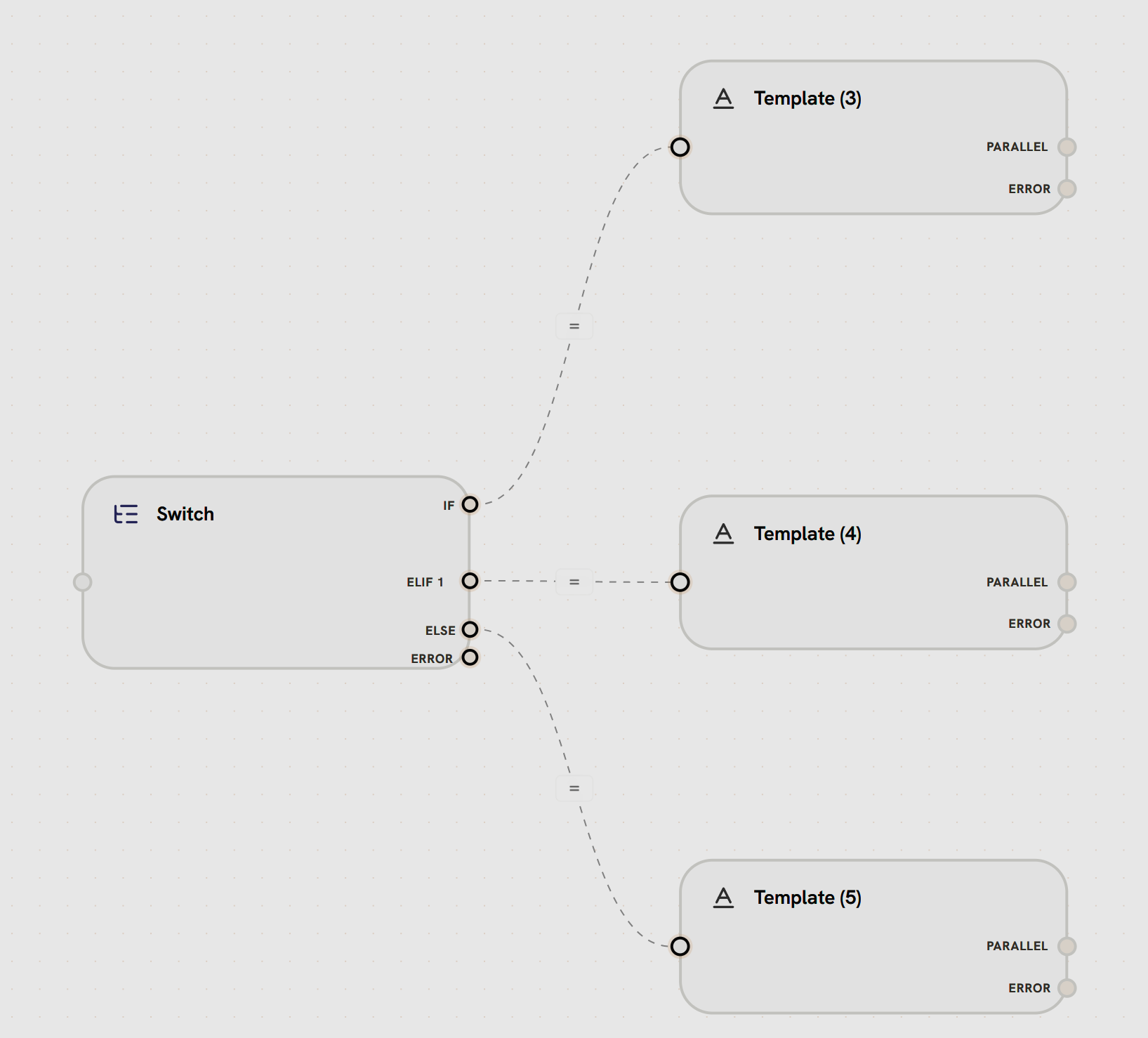
Conditional edges connect switch nodes to different target nodes based on evaluated conditions. Each branch (IF, ELIF, ELSE) has its own edge.
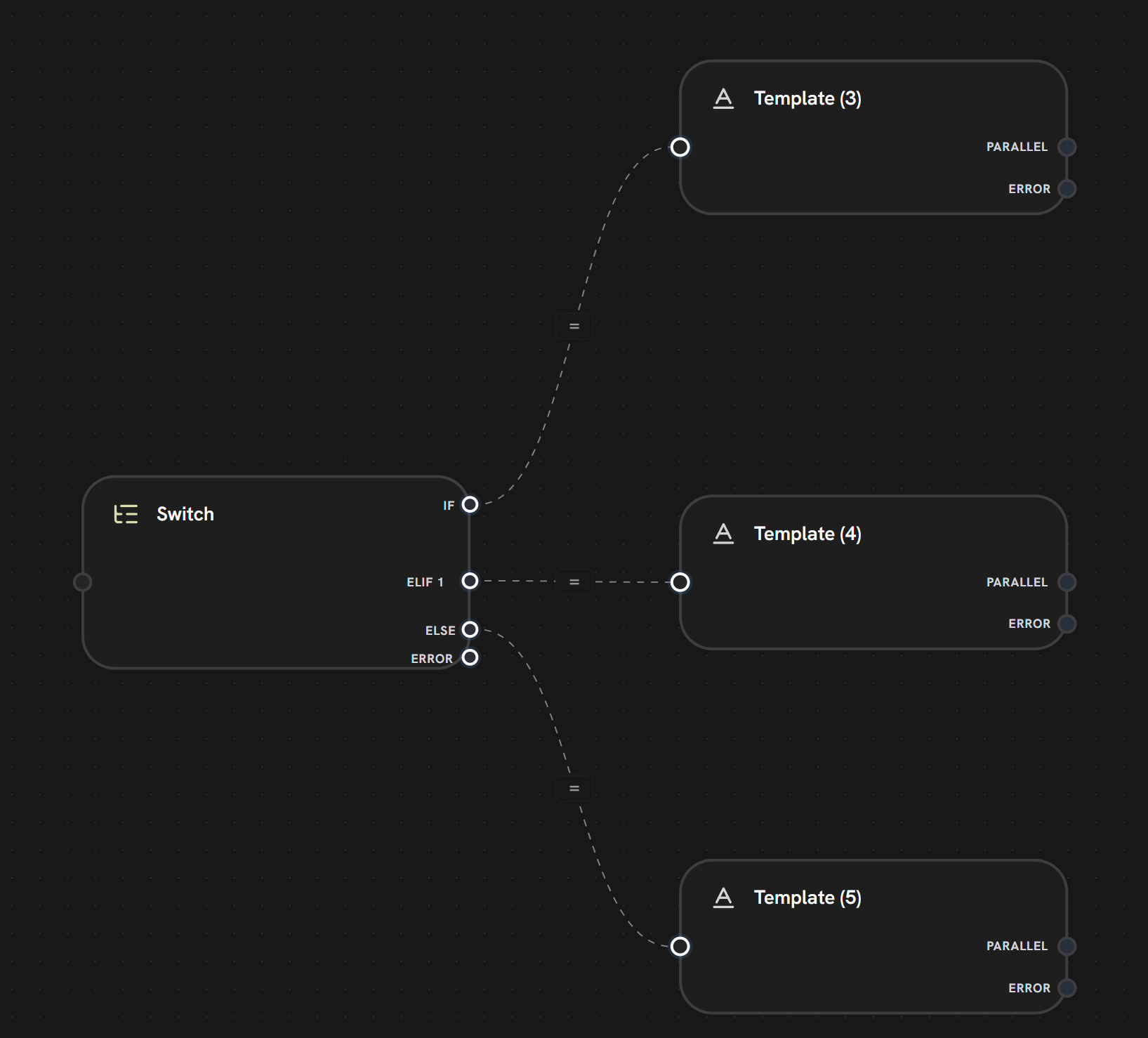
**In this example:**
* **Switch Node** has 4 output handles: IF, ELIF 1, ELSE, ERROR
* **IF branch** (dashed line) routes to **Template (3)**
* **ELIF 1 branch** (dashed line) routes to **Template (4)**
* **ELSE branch** (dashed line) routes to **Template (5)**
* Each condition evaluates in order, only one path executes
* Conditional edges shown with dashed lines and equals sign icons
**Branch Types:**
**First condition evaluated**
* Primary condition check
* Executes if condition is true
* Can use AND/OR logic
**Handle:** `if` or specific branch ID
**Additional conditions (evaluated in order)**
* Checked if previous conditions failed
* Support multiple ELIF branches
* Each has unique branch ID
**Handle:** `elif_1`, `elif_2`, etc.
**Default fallback path**
* Executes if no conditions matched
* Always exists as fallback
* No condition required
**Handle:** `else`
**Multiple Outputs:**
Switch nodes can have many outgoing edges, one for each branch. The switch node evaluates conditions and routes execution to the matching edge.
**Visual Indicator:**
* Multiple output handles on the switch node
* Each handle labeled with branch type (IF/ELIF/ELSE)
* Only one path executes per switch
***
***
## What's Next?
Master conditional branching logic
Combine conditional branches
Learn about standard execution flow
Handle failures in conditional paths