> ## Documentation Index
> Fetch the complete documentation index at: https://docs.splox.io/llms.txt
> Use this file to discover all available pages before exploring further.
# Machines
> Starting and stopping a computer, adding a second one, and what deleting costs
**Machines** in the sidebar is where the computers live. The page has three tabs
and they answer three different questions: what you could start from
(**Starters**), what code you have (**Your harnesses**), and what is running
(**Your machines**).
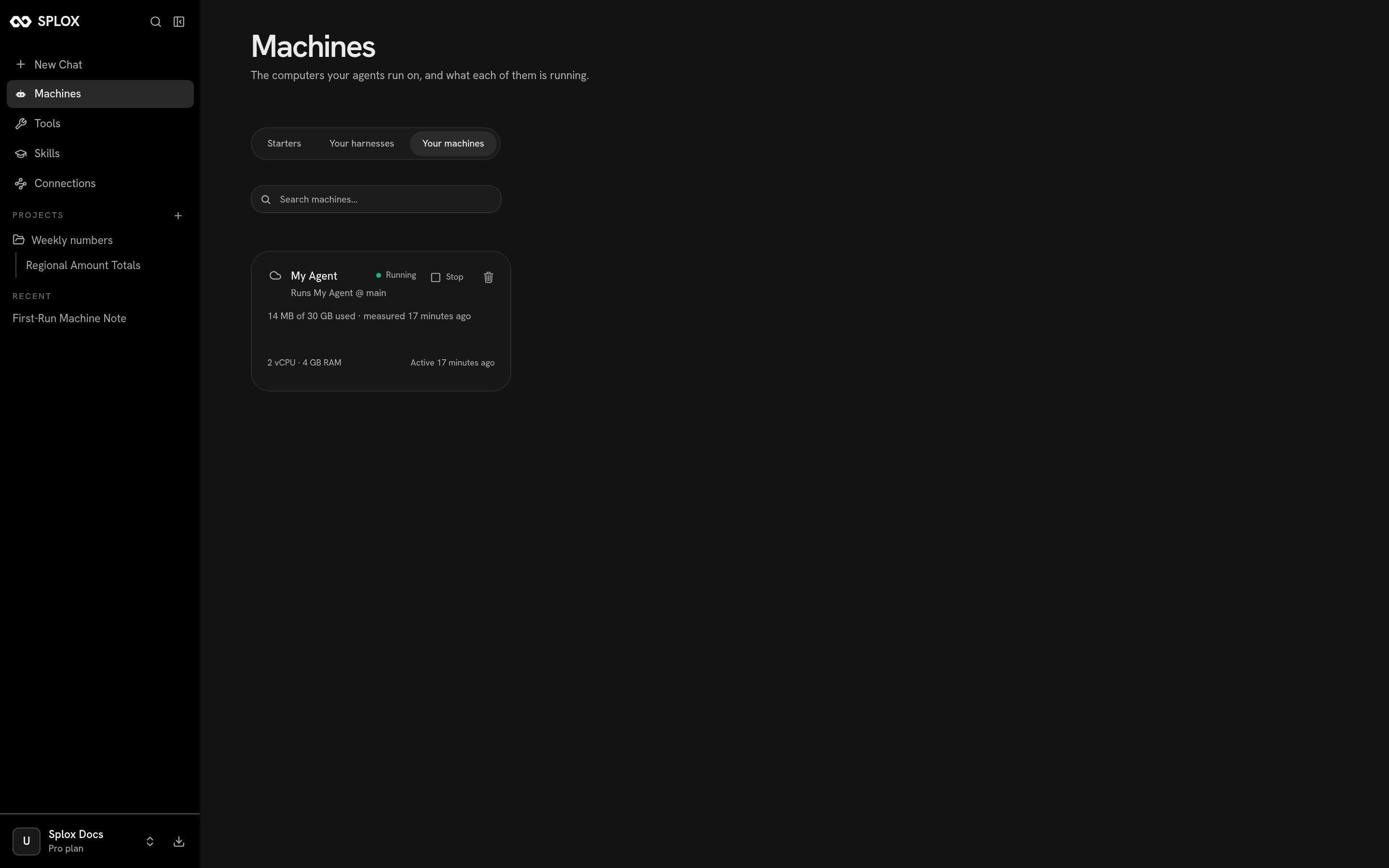 ## What the card says
Reading the card above, line by line:
| On the card | What it means |
| --------------------------------------------- | ----------------------------------------------------------------------- |
| **My Agent** · Running | The machine's display name, and whether it is up. |
| Runs My Agent @ main | The [harness](/concepts/harness) this machine runs, at the ref it runs. |
| 14 MB of 30 GB used · measured 17 minutes ago | Disk. It is measured periodically, not live, hence the timestamp. |
| 2 vCPU · 4 GB RAM | What the machine is. |
| Active 17 minutes ago | The last time anything ran on it. |
The button on the right is **Stop** when it is running and **Start** when it is
not. Stopping is not deleting: the disk survives, and the machine comes back
where it left off. What does not survive is anything that was running — see
[Machine](/concepts/machine) for the full list, and for what your plan does about
machines that go idle.
You do not have to press Start to use a stopped machine. Sending a message in a
chat that runs on it starts it.
## Renaming and powering from the machine page
Clicking a card opens the machine itself.
## What the card says
Reading the card above, line by line:
| On the card | What it means |
| --------------------------------------------- | ----------------------------------------------------------------------- |
| **My Agent** · Running | The machine's display name, and whether it is up. |
| Runs My Agent @ main | The [harness](/concepts/harness) this machine runs, at the ref it runs. |
| 14 MB of 30 GB used · measured 17 minutes ago | Disk. It is measured periodically, not live, hence the timestamp. |
| 2 vCPU · 4 GB RAM | What the machine is. |
| Active 17 minutes ago | The last time anything ran on it. |
The button on the right is **Stop** when it is running and **Start** when it is
not. Stopping is not deleting: the disk survives, and the machine comes back
where it left off. What does not survive is anything that was running — see
[Machine](/concepts/machine) for the full list, and for what your plan does about
machines that go idle.
You do not have to press Start to use a stopped machine. Sending a message in a
chat that runs on it starts it.
## Renaming and powering from the machine page
Clicking a card opens the machine itself.
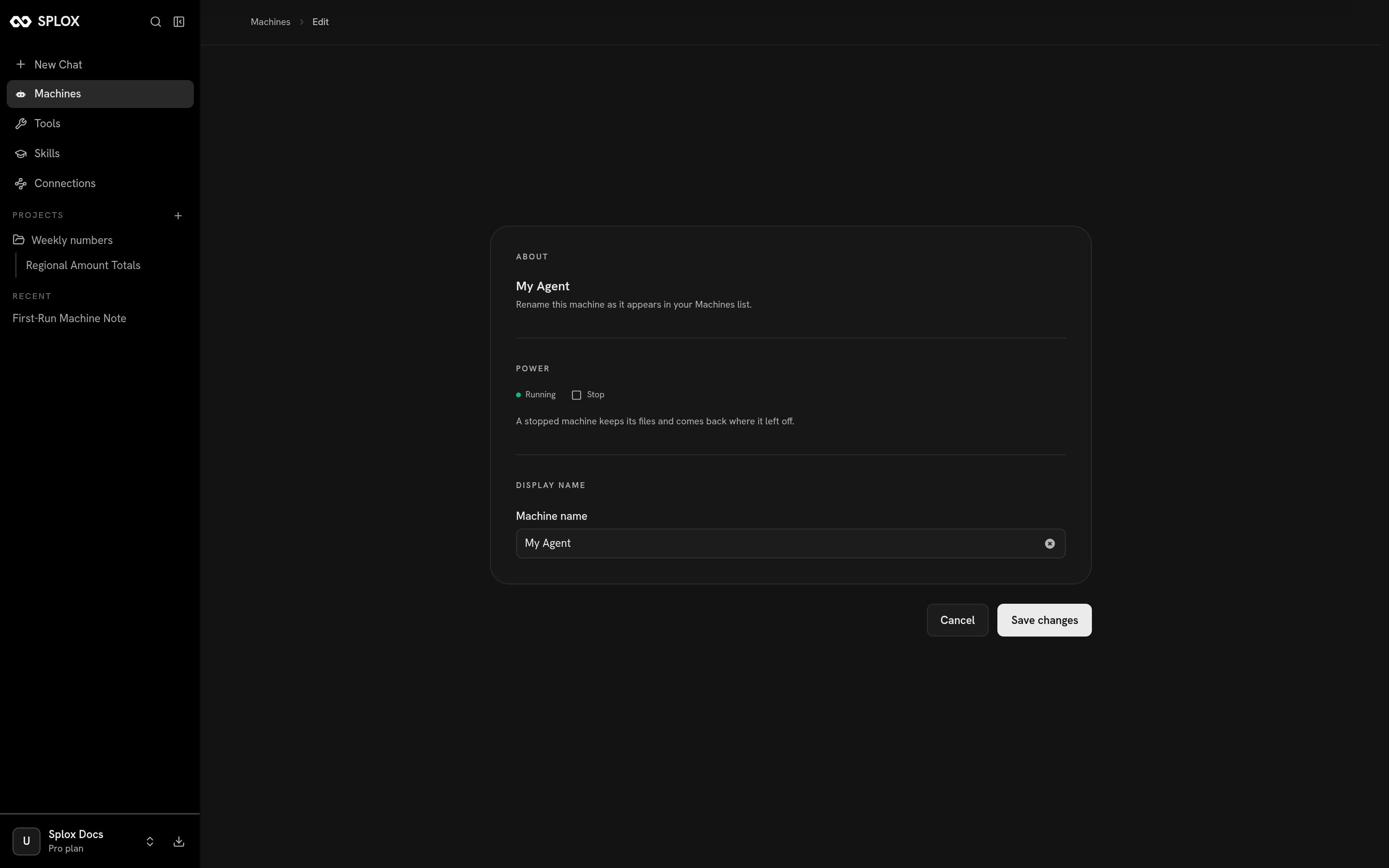 **Power** repeats the Start/Stop button with the sentence that explains it.
**Display name** changes only how the machine is listed — not the harness it
runs, not its files.
## A second machine
A machine runs one harness. To give a harness another computer, open **Your
harnesses** and click the card.
**Power** repeats the Start/Stop button with the sentence that explains it.
**Display name** changes only how the machine is listed — not the harness it
runs, not its files.
## A second machine
A machine runs one harness. To give a harness another computer, open **Your
harnesses** and click the card.
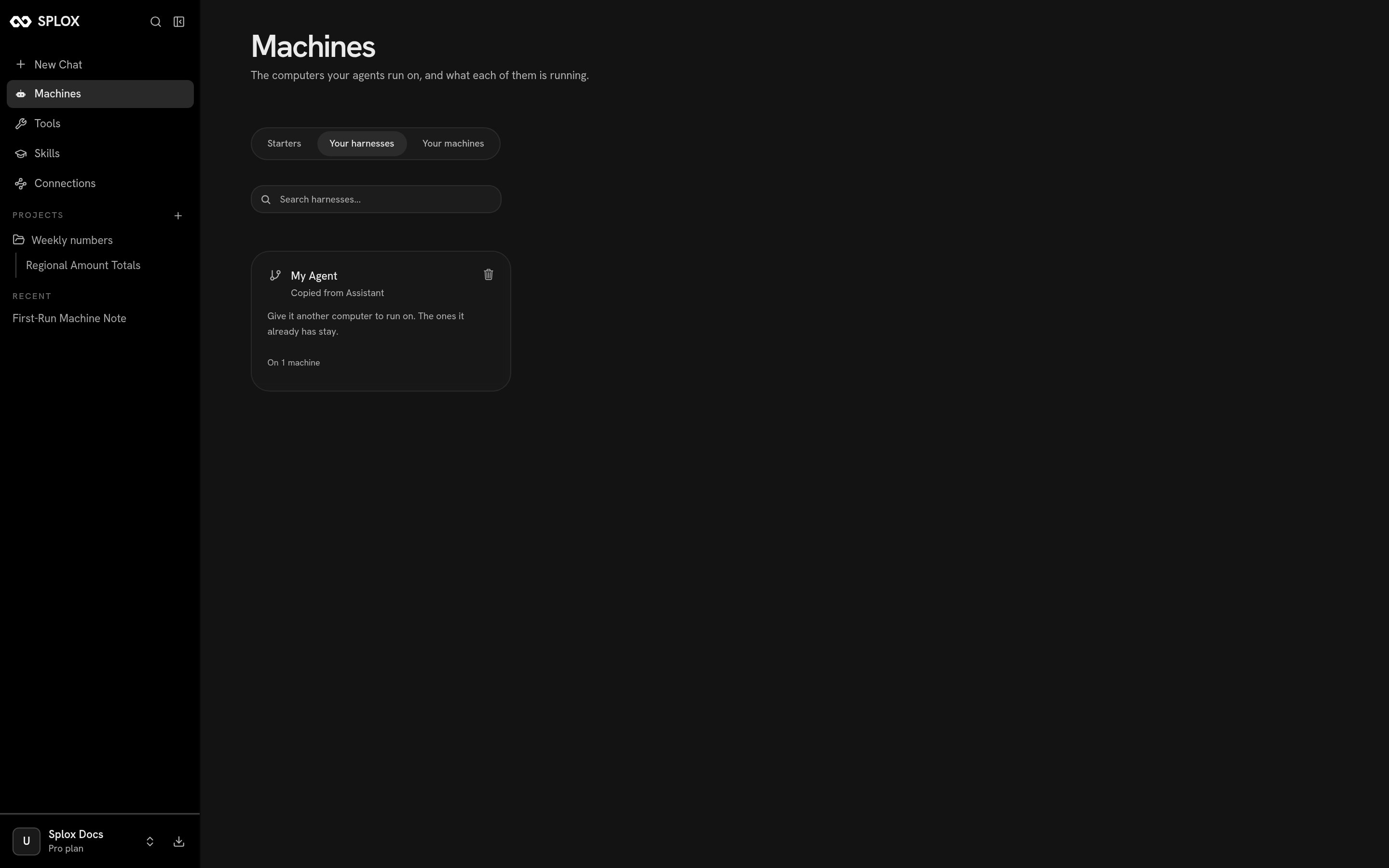 The card asks where it should run:
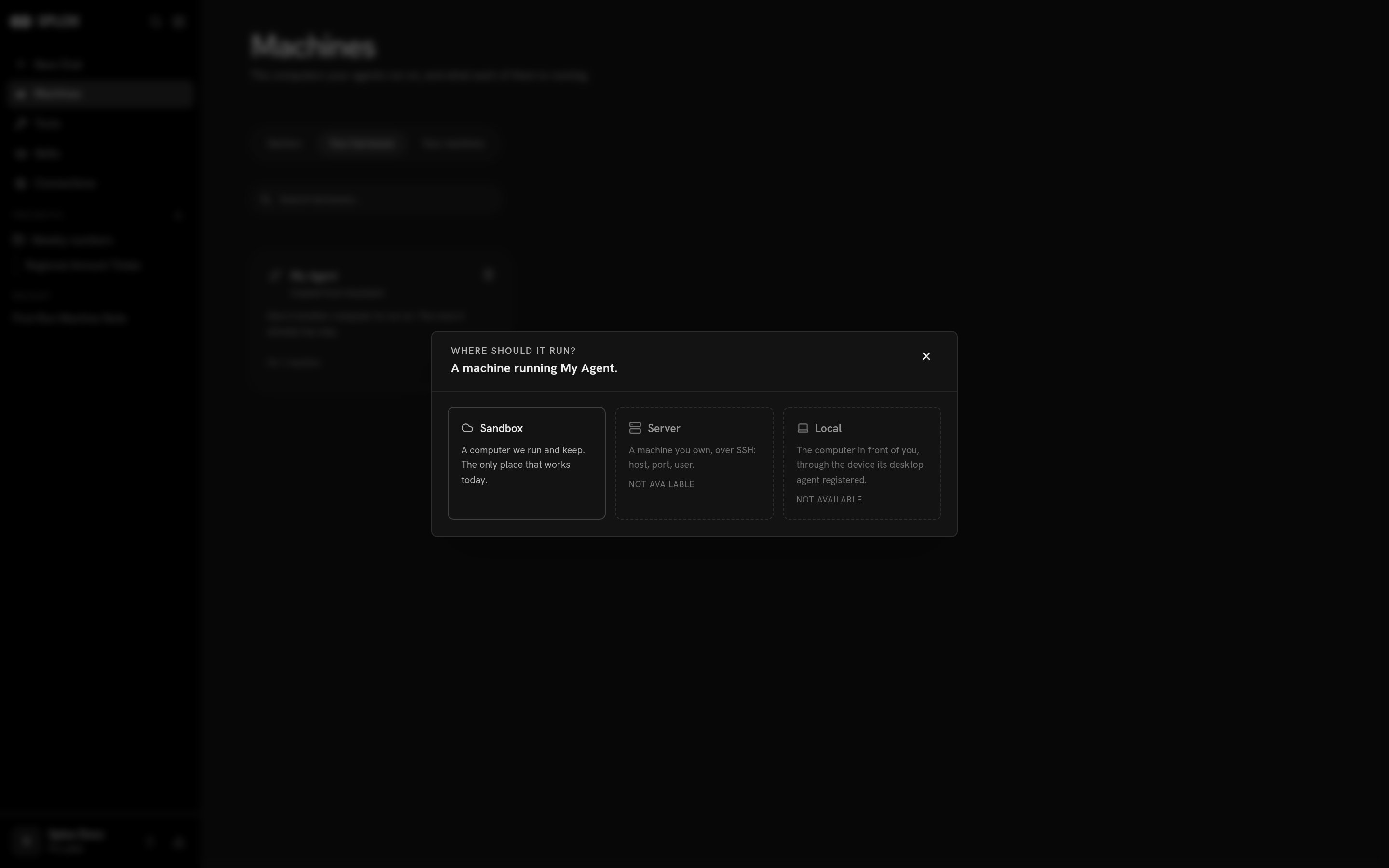 * **Sandbox** — a computer Splox runs and keeps. *The only place that works
today.*
* **Server** — a machine you own, over SSH. Not available yet.
* **Local** — the computer in front of you, through the device the
[desktop app](/app/desktop) registered. Not available yet.
Pick Sandbox, name the machine, and create it. The machines the harness already
has stay where they are; the new one is a separate computer with a separate disk
and its own checkout of the same harness at the same ref.
How many machines you may have comes from your plan — see the table in
[Machine](/concepts/machine).
## Deleting
Both cards have a trash icon, and they delete two different things.
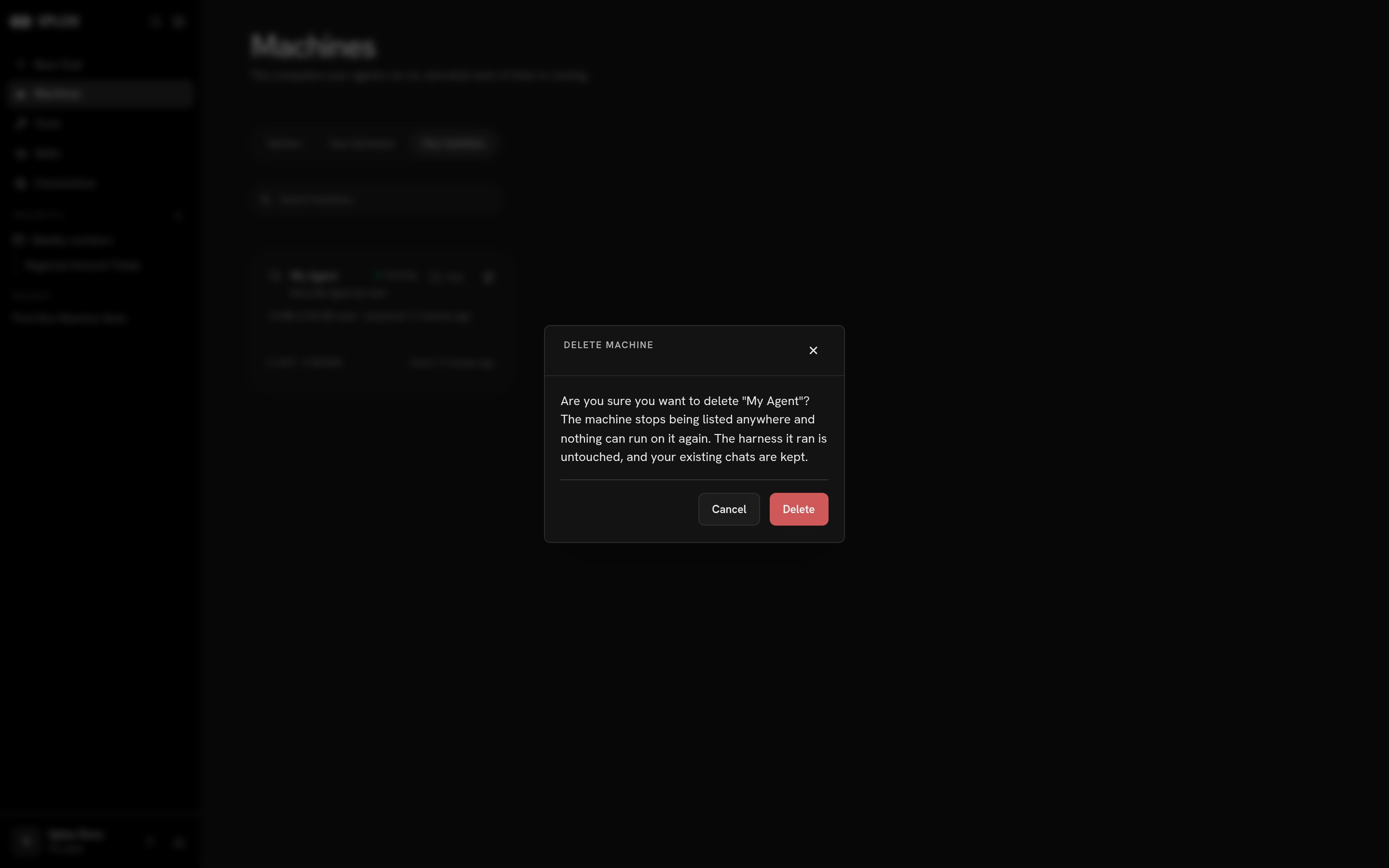
**Deleting a machine** takes the computer away and leaves the code:
> Are you sure you want to delete "My Agent"? The machine stops being listed
> anywhere and nothing can run on it again. The harness it ran is untouched, and
> your existing chats are kept.
* **Sandbox** — a computer Splox runs and keeps. *The only place that works
today.*
* **Server** — a machine you own, over SSH. Not available yet.
* **Local** — the computer in front of you, through the device the
[desktop app](/app/desktop) registered. Not available yet.
Pick Sandbox, name the machine, and create it. The machines the harness already
has stay where they are; the new one is a separate computer with a separate disk
and its own checkout of the same harness at the same ref.
How many machines you may have comes from your plan — see the table in
[Machine](/concepts/machine).
## Deleting
Both cards have a trash icon, and they delete two different things.
**Deleting a machine** takes the computer away and leaves the code:
> Are you sure you want to delete "My Agent"? The machine stops being listed
> anywhere and nothing can run on it again. The harness it ran is untouched, and
> your existing chats are kept.
 **Deleting a harness** takes both:
> Delete "My Agent"? The repository goes, and so do 1 machine running it — a
> machine whose harness is gone can never run again. Your existing chats are
> kept.
Neither of these is reversible, and the disk goes with the machine. Whatever the
agent wrote — notes, checkouts, databases, a program you left running — is gone
with it. Chats survive both, but a chat whose machine was deleted has nothing to
run on.
Starting from a copy of a working harness.
What persists, what a plan gives you, what lives where on the disk.
**Deleting a harness** takes both:
> Delete "My Agent"? The repository goes, and so do 1 machine running it — a
> machine whose harness is gone can never run again. Your existing chats are
> kept.
Neither of these is reversible, and the disk goes with the machine. Whatever the
agent wrote — notes, checkouts, databases, a program you left running — is gone
with it. Chats survive both, but a chat whose machine was deleted has nothing to
run on.
Starting from a copy of a working harness.
What persists, what a plan gives you, what lives where on the disk.