> ## Documentation Index
> Fetch the complete documentation index at: https://docs.splox.io/llms.txt
> Use this file to discover all available pages before exploring further.
# Connections
> Bringing your own model provider, connecting a ChatGPT account, and the secrets your sandboxes get
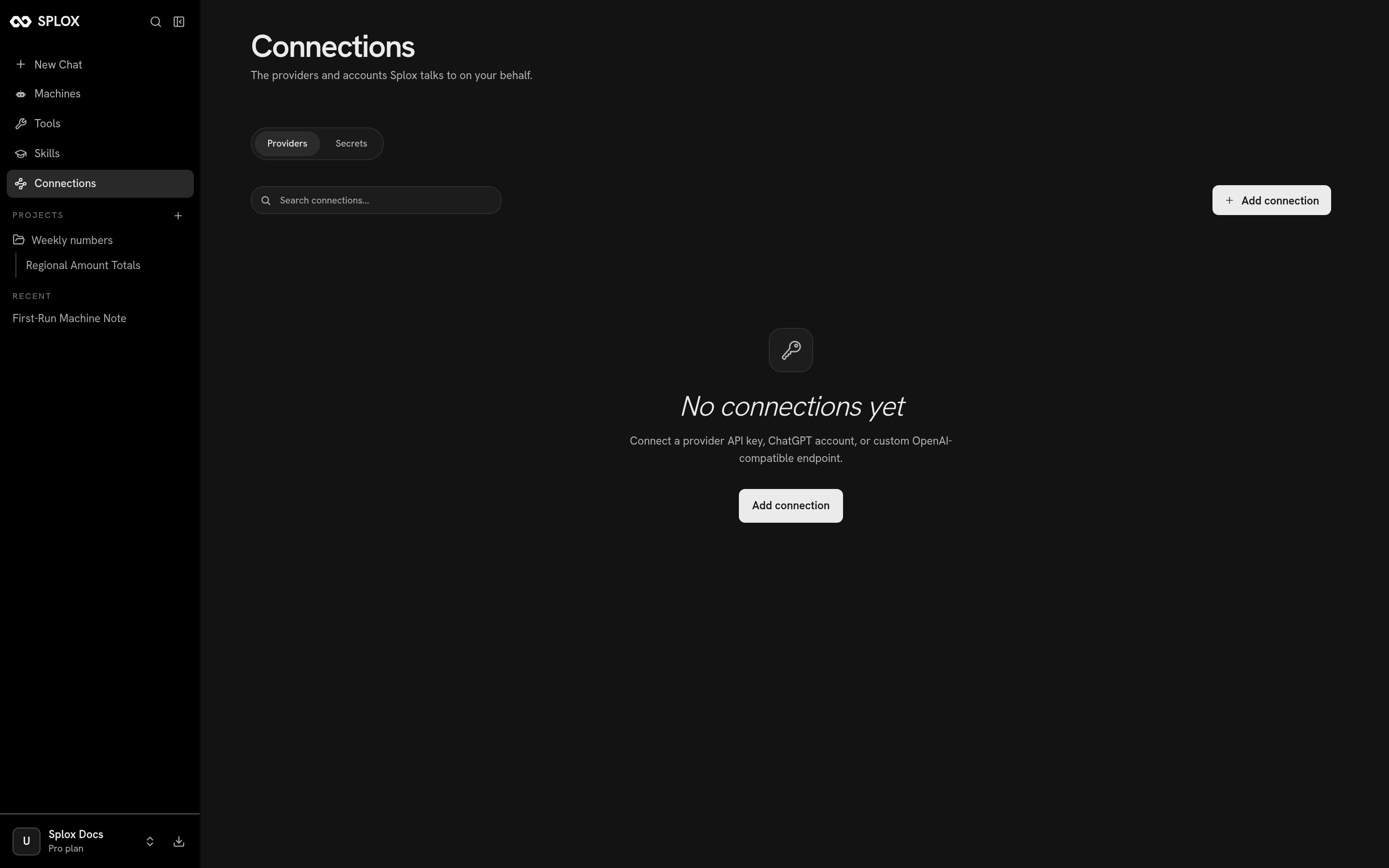
**Connections** is where you put credentials that belong to you: a model provider
key, a ChatGPT subscription, or environment secrets for the machine.
 This screen is about **models and secrets**, not about Gmail or Slack. Connecting
an external service — an MCP server, with OAuth or with an API key — happens on
the [Tools](/app/tools) screen.
## Adding a provider
**Add connection** offers five:
This screen is about **models and secrets**, not about Gmail or Slack. Connecting
an external service — an MCP server, with OAuth or with an API key — happens on
the [Tools](/app/tools) screen.
## Adding a provider
**Add connection** offers five:
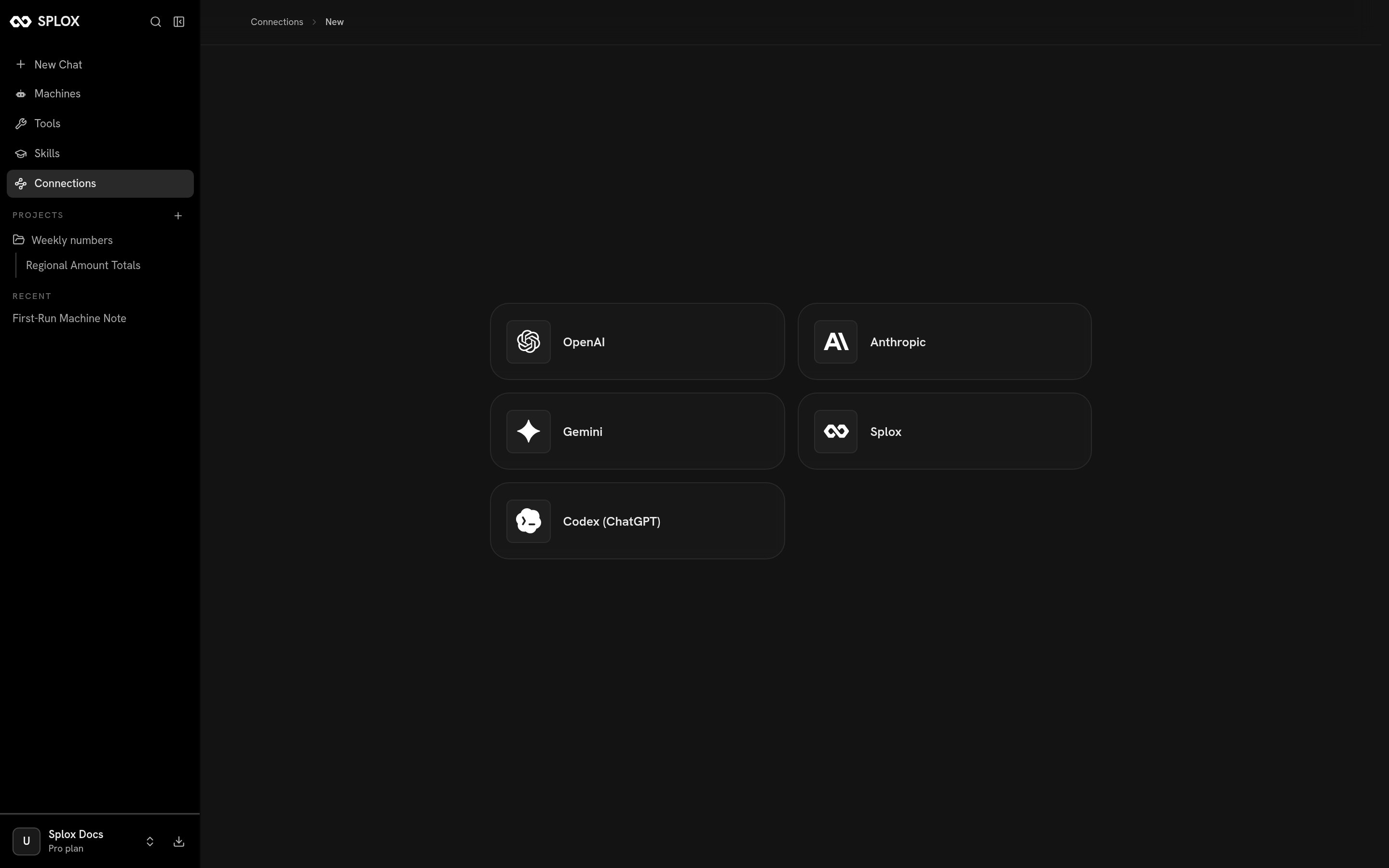 | Provider | What it takes |
| --------------- | -------------------------------------------------------------------------------------------------------------- |
| OpenAI | An API key. *Works with OpenAI, Azure OpenAI, local LLMs (Ollama, LM Studio), and most third-party providers.* |
| Anthropic | An API key for the Claude API or a compatible endpoint. |
| Gemini | An API key for Google's Gemini API. |
| Splox | An API key for Splox Models. |
| Codex (ChatGPT) | Not a key — an OAuth authorization of your ChatGPT subscription. |
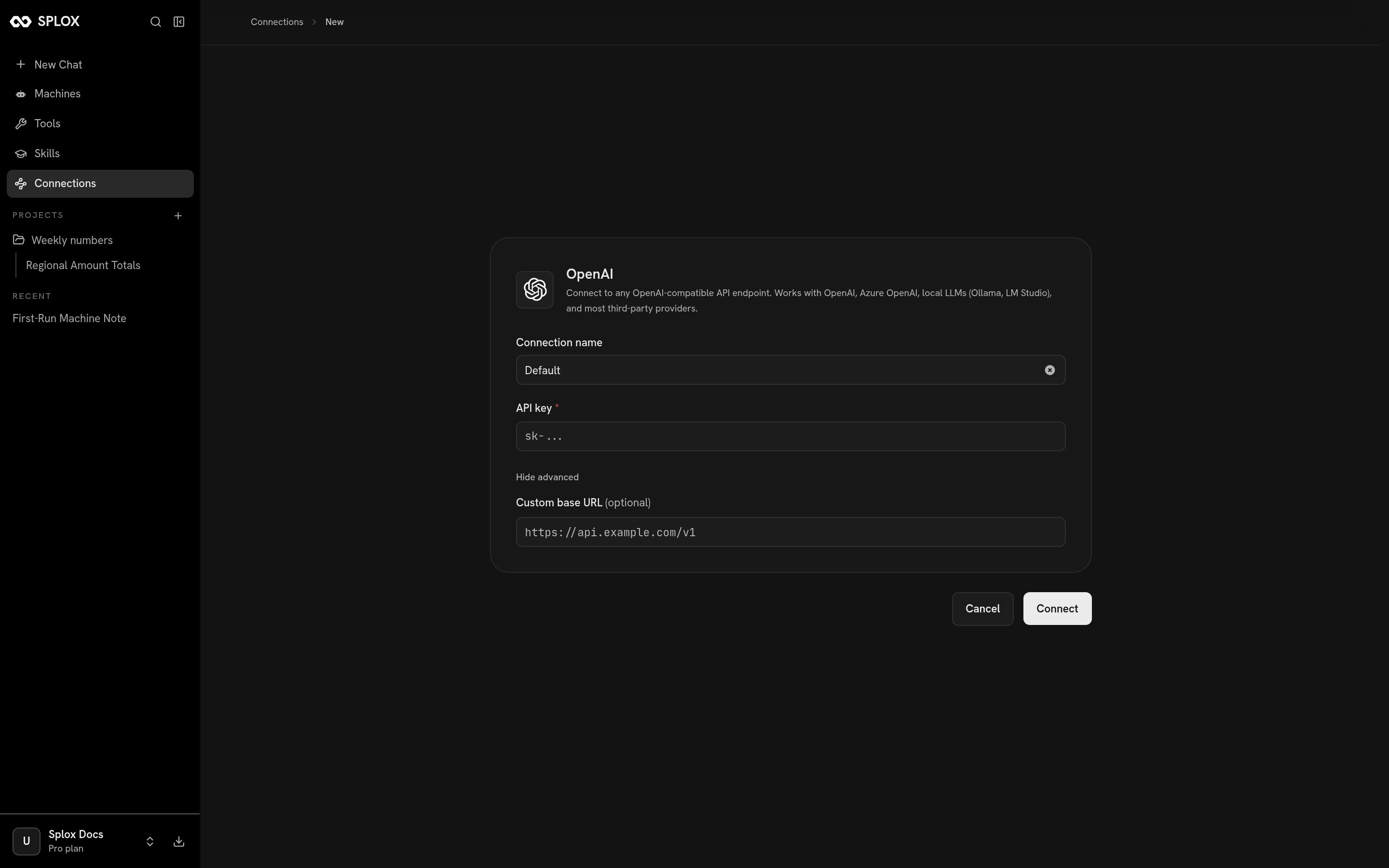
The key form is short: a name for the connection, the key itself, and under
**Advanced** a custom base URL when the endpoint is not the provider's own.
| Provider | What it takes |
| --------------- | -------------------------------------------------------------------------------------------------------------- |
| OpenAI | An API key. *Works with OpenAI, Azure OpenAI, local LLMs (Ollama, LM Studio), and most third-party providers.* |
| Anthropic | An API key for the Claude API or a compatible endpoint. |
| Gemini | An API key for Google's Gemini API. |
| Splox | An API key for Splox Models. |
| Codex (ChatGPT) | Not a key — an OAuth authorization of your ChatGPT subscription. |
The key form is short: a name for the connection, the key itself, and under
**Advanced** a custom base URL when the endpoint is not the provider's own.
 ### What OAuth looks like here
**Codex (ChatGPT)** is the one that does not take a key. It routes requests
through the ChatGPT subscription you already pay for: the device flow opens on
`chat.openai.com`, you authorize there, and Splox keeps the rotating tokens for
you afterward. The button says **Connect ChatGPT account** and there is nothing
else to fill in.
## Where the credential lives
Splox keeps the credential and uses it when a run names the endpoint. What you
get in exchange is a new **endpoint** — the same kind of thing the platform's own
OpenAI, Anthropic, Gemini and Splox entries are.
A connected endpoint turns up in two places:
* In a chat, under the composer's **Advanced → Endpoint**, by the name you gave
it. Picking it there runs that conversation on your credential.
* In a harness, as `text_llm_endpoint_id` on an agent — the id of the endpoint
row, and the alternative to `provider`, never its companion. The ids come from
[`/v2/llm-endpoints`](/api/llm-endpoints).
Each card on the Connections screen shows the provider, the base URL if you set
one, and whether it is active. The bin icon disconnects it, after a confirmation;
the credential goes with it, and anything pointed at that endpoint has to be
pointed somewhere else.
## Secrets
The second tab is for the machine rather than the model.
### What OAuth looks like here
**Codex (ChatGPT)** is the one that does not take a key. It routes requests
through the ChatGPT subscription you already pay for: the device flow opens on
`chat.openai.com`, you authorize there, and Splox keeps the rotating tokens for
you afterward. The button says **Connect ChatGPT account** and there is nothing
else to fill in.
## Where the credential lives
Splox keeps the credential and uses it when a run names the endpoint. What you
get in exchange is a new **endpoint** — the same kind of thing the platform's own
OpenAI, Anthropic, Gemini and Splox entries are.
A connected endpoint turns up in two places:
* In a chat, under the composer's **Advanced → Endpoint**, by the name you gave
it. Picking it there runs that conversation on your credential.
* In a harness, as `text_llm_endpoint_id` on an agent — the id of the endpoint
row, and the alternative to `provider`, never its companion. The ids come from
[`/v2/llm-endpoints`](/api/llm-endpoints).
Each card on the Connections screen shows the provider, the base URL if you set
one, and whether it is active. The bin icon disconnects it, after a confirmation;
the credential goes with it, and anything pointed at that endpoint has to be
pointed somewhere else.
## Secrets
The second tab is for the machine rather than the model.
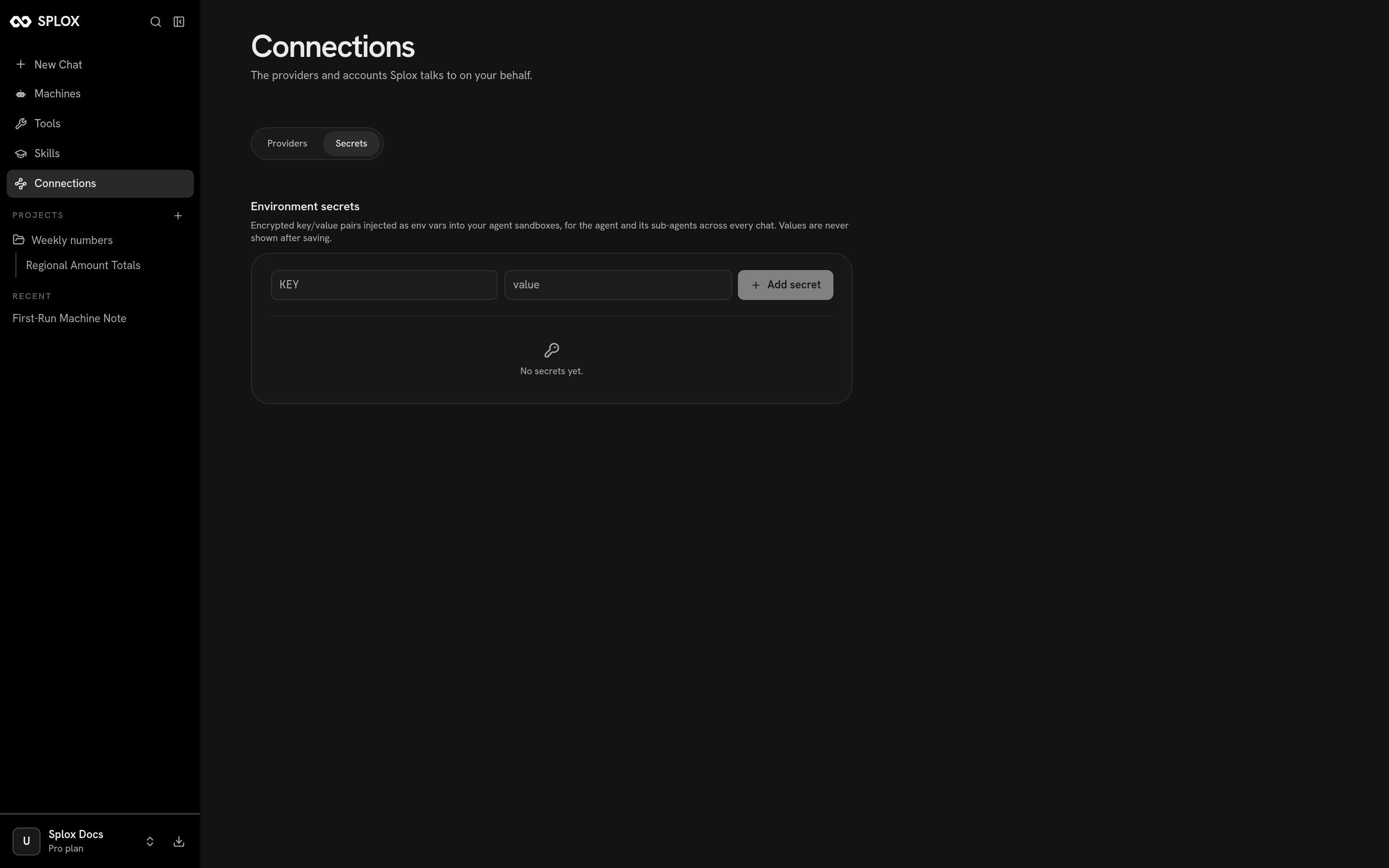 Encrypted key/value pairs, injected as environment variables into your agent
sandboxes — for the agent and its sub-agents, across every chat. Values are never
shown again after you save them.
This is where a token belongs when the *agent's own code* needs it: a GitHub PAT
a script pushes with, an API key a tool of your harness reads from
`os.environ`. Provider keys go in the Providers tab instead, because those are
used by the platform, not by your code.
Which model to reach for, and what an agent's `model` and `provider` mean.
Connecting an external service through an MCP server.
Encrypted key/value pairs, injected as environment variables into your agent
sandboxes — for the agent and its sub-agents, across every chat. Values are never
shown again after you save them.
This is where a token belongs when the *agent's own code* needs it: a GitHub PAT
a script pushes with, an API key a tool of your harness reads from
`os.environ`. Provider keys go in the Providers tab instead, because those are
used by the platform, not by your code.
Which model to reach for, and what an agent's `model` and `provider` mean.
Connecting an external service through an MCP server.